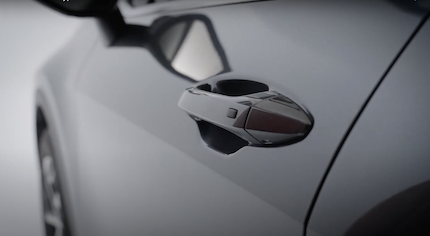
Touch Sensor-Type Door Handles
The Touch Sensor-Type Door Handles have sensors on the inside of the exterior door handles that detect the touch of your fingers to unlock the driver’s door, all doors and liftgate.
To Unlock:
 .
.To Lock:
 on the outside of the door handle.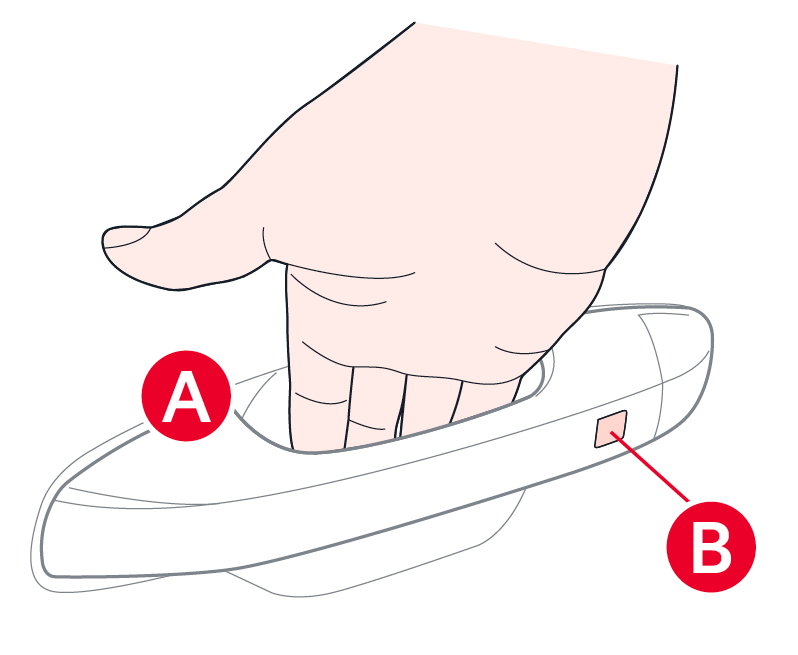
With 2-Press Unlock enabled, touch the inside of the exterior door handle once to unlock the driver’s door. If you touch the inside of the door handle again, all doors and Liftgate will unlock.
To enable 2-Press Unlock:
If the outside door sensor button is pressed, the doors will not lock and a chime will sound if any of the following occurs:
This feature may not be available on all Kia models.
Refer to section 5 in the Owner’s Manual for more information. Button configuration may vary. Images are for illustrative purposes only and may not reflect actual feature or operation.

