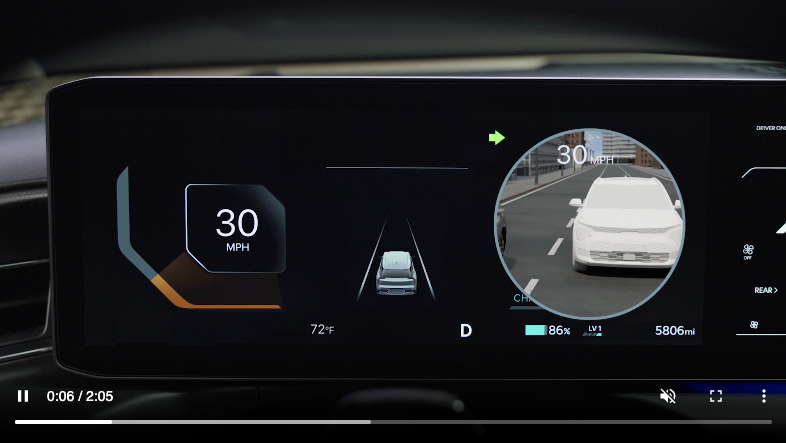
Blind-spot View Monitor (BVM)

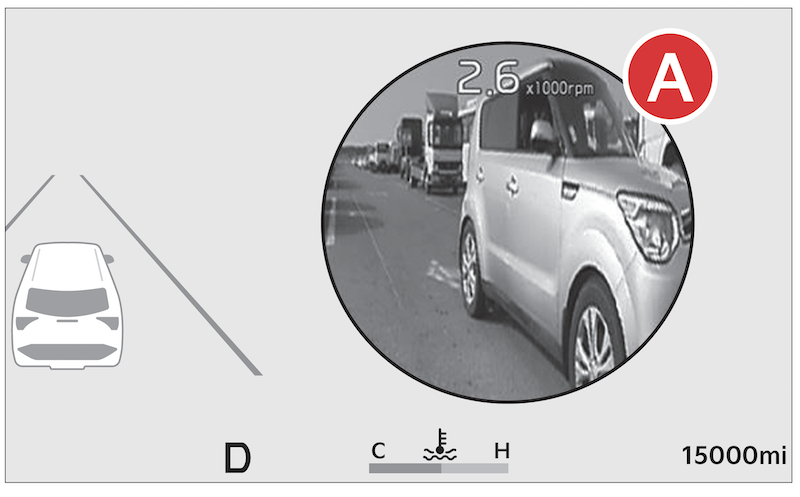
Blind-spot View Monitor is designed to display the rear and side of the vehicle blind spot areas in the Instrument Cluster  when the system is activated.
To turn BVM on: Press the SETUP key on the Infotainment System. Press VEHICLE to enter Vehicle Settings. Select DRIVER ASSISTANCE, BLIND SPOT SAFETY, then BLIND SPOT VIEW.
When operating the turn signal  , BVM displays video of the blind-spot view for the direction indicated.
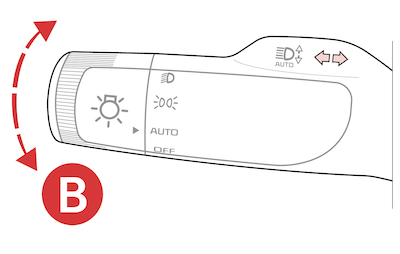
BVM will not operate when the Power button is off, a turn signal is deactivated or another warning screen comes up on the Instrument Cluster.
*See LEGAL page for legal information
Certain features are available only on select Kia models.
Driving while distracted is dangerous and should be avoided. Drivers should remain attentive to driving and always exercise caution when using the steering-wheel-mounted controls while driving.
Images are for illustrative purposes only and may not reflect actual feature or operation. See section 6 in the Owner’s Manual for more information.

