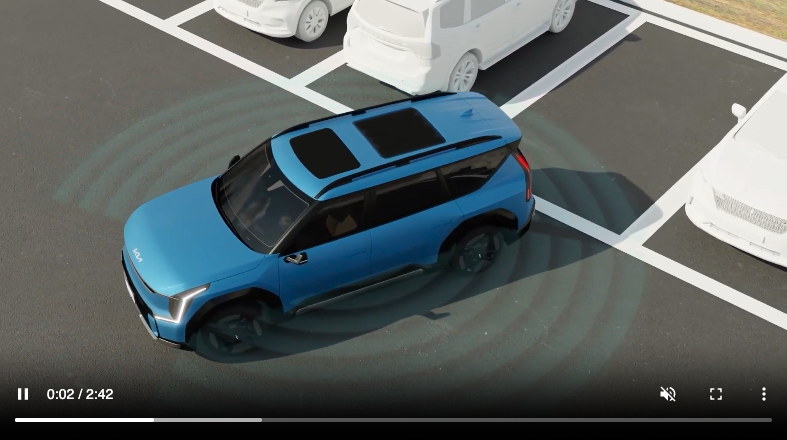
Forward/Side/Reverse Parking Distance Warning (PDW)
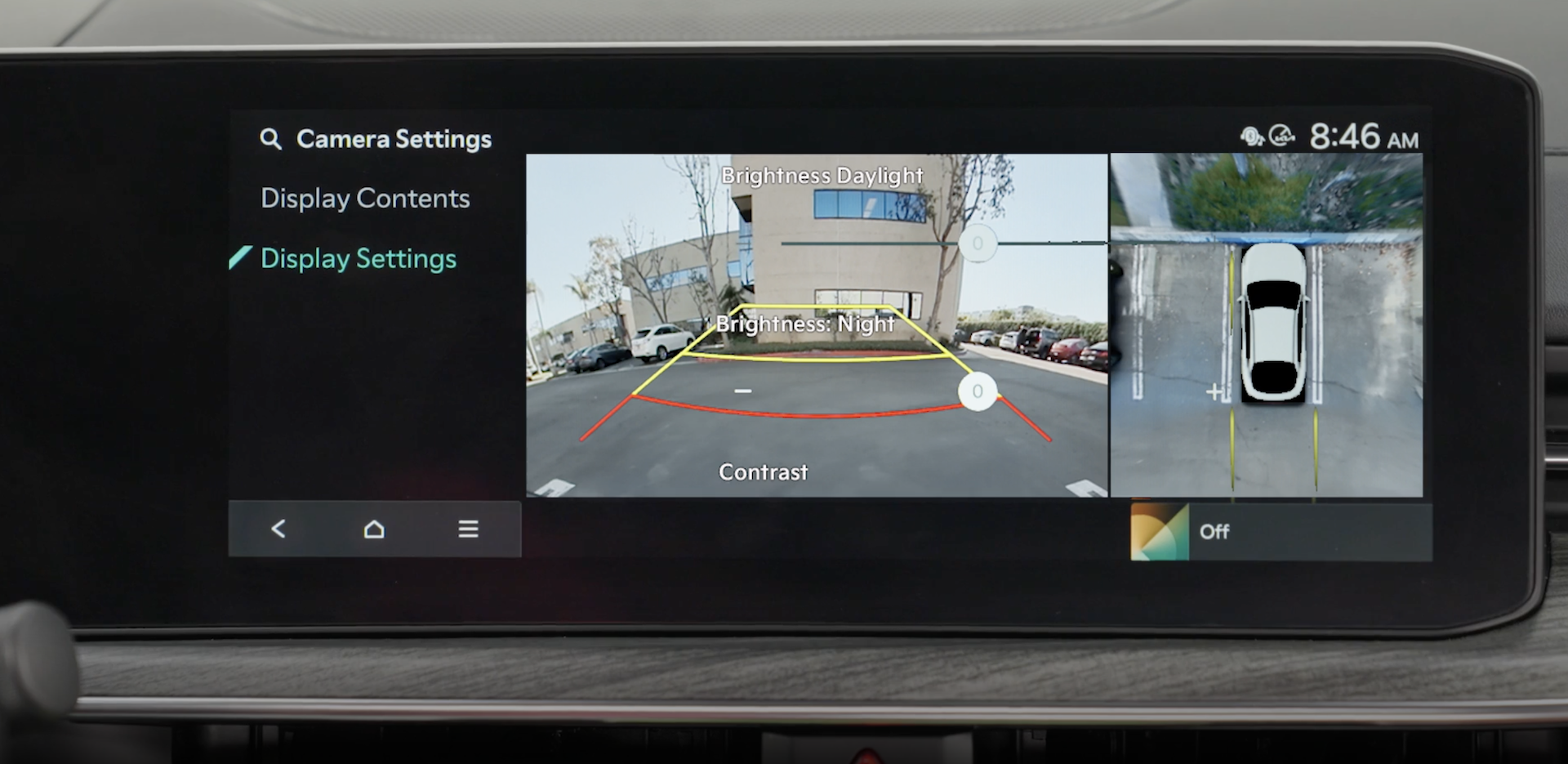
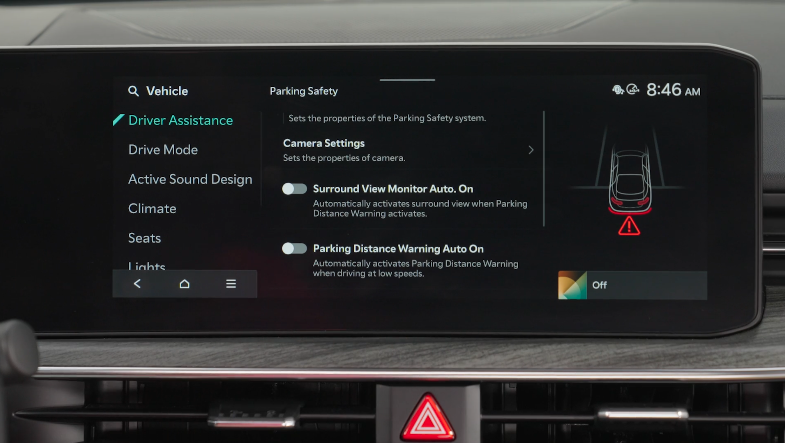
While driving at low speed, Forward/Side/Reverse Parking Collision-Avoidance Assist is designed to detect pedestrians or objects and may warn the driver or assist with braking to help avoid a collision.
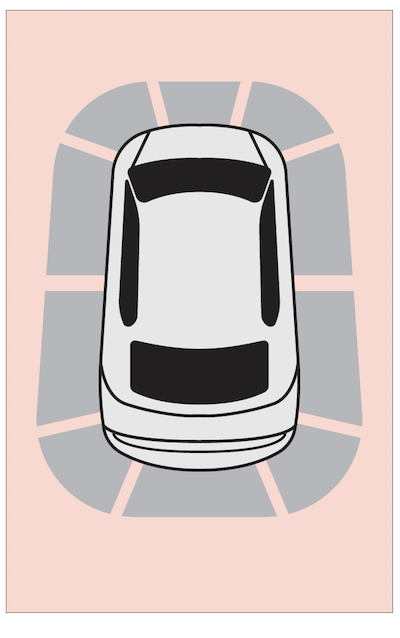
 (LED illuminated). To turn PDW off, press the button again (LED not illuminated)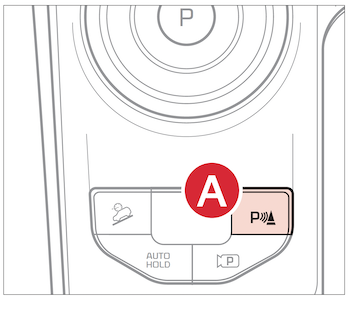
To set the Parking Distance Warning Auto On, at low speeds, enable it in Vehicle Settings in the Infotainment System
 on the Steering Wheel. You can also press the SETUP key or the onscreen SETUP button.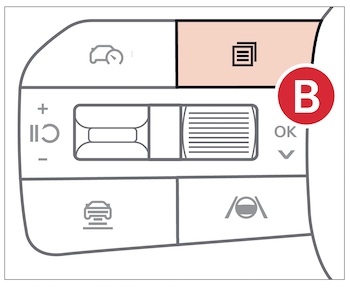
*See LEGAL page for legal information
When engaged, Forward/Reverse Parking Distance Warning (PDW) is not a substitute for proper and safe backing-up procedures. Always drive safely and use caution when moving the vehicle forward or in reverse. Forward/Reverse Parking Distance Warning (PDW) may not detect every object in front of or behind the vehicle.
Images are for illustrative purposes only and features or functions may vary on actual vehicle.

