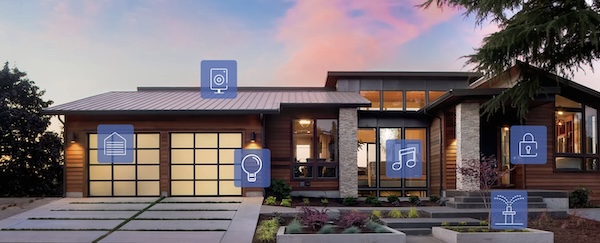
The HomeLink® Universal Transceiver is designed to connect to your garage door opener, electric gate, home lighting, etc.
The Auto-Dimming Rearview Mirror is designed to help reduce glare coming from a vehicle’s headlights in the rear. HomeLink® with Auto-Dimming Rearview Mirror can connect to three electronic transmitters.
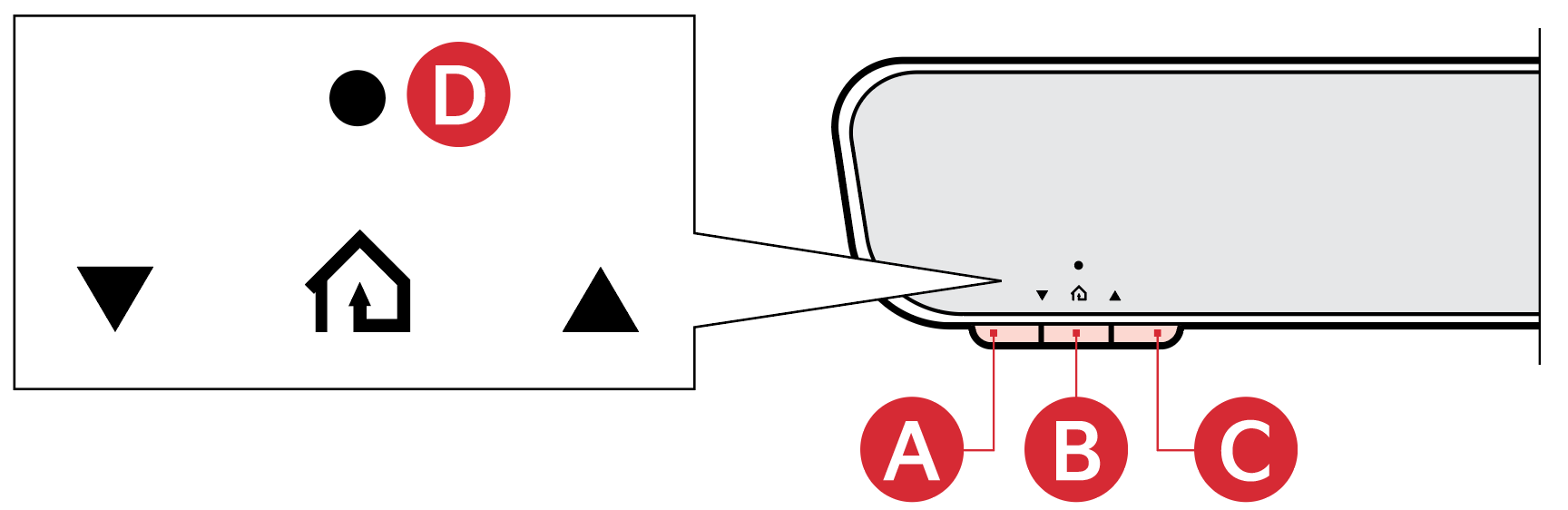
 ,
,  or
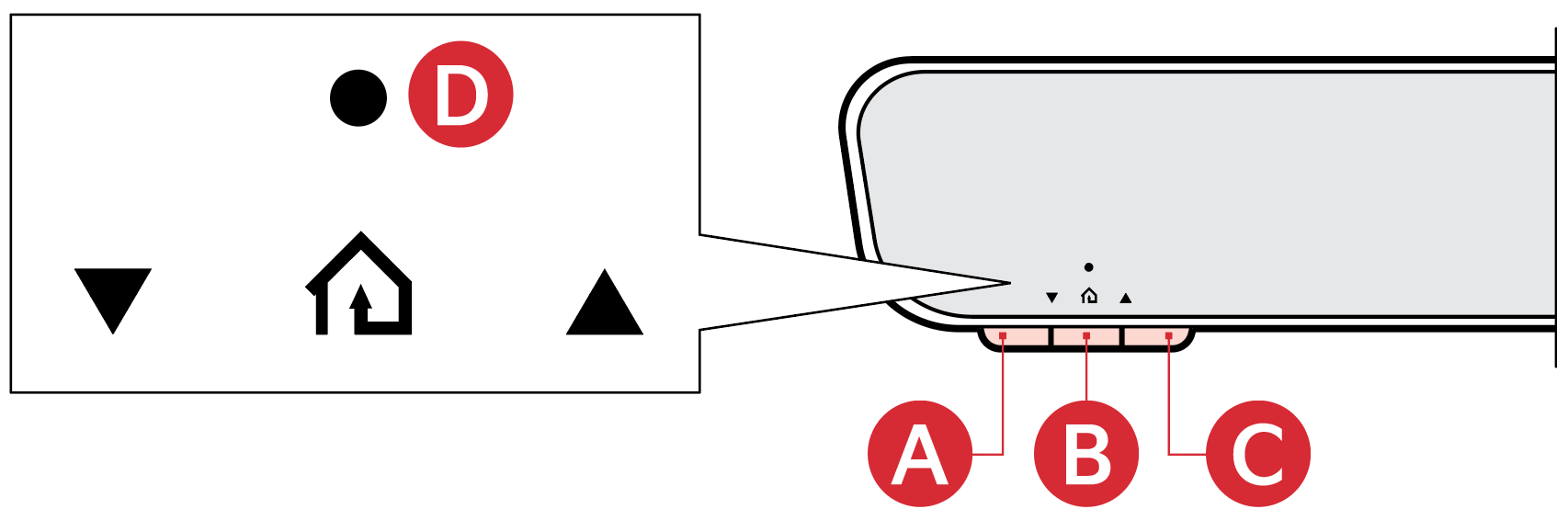
or  , you would like to program. The HomeLink® User Interface Indicator
  will flash orange slowly (If it doesn’t, go to the steps of “Erasing HomeLink® Buttons” section on next page, and start over)is flashing orange, press and hold the garage-door opener remote button until the HomeLink® User Interface Indicator changes from orange to green
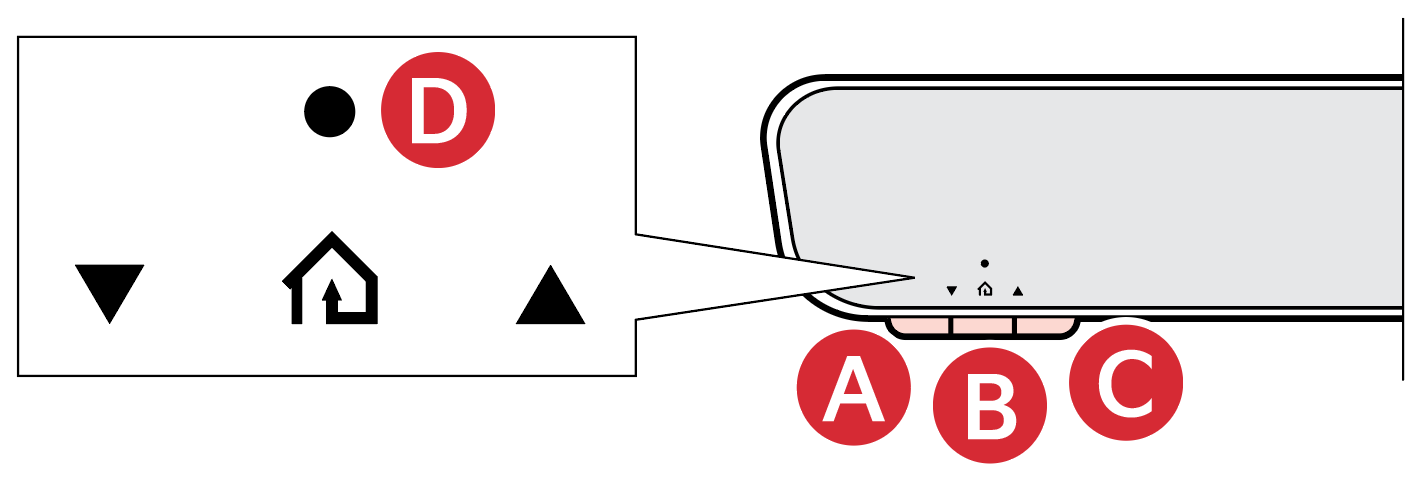 , or that you’re programming. If the HomeLink® User Interface Indicator is solid green, HomeLink® is connected and should operate when the HomeLink® Channel button , or is pressed. If your device operates, programming is complete, or slowly, for two seconds up to three times in a row, to complete the programming process. Do not press the HomeLink® Channel button rapidly. If your device now operates, programming is complete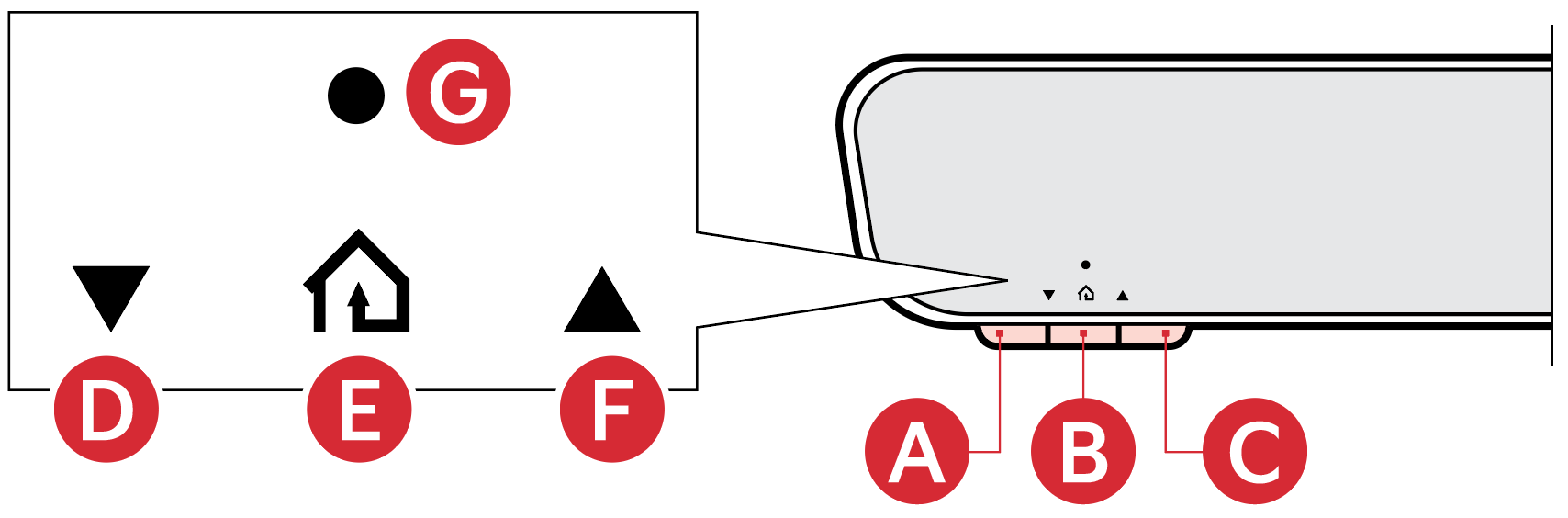
HomeLink® button
HomeLink® button
HomeLink® button
Garage Door Opener Status Indicator: Closing or Opening
 HomeLink Operation Indicator
 Garage Door Opener Status Indicator: Closing or Opening
 HomeLink User Interface Indicator
Press and release the desired programmed HomeLink® Channel button , or . The HomeLink® User Interface Indicator should light green, solid or flashing, and your programmed device should operate. If your device does not operate, the HomeLink® programming was not successful, and you’ll need to reprogram the button(s).
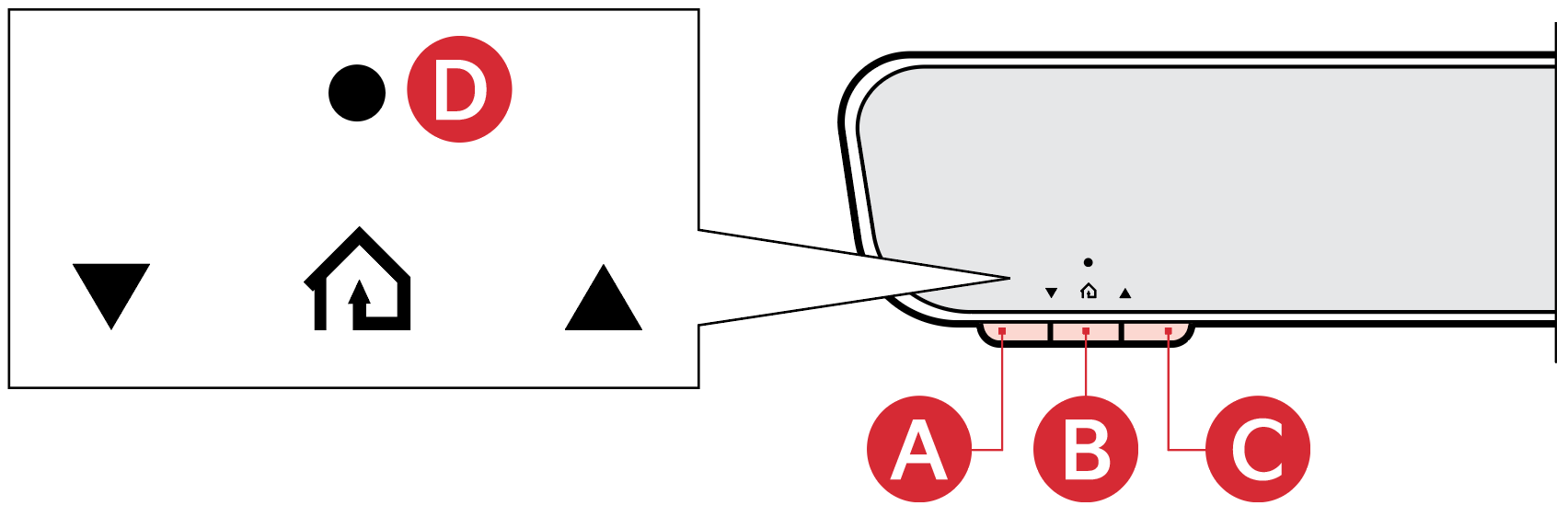
1. Press and hold the desired HomeLink® Channel button , or you want to re-program. DO NOT release the button
2. The HomeLink® User Interface Indicator will illuminate solid green. Release the button as soon as the HomeLink® User Interface Indicator begins to flash orange, usually about 20 seconds
3. Proceed with the steps in the “Programming a New HomeLink® Button” section
*See LEGAL page for legal information.
Certain features are available on select Kia models.
If your garage door opener was manufactured in 2011 or later, and you’re unable to program your vehicle’s HomeLink® system, you may need to purchase a HomeLink Repeater Kit.
For more information, go to www.HomeLink.com or call (800) 355-3515.
See section 4 in the Owner’s Manual for more information.

