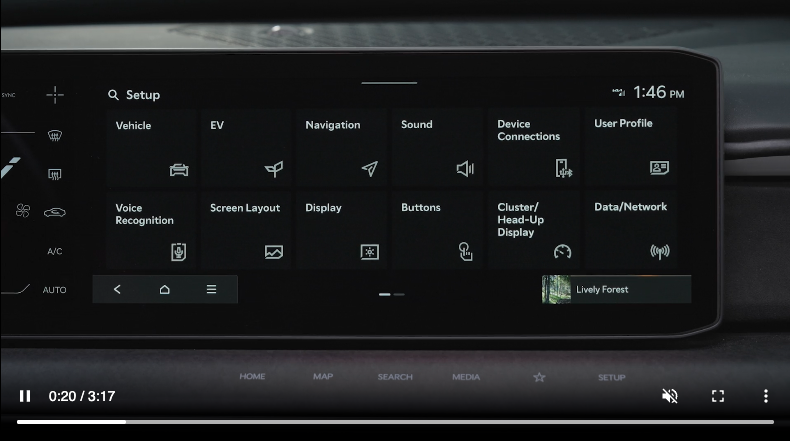
Vehicle Settings
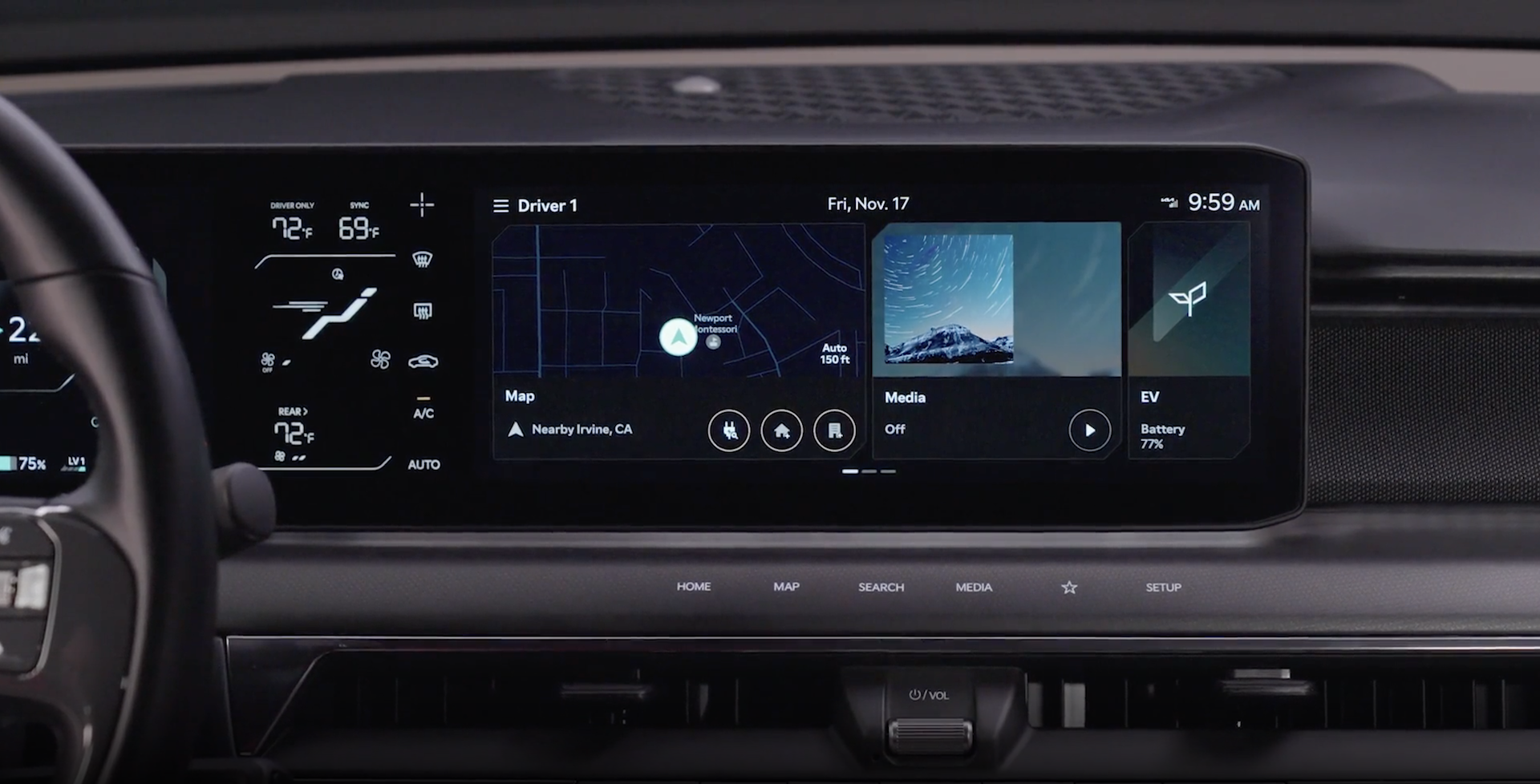
To enter the Vehicle Settings mode in the Infotainment System, press the SETUP key on the infotainment system unit.Then press the Vehicle icon  , which will take you to the Vehicle Settings screen. Use the touchscreen to navigate through the menus.
Driver Assistance:
Climate:
Doors:
Digital Keys:
Lights:
Drive Mode:
Convenience:
Seats:
Active Sound Design:
Some settings in certain models may be available through User Settings in the Instrument Cluster LCD. See section 4 in the Owner’s Manual or the Car Infotainment System Quick Reference Guide.
Driving while distracted is dangerous and should be avoided. Do not attempt to change vehicle system settings while driving.

