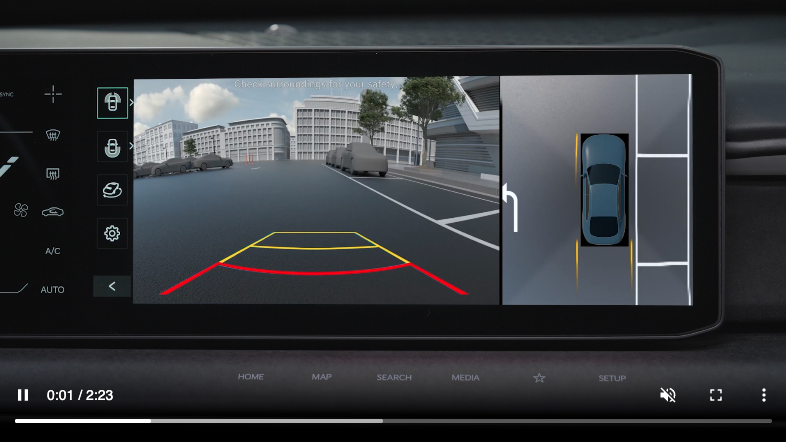
Surround View Monitor (SVM)
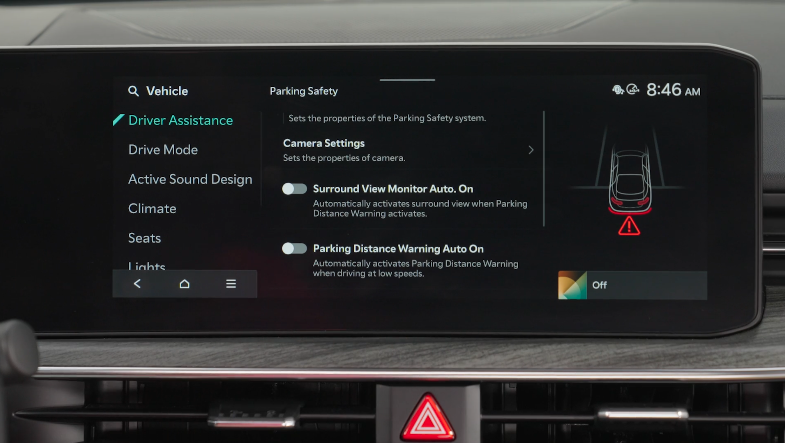
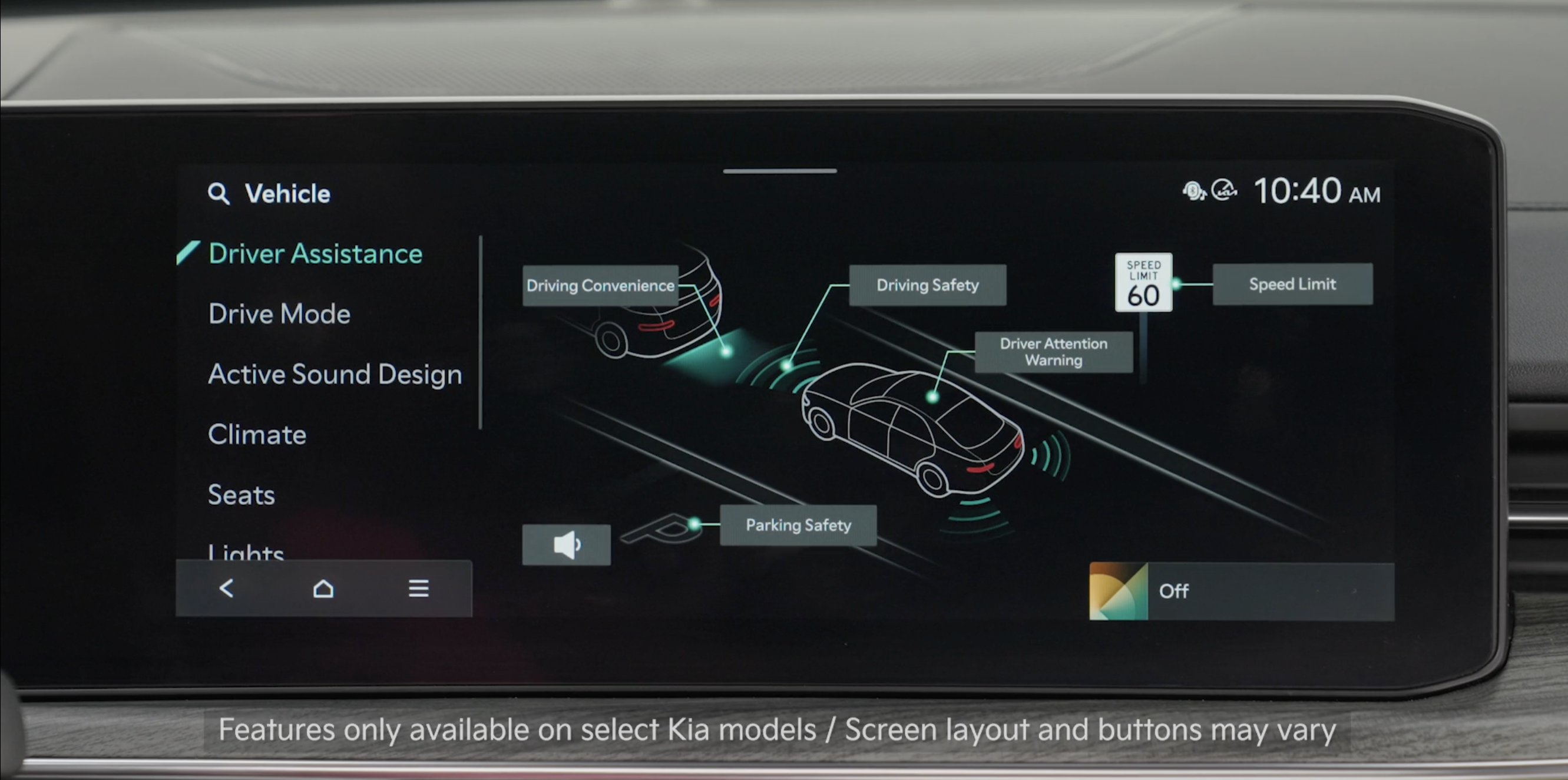
Surround View Monitor (SVM) is a parking support system that is designed to show the areas around the front, rear, left and right sides of the vehicle, as well as a 3D view of the vehicle via four cameras displayed onto the infotainment screen.
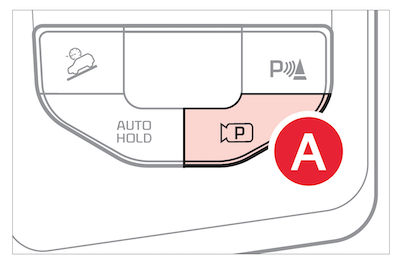
To turn on the Surround View Monitor press the Parking/View button  . Press the button again to turn off the function
Other view modes can be selected by touching the view icons  on the Surround View Monitor screen

 , while SVM is operating.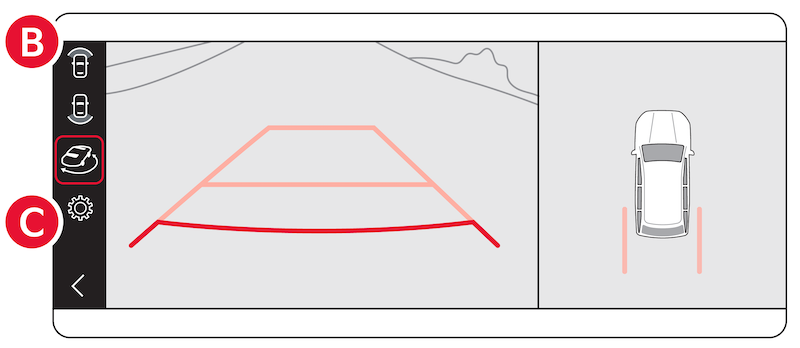
*See LEGAL page for legal information.
Certain features are available on select Kia models.
Images are for illustrative purposes only and may not reflect actual feature or operation.
When engaged, Surround View Monitoring (SVM) is only a supplemental device. Drivers should not rely solely on the SVM information when parking and backing up. Drivers should always pay attention and directly check the left/right and rear.
See section 7 in the Owner’s Manual for more information.

