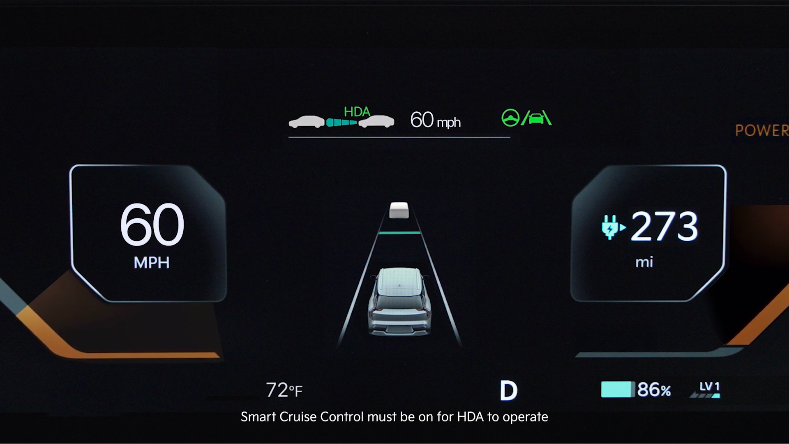
Highway Driving Assist 2 (HDA2)
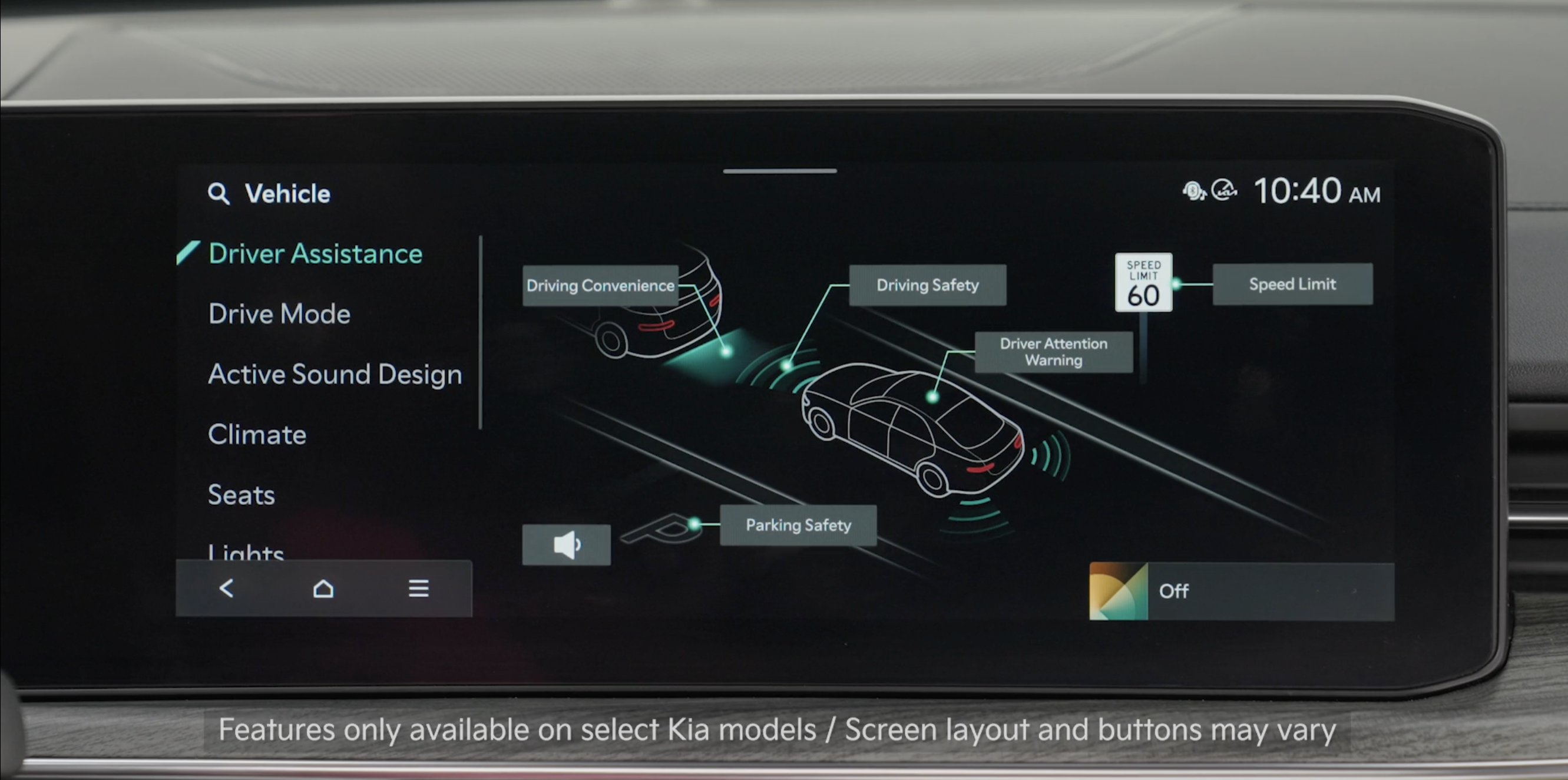
Highway Driving Assist 2 (HDA2) is designed to adjust the speed of the vehicle when driving on limited/controlled access highways/freeways.
Highway Lane Change Assist may assist in changing lanes, if the driver has turned on the turn signal and if the system detects the lane change is possible.
When HDA2 is activated and the proper conditions are met, the Instrument Cluster indicator  will illuminate green. If proper conditions are not met, HDA2 will be in standby mode and the HDA2 indicator light
  will illuminate gray. When in operation, and if both lanes are detected, the Instrument Cluster will show the lanes illuminated white and the HDA2 indicator illuminated green .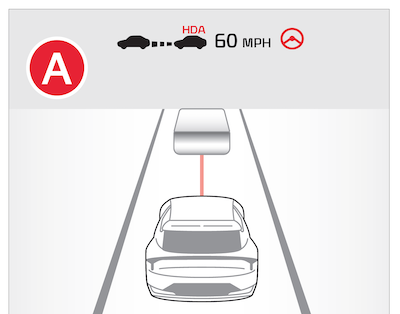
Hands-off Warning - If the driver takes their hands off the steering wheel for several seconds, a warning message will appear on the Instrument Cluster and an audible warning will sound. If you keep taking your hands off the steering wheel, then the Emergency Stop will activate. Emergency Stop system maintains the car in the center of the road and assists in stopping through deceleration control.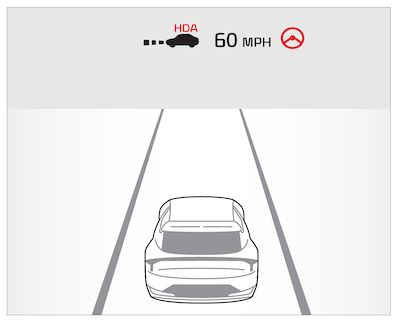
Only adjust settings when the vehicle is at a standstill, gear shift is in Park and the Engine Start/Stop button* is in the ON position
To enable HDA2:
To adjust the WARNING VOLUME:
Adjusting the Warning Methods or Volume will adjust settings for other driver assistance systems
• When vehicle power is cycled, the system returns to its previous state, on or off
• If the driver changes the speed while in automatic speed setting mode, it deactivates and enters a manual mode
*See LEGAL page for legal information. This feature may not be available on all Kia models.
When engaged, Highway Driving Assist is not a substitute for safe driving, may not detect all objects around the vehicle, and only functions on certain federal highways. Always drive safely and use caution.
See section 7 in the Owner’s Manual for more detailed information, limitations and conditions.

