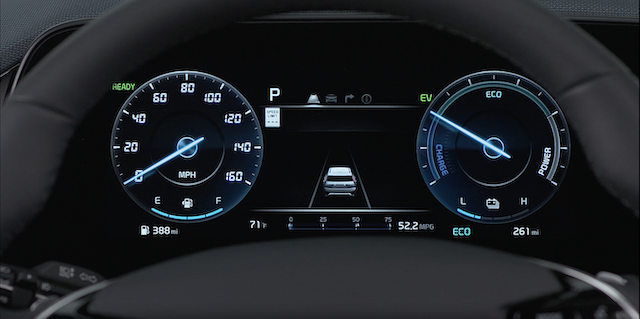
Hybrid Instrument Cluster Overview
The Infotainment System screen provides information on economical operation and Hybrid* system modes.
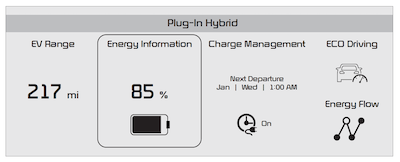
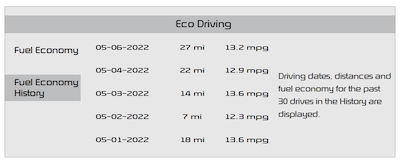
To enter the Hybrid display mode, press the HEV button on the Infotainment System’s home screen.Then select one of the menus: EV Range, Energy Information, Charge Management, ECO Driving, Energy Flow.
Some examples are below:
• Hybrid System Home Screen - EV Range, Energy Info, Charge Management, ECO Driving, Energy Flow
• ECO Level - The more economically you drive, the more the ECO Level increases
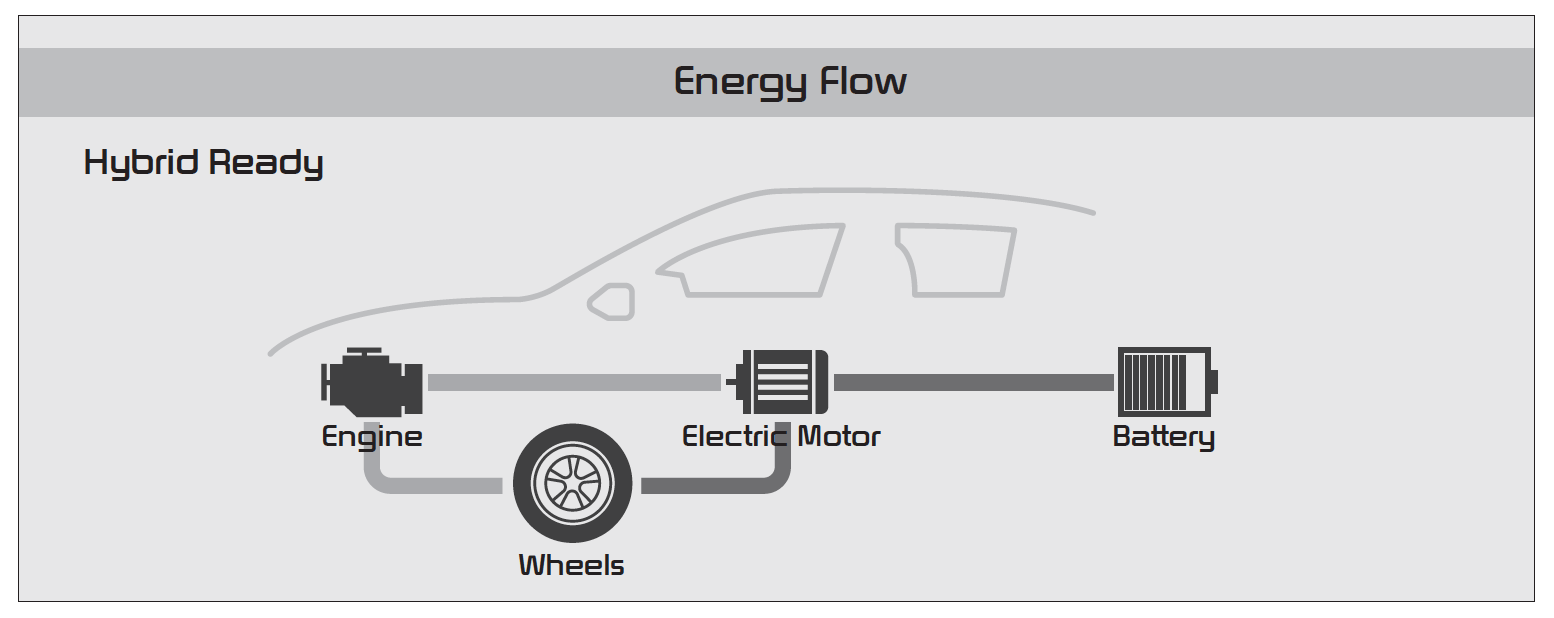
• Energy Flow - Displays the current flow of power between the main powertrain components
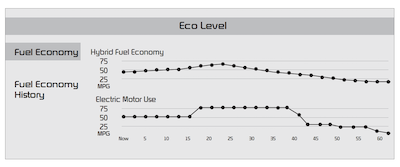
• Fuel Economy - Displays the average fuel economy over the duration of a trip
Certain features are available on select Kia models.
The images shown are for illustrative purposes only. Not all available displays are shown. Screen content may vary.
For more information, refer to section 1 in the Owner’s Manual or the Car Infotainment System Quick Reference Guide

