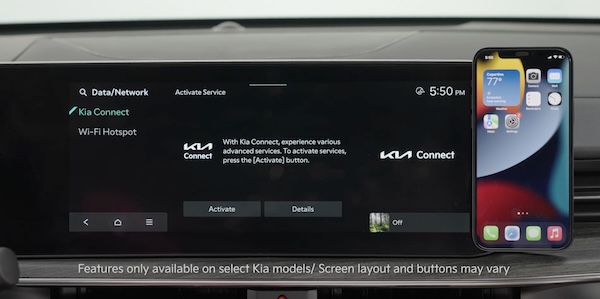
Kia Connect Activation*
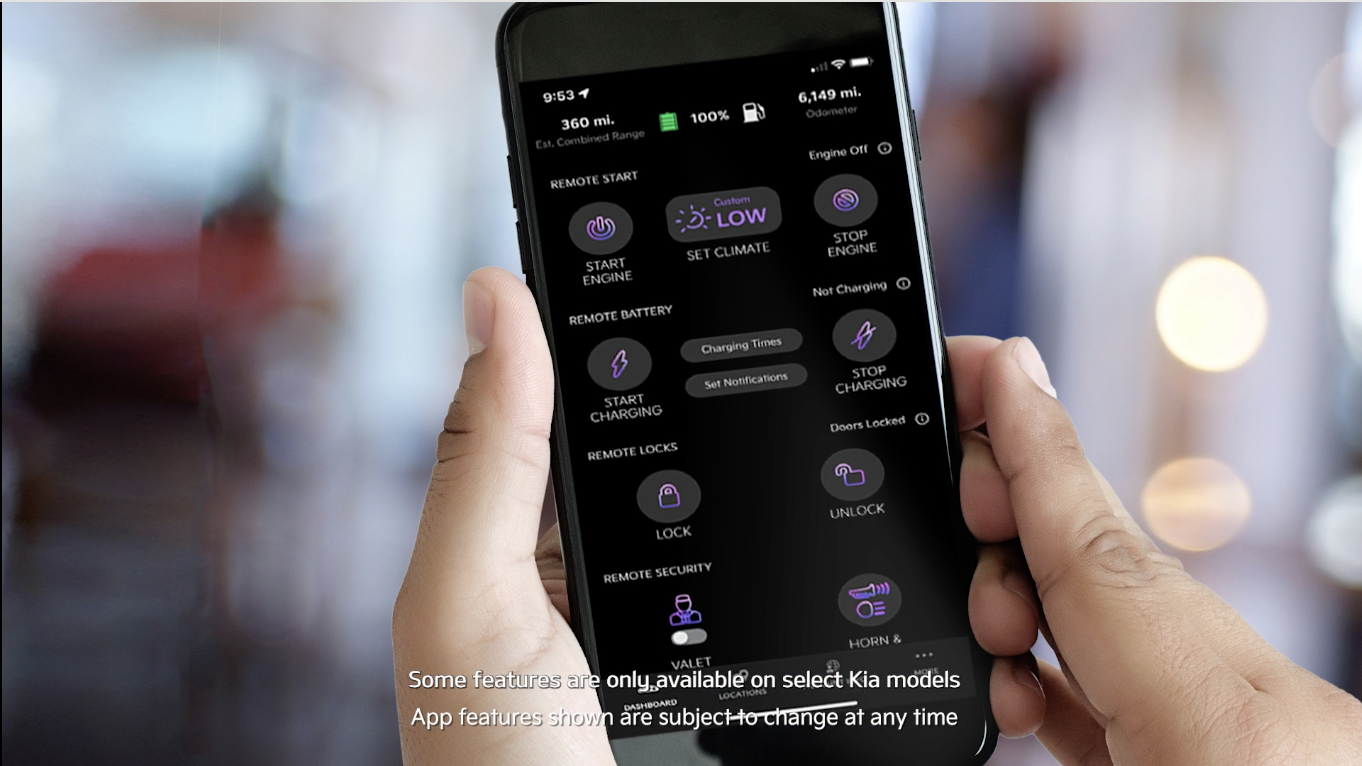
Follow these steps to activate your Kia Connect system:
Note: If you already have a Kia Owners Portal account using the email or phone number as your login ID, you will need to provide your password prior to receiving the verification code.
These buttons may be located on the rearview mirror or the overhead console.
*See LEGAL page for legal information. Certain features are available on select Kia models.
Images are for illustrative purposes only and may not reflect actual feature or operation.
Driving while distracted can result in a loss of vehicle control that may lead to an accident, severe bodily injury, and death. The driver’s primary responsibility is in the safe and legal operation of a vehicle, and any handheld devices, other equipment, or vehicle systems which take the driver’s eyes, attention and focus away from the safe operation of a vehicle or which are not permissible by law should never be used during operation of the vehicle.
For more information, refer to the Car Infotainment System Quick Reference Guide. On certain models, Kia Connect Assistance buttons are located on the Rearview Mirror.

