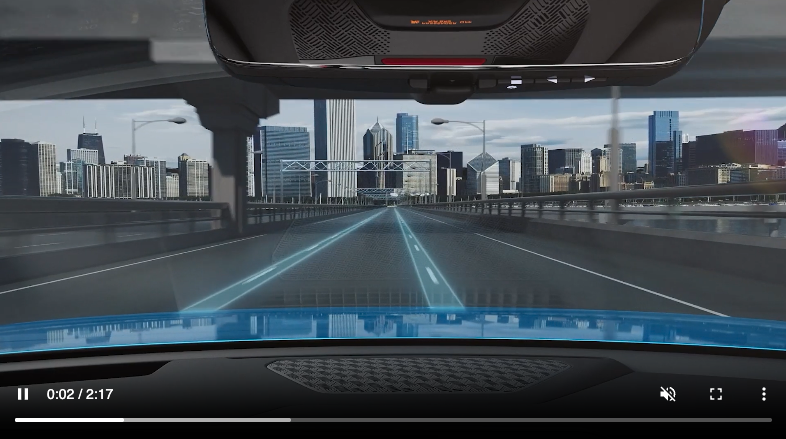
Lane Following Assist (LFA)
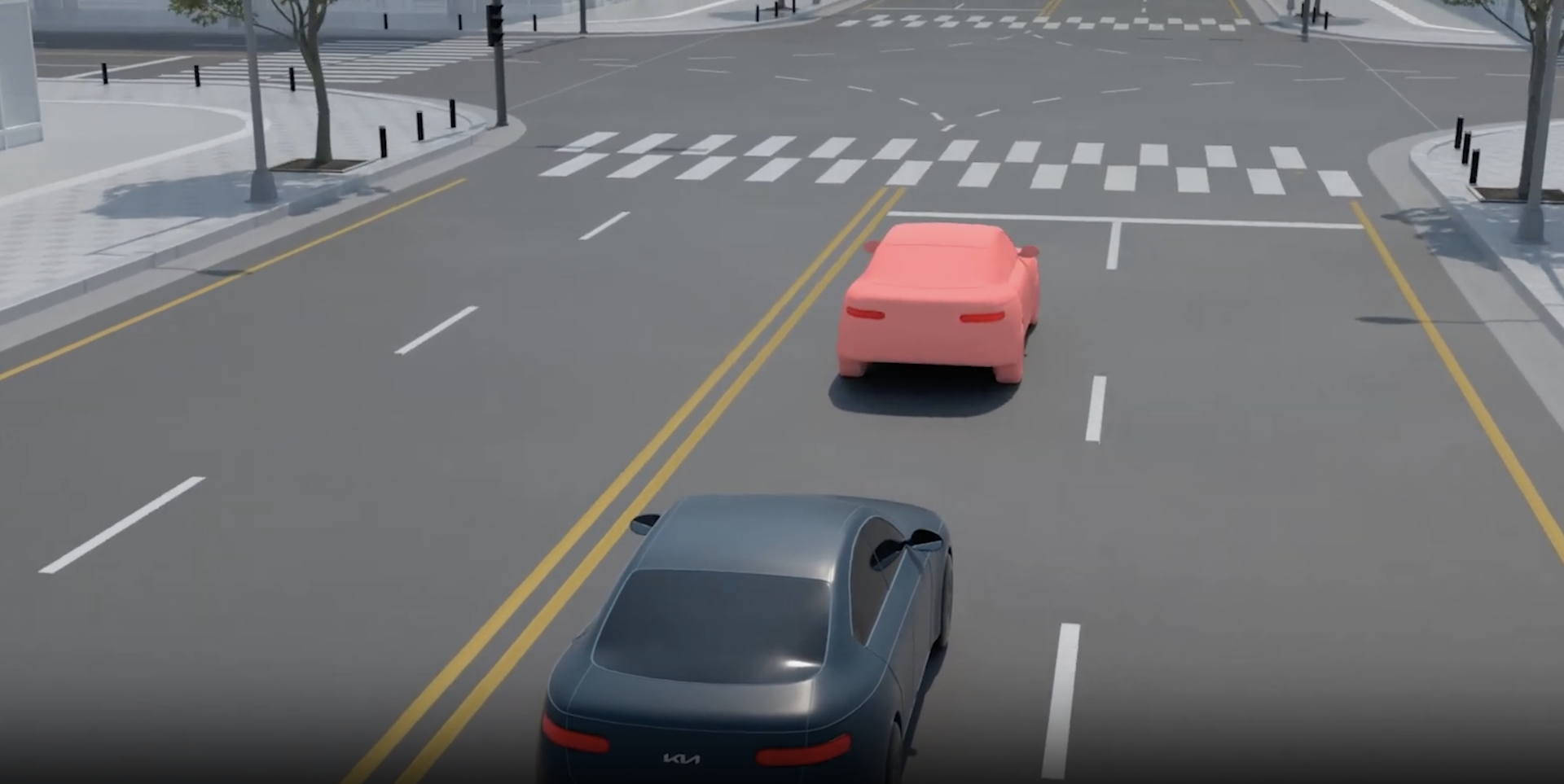

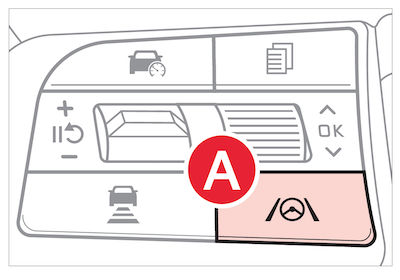
Lane Following Assist (LFA) is designed to help the vehicle stay centered in its driving lane by monitoring the detected lane markings ahead and adjusting the steering. Press the Lane Driving Assist button  to turn ON. When turned ON, the Instrument Cluster indicator
  will initially illuminate gray. It will remain white when LFA does not detect the lane markers and can assist the steering, the LFA icon will illuminate green
  .
.
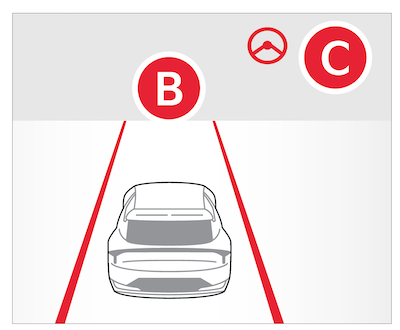
Hands-off Warning - If the driver takes their hands off the Steering Wheel for several seconds, a warning message will appear on the Instrument Cluster. If hands-on Steering Wheel is not detected continuously, LFA will turn off with an additional emergency message.
LFA will operate only when these conditions are met:
LFA Settings:
*See LEGAL page for legal information.
LFA is supplemental. Do not solely rely on this system and always pay attention to the road and its conditions.
Actual Vehicle Settings steps may vary by model. See section 7 in the Owner’s Manual for more detailed information, limitations and conditions.
When engaged, LFA is not a substitute for safe and proper driving. Always drive safely and use caution. LFA may not always alert the driver when the vehicle is approaching another vehicle.


