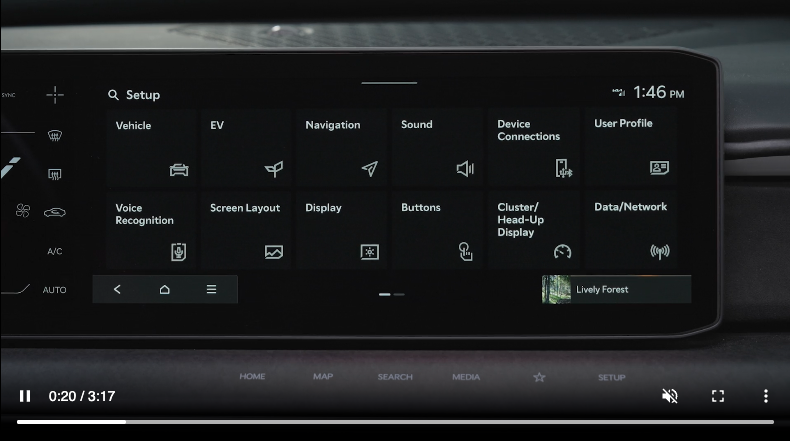
Vehicle Settings
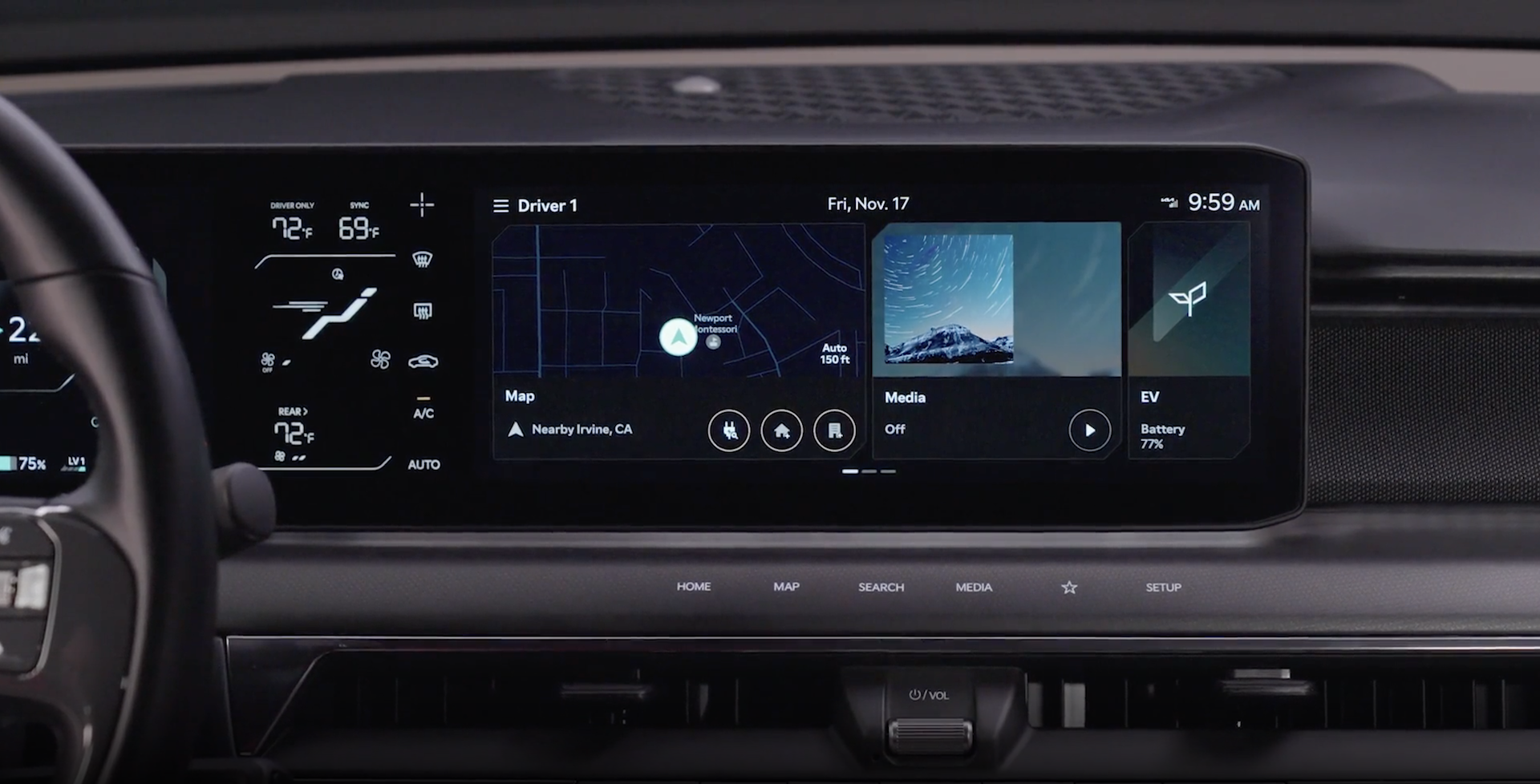
To enter the Vehicle Settings mode in the Infotainment System, press the SETUP button onscreen. Then press the VEHICLE  , which will take you to the Vehicle Settings screen. Use the touchscreen to navigate through the menus.
Driver Assistance:
ECO Vehicle:
Cluster:
Climate:
Seat:
Lights:
Door:
Convenience:
Some settings in certain models may be available through User Settings in the Instrument Cluster LCD. Refer to Car Infotainment System Quick Reference Guide.
Driving while distracted is dangerous and should be avoided. Do not attempt to change vehicle system settings while driving.

