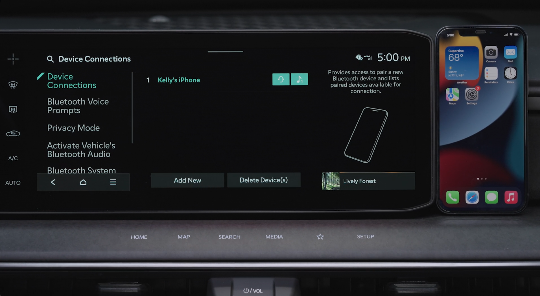
Automatically Activated Bluetooth
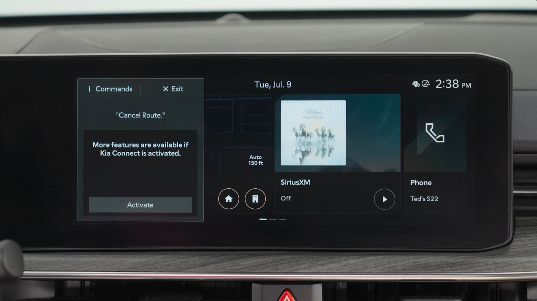
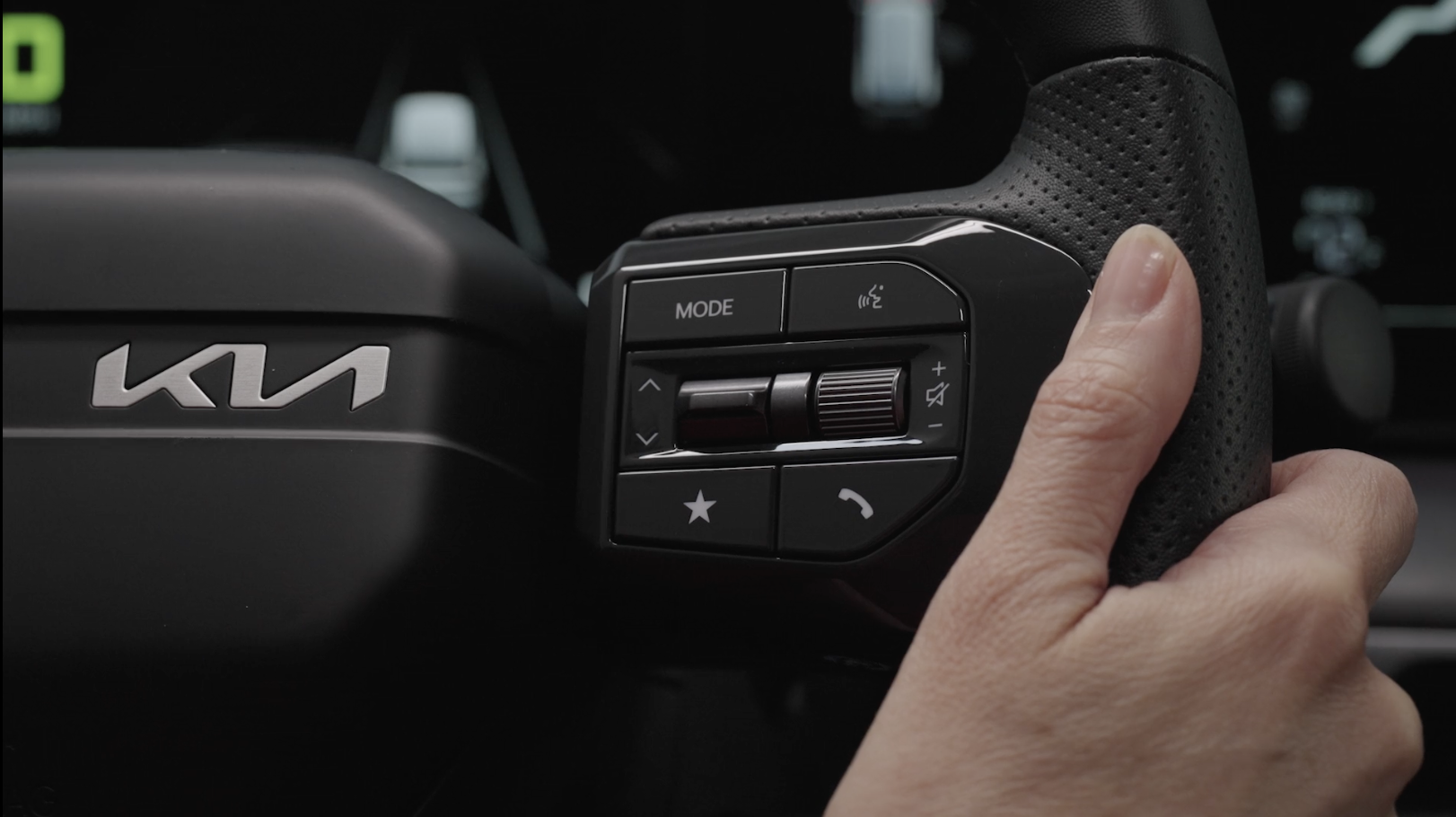
 Voice Recognition button: Press to activate voice recognition/bring up menus/set destinations (if equipped with navigation) with minimal voice command prompts from the system. Press and hold to exit voice recognition
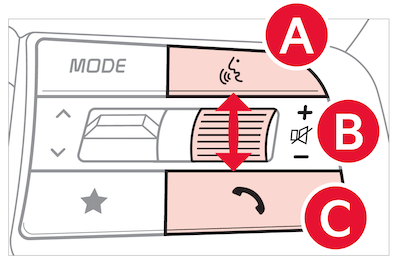
 Volume button: Press up/down to raise/lower speaker volume
Mute button: Press to mute the microphone during a call and to mute the audio system speakers, or to pause Bluetooth® streaming media
 Call/End Call button: Press to receive/place/end calls. If no phone is paired, press the button to pair a phone
Pairing a Phone: For instructions on how to pair a phone, refer to the audio systems's user's guide or your vehicle’s Quick Start Guide.
During the pairing process, be sure to accept the connection requests on the phone for phone book download and to allow acceptance of all future Bluetooth® connection requests.
When using the voice command feature, wait for the system beep before speaking the command.
There are two options for placing a call using the Steering Wheel controls:
(system displays the call history with the most recent calls)(the system will BEEP to indicate it is ready for call placement). Then say the command “Call {name}” or “Dial {number}”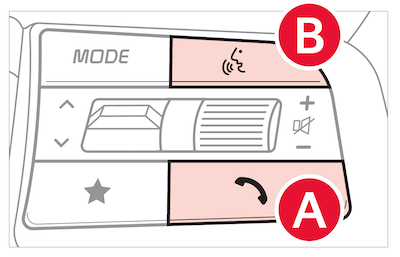
Bluetooth® Wireless Technology audio and calling functions are supported when connected to a Bluetooth® enabled device.
The system may have difficulty understanding some accents or uncommon names. Improve the performance by making a few simple changes to your phone contacts, listed below. To help optimize the Bluetooth® Wireless Technology Voice Recognition system, see other tips and reminders under Quick Tips:
*See LEGAL page for legal information. Certain features are available on select Kia models.
Images are for illustrative purposes only and may not reflect actual feature or operation.
For more information, refer to the Car Infotainment System Quick Reference Guide. Your vehicle’s steering wheel buttons may differ from those in the illustrations. See your Owner’s Manual for more details.
Driving while distracted is dangerous and should be avoided. Drivers should remain attentive to driving and always exercise caution when using the steering-wheel-mounted controls while driving.
For more information, refer to the Car Infotainment System Quick Reference Guide or the Owner's Manual. For further audio system operation, refer to pages 74-87.
For Bluetooth® Wireless Technology FAQs, go to www.kia.com, Owners section, or call Consumer Information for Bluetooth® Technology at (800) 333-4KIA.

