Charging Your PHEV
Level 1 Charging - AC Charge
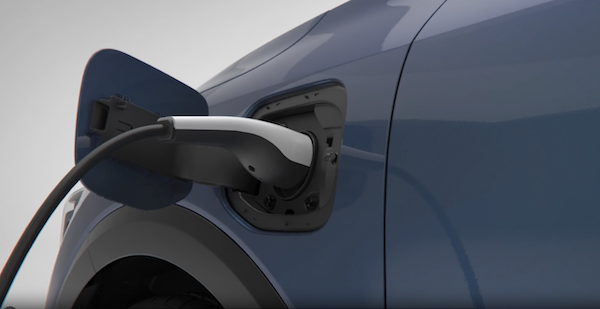
A Level 1 or AC charger uses 120 volts of household electricity and takes up to 10.5 hours for a full charge.
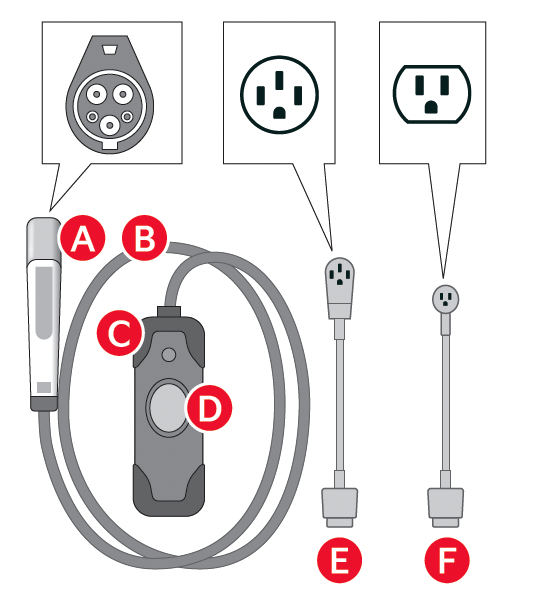
Portable Charger Indicators:
 Charging Connector
 Cable
Cable
 In-Cable Control Box (ICCB)
 Display
 NEMA 14-50P
 NEMA 5-15P
Reminders:
- Do not use an extension cord. Plug trickle charger directly into wall socket. Do not charge to a receptacle that is old, damaged, corroded or cracked
- When using outdoors, be careful not to expose it to external environments such as rain, snow, and high temperatures
Level 2 Charging – “Normal” Charge
A Level 2 or 240-volt charger is the recommended charging system for the Plug-In Hybrid. This type of charger uses 240 volts of electricity and takes approximately 3.5+ hours for a full charge (Based on Kia testing with SAE J1772 charger performed at 3.3kW). This charger may be able to be installed at your home or found at a public charging station.
Reminders:
- Kia does not recommend primarily charging with a DC charger because it can reduce the lifespan of the battery. Shape of charger and how to use the charger may be different for each manufacturer. Please see Owner’s Manual for more information.
Quick Tips:
A Level 2 or 240-volt charger is recommended for regular charging of the vehicle.
To charge your Plug-In Hybrid vehicle using an AC charger:
- Ensure scheduled charging is not set on the Infotainment System or the Kia Access App
- Press the brake pedal and engage the parking brake
- Turn off all switches, put the shift lever in P (Park), and turn off the vehicle
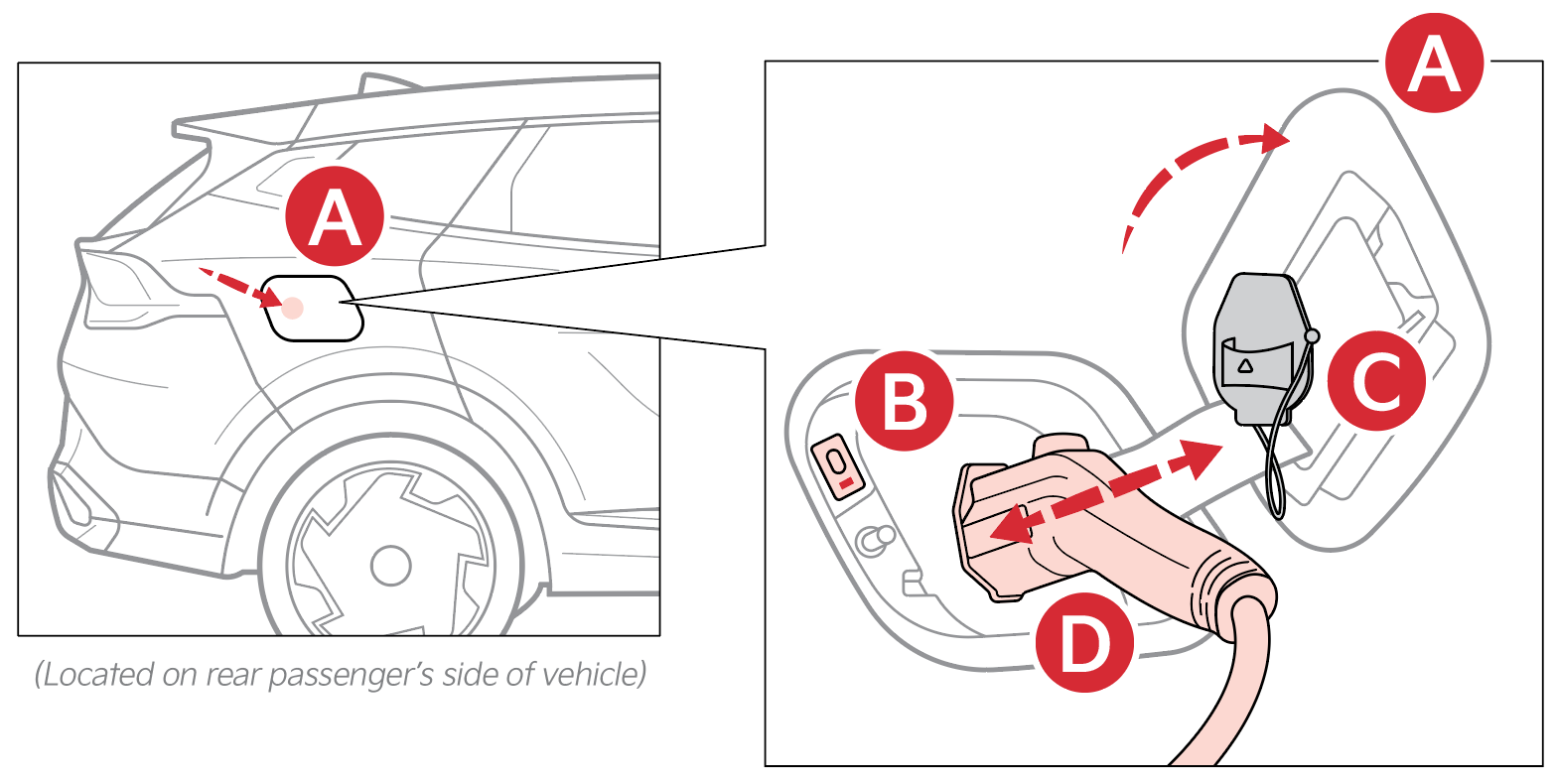
- Open the charging doorby pressing the rear center edge of charging door (Ensure doors are unlocked)
- Remove any dust or water on the charging connector and charging inlet
- Remove the charging inlet cover
- Hold the charging connector handleand connect it to the vehicle’s charging inlet by pushing the connector until you hear a clicking sound
- Charging begins automatically (Ensure the charge indicator light is illuminated near the charging inlet, indicating the vehicle is charging)
Checking the Charging Status
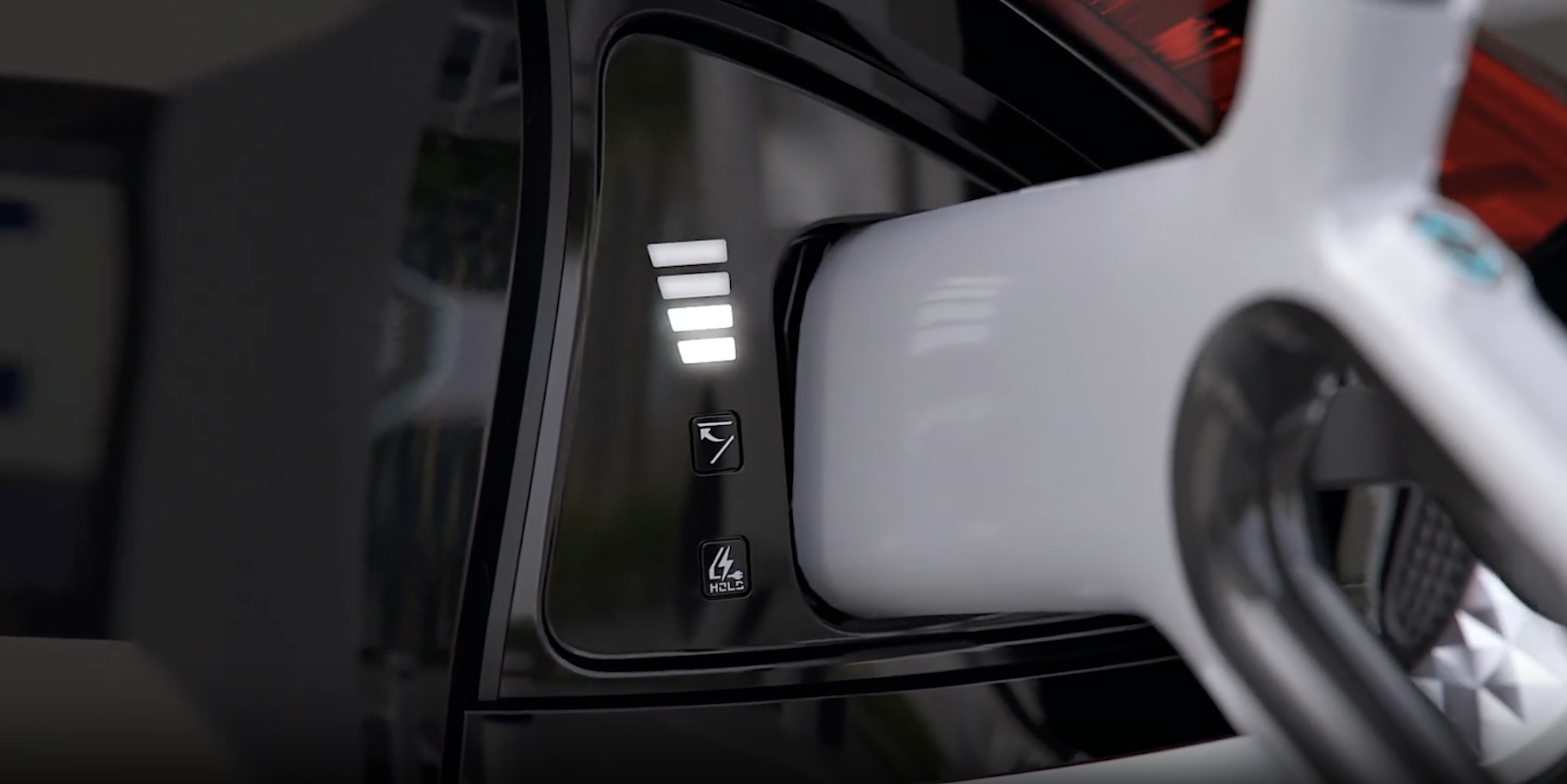
The charging status can be checked by viewing the charging status indicatornear the charging inlet (bottom indicator). The charging indicator will blink yellow when charging, and the charge is from 0-65%. The charging indicator will blink green when charging and the charge is from 65-100%. The indicator will turn off within 5 seconds when charging is completed. When indicator is blinking red, there’s an error while trying to charge.
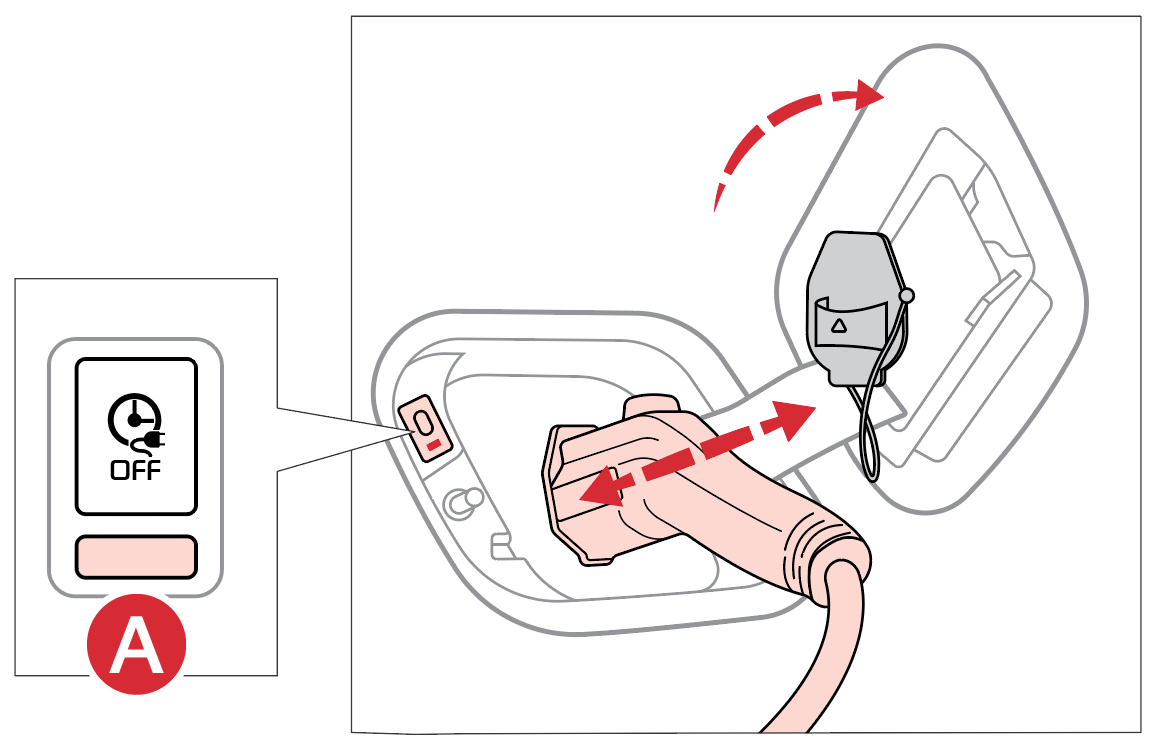
Reminders:
- When the charging connector is connected and the scheduled charging is in standby mode, the charging indicator is turned off and the scheduled charge release button indicator is turned on. The scheduled charge release button indicator will turn off after 3 minutes.
The images are for illustrative purposes only and may not reflect actual feature or operation.
For more information, refer to section 1 in the Owner’s Manual.

