INSTRUMENT CLUSTER ILLUMINATION CONTROL
With parking lights/headlights ON, press switch  (+) or (-) to adjust the brightness of the instrument panel illumination.
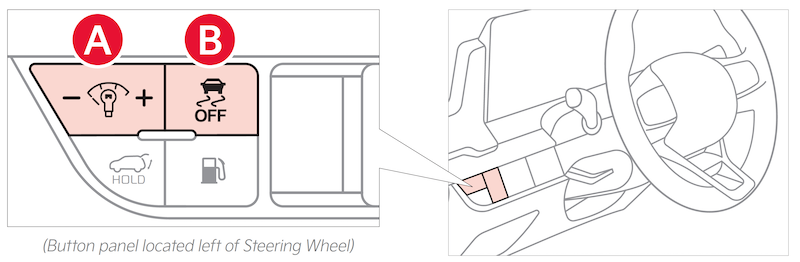
With parking lights/headlights ON, press switch (+) or (-) to adjust the brightness of the instrument panel illumination.
This control does not adjust brightness on the audio head unit screens. Use the display settings in the Setup menu to adjust the brightness on the screen.
Images are for illustrative purposes only and may not reflect actual feature or operation. Refer to section 5 in the Owner’s Manual for more information.

