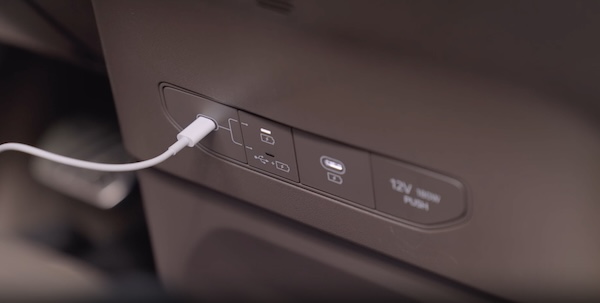
Multimedia USB Port, Power Outlets & USB Charger Port
Power Outlets  : Use the power outlets for mobile phones and other devices designed to operate on a 12V (180W max) power outlet.
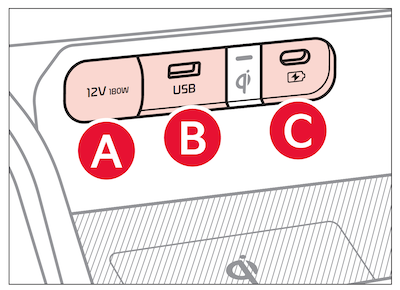
 Multimedia USB Port: Use Multimedia USB port to connect USB audio devices and smartphones.
 USB-C Charger Port: Devices can be recharged using a USB-C cable. The Engine Start/Stop button needs to in the ACC/ON/START position to operate the USB-C Charger Port.
For more information on the Aux/USB Ports and Power Outlets, refer to section 5 in the Owner's Manual.
Images are for illustrative purposes only and may not reflect actual feature or operation.

