Plug-In Hybrid Display
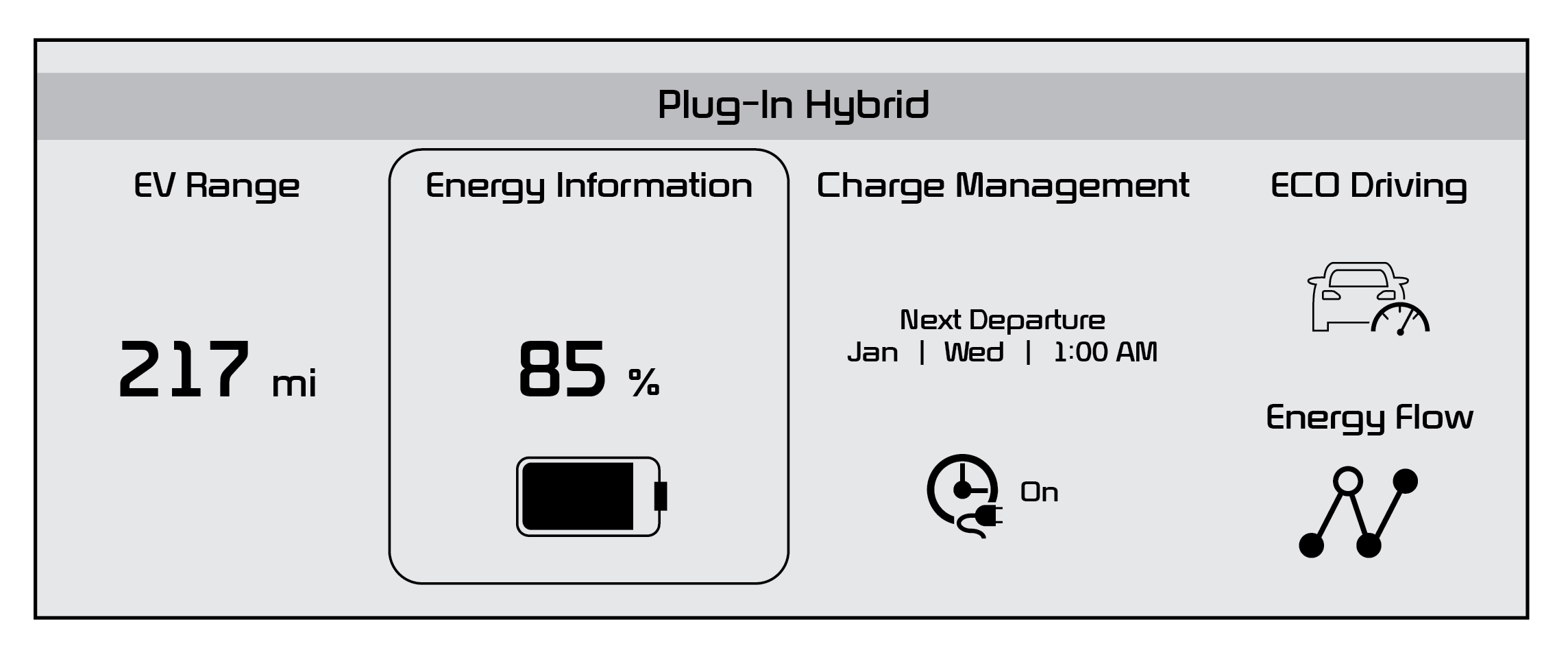
The Infotainment System screen provides information on economical operation and Plug-In Hybrid system modes. To enter the Plug-In Hybrid display mode, press the PHEV button on the Infotainment System’s home screen. Then select one of the menus: EV Range, Energy Information, Charge Management, ECO Driving, Energy Flow. Some examples are below:
Plug-In Hybrid System Home Screen - EV Range, Energy Info, Charge Management, ECO Driving, Energy Flow
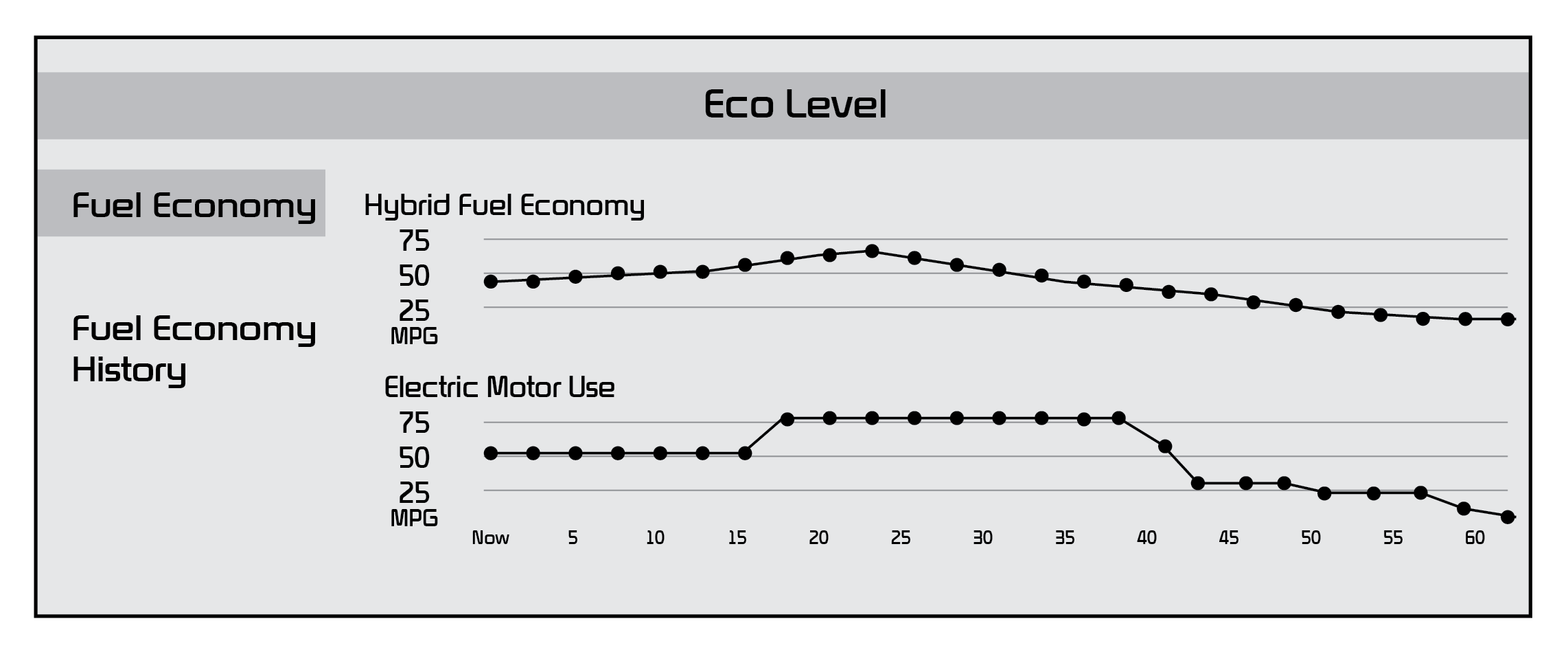
ECO Level - The more economically you drive, the more the ECO Level increases
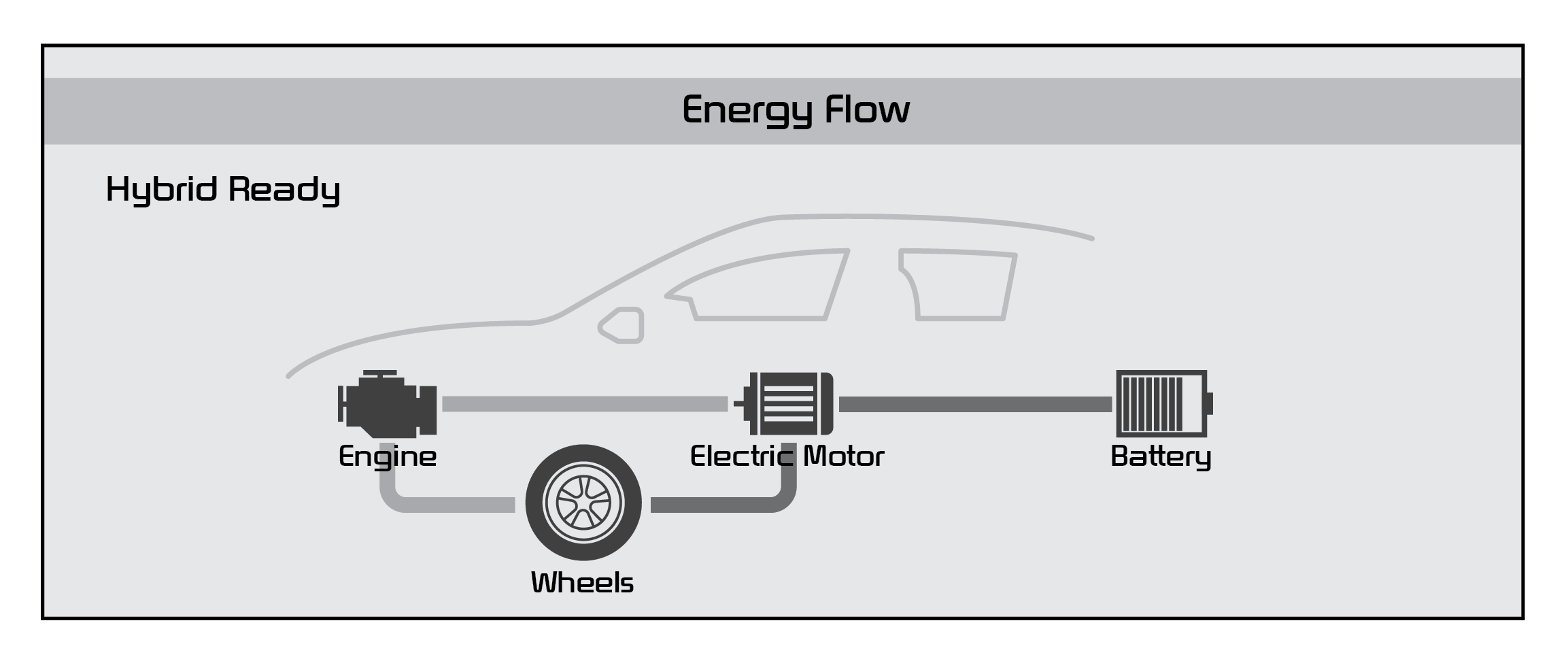
Energy Flow - Displays the current flow of power between the main powertrain components
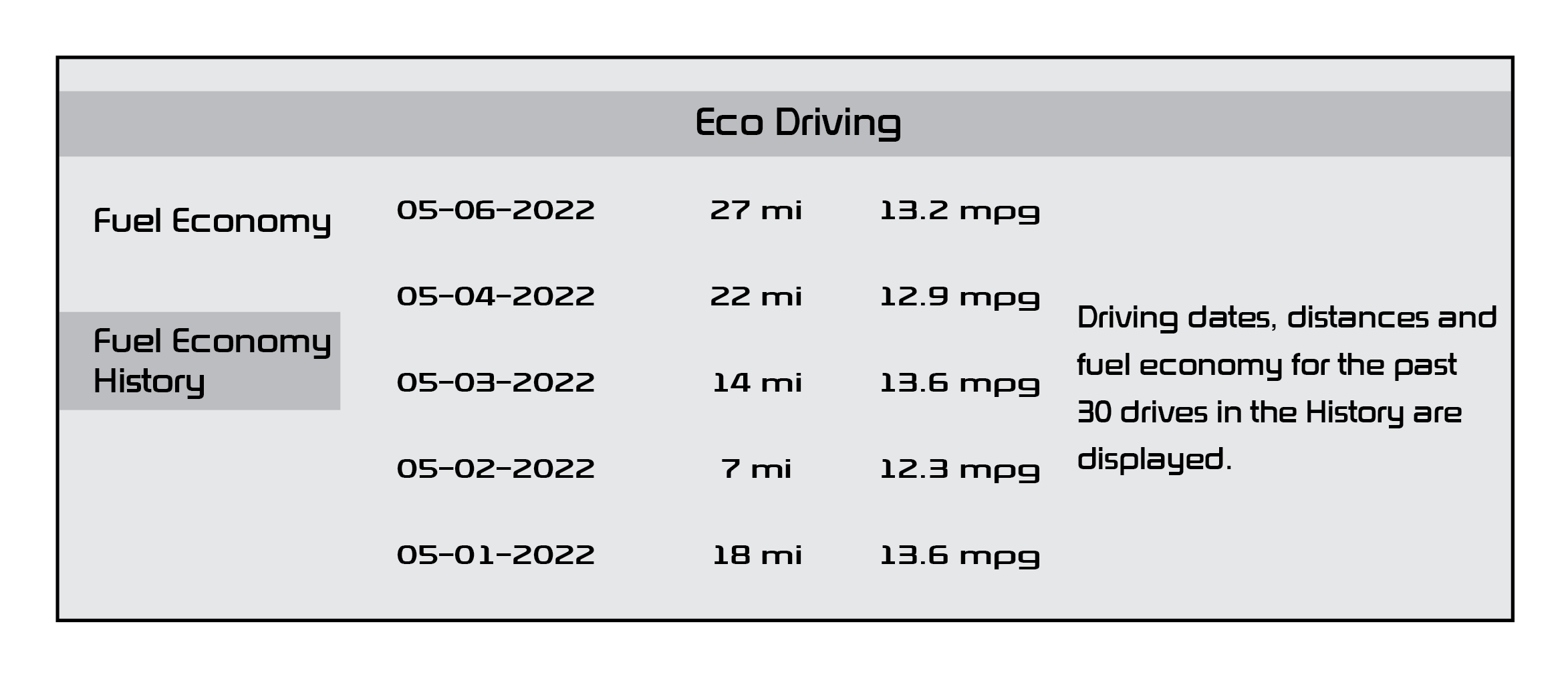
Fuel Economy - Displays the average fuel economy over the duration of a trip
*See LEGAL page for legal information.
The images shown are for illustrative purposes only. Not all available displays are shown. Screen content may vary.
For more information, refer to section 1 in the Owner’s Manual or the Car Infotainment System Quick Reference Guide.

