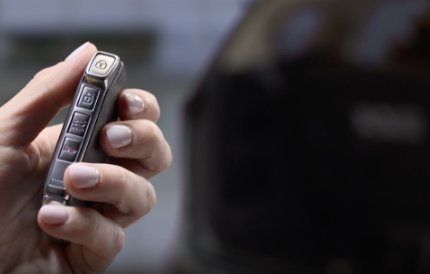
Smart Key with Remote Start / Remote Parking Assist
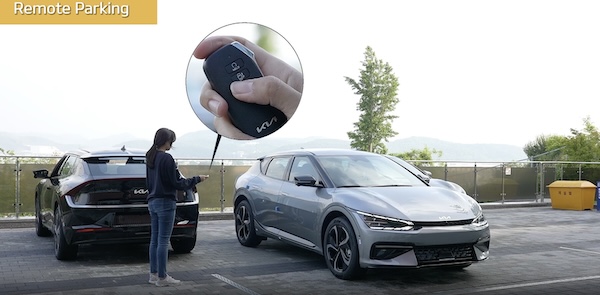
Remote Smart Parking Assist is designed to use the vehicle sensors to help park and exit parking spaces remotely from outside the vehicle by automatically searching for parking spaces and then controlling the steering wheel, transmission, and vehicle speed to park the vehicle.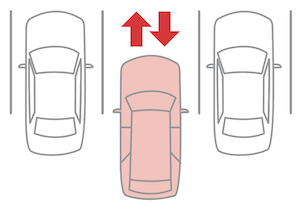
To park with Remote Parking from outside the vehicle, using the Smart Key:

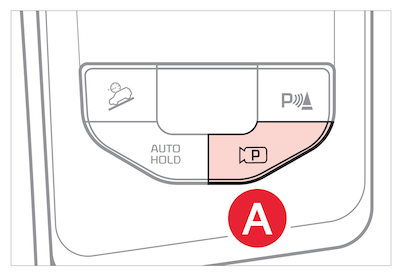
 or Backward
  button on the Smart Key, depending on how you want to park, and the vehicle will move in the direction of whichever button you press. Press and hold the Remote Start button
  to turn off the vehicle.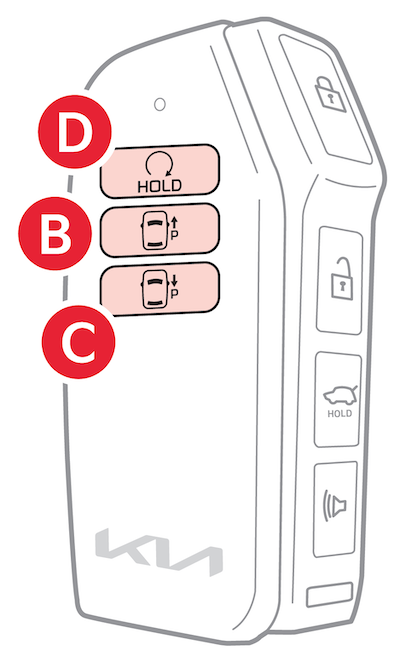
*See LEGAL page for legal information. Certain features are available on select Kia models.
For additional RSPA features, review the vehicle’s Owner’s Manual. Button configuration may vary. Images are for illustrative purposes only and may not reflect actual feature or operation. Refer to section 7 in the Owner’s Manual for more information

