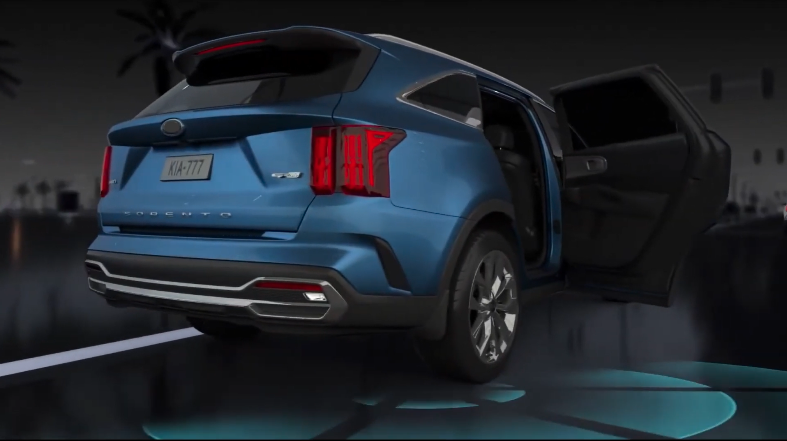
Safe Exit Warning (SEW)
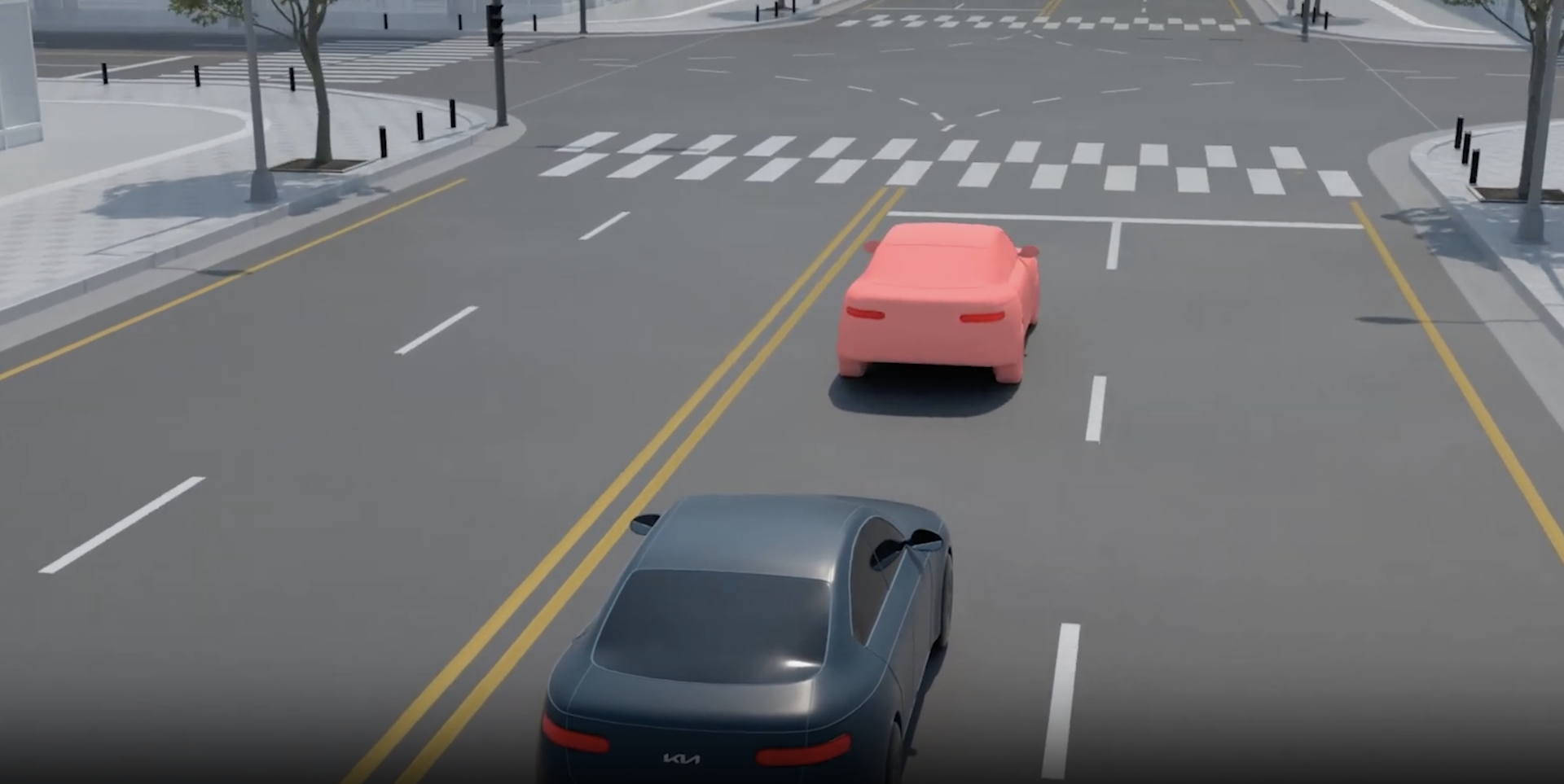
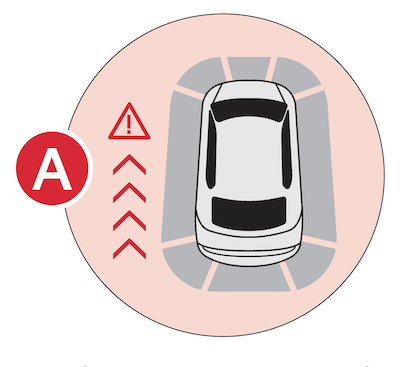
Safe Exit Warning is designed to provide a warning message on the Instrument Cluster  and sounding an audible warning when a vehicle is detected
  , approaching from behind, after your vehicle has stopped.
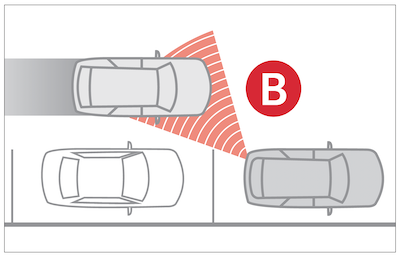
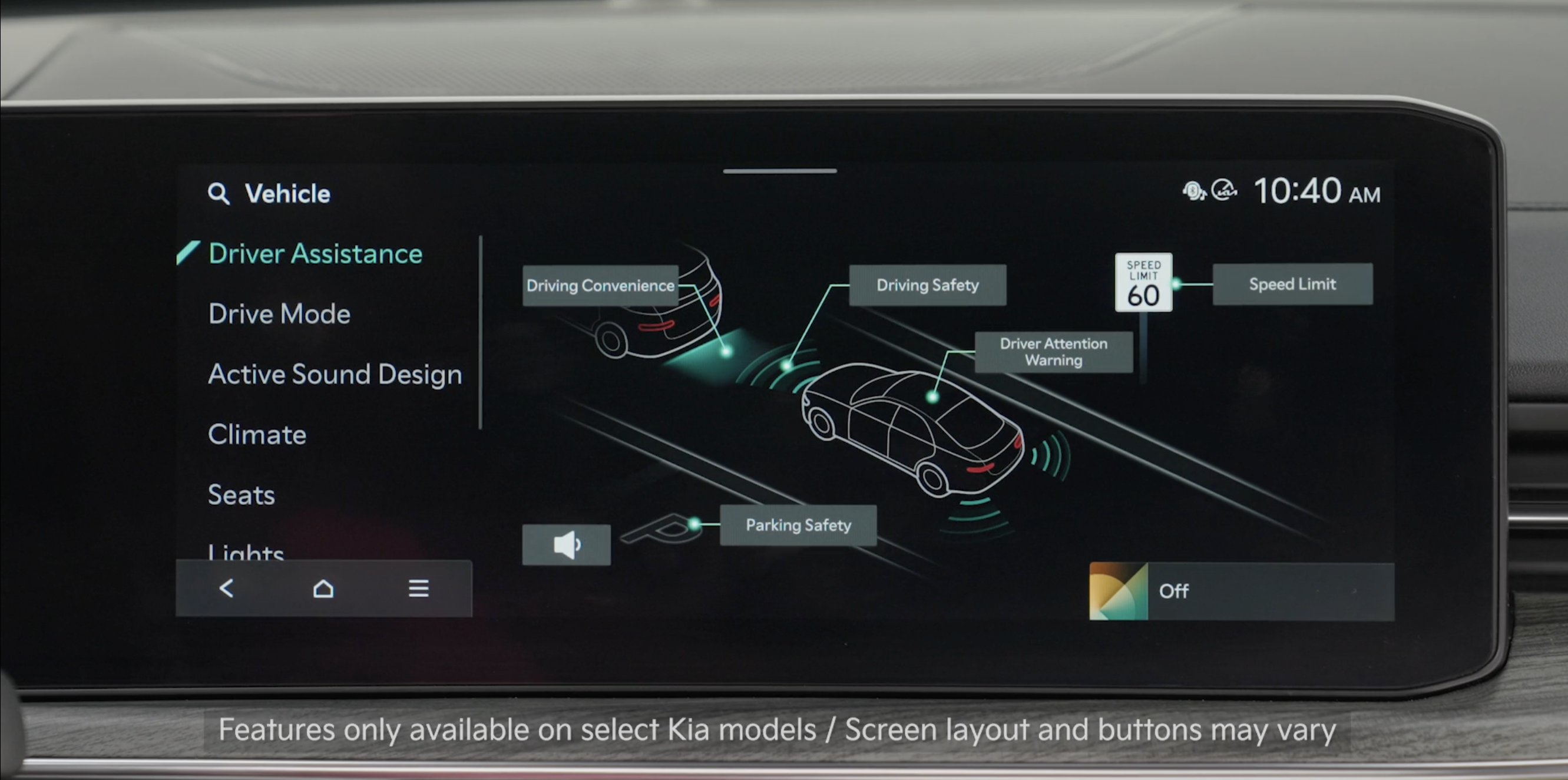
To turn on SEW, go to Vehicle Settings in the Infotainment System or press the SETUP key/button on the Infotainment System. Select VEHICLE, then select Driver Assistance, Driving Safety, and select Safe Exit.
*See LEGAL page for legal information
Certain features are available only on select Kia models.
When engaged, these systems are not substitutes for safe driving and are not substitutes for safe driving and may not always detect objects or people around the vehicle.
Images are for illustrative purposes only and may not reflect actual feature or operation.
See section 7 in the Owner’s Manual for more information.

