Blind-spot Collision-Avoidance Assist (BCA)
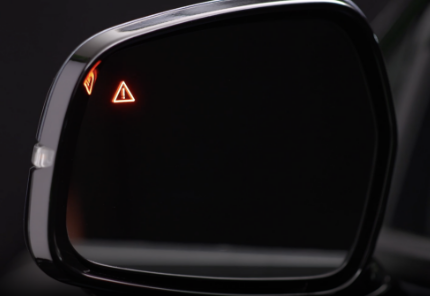
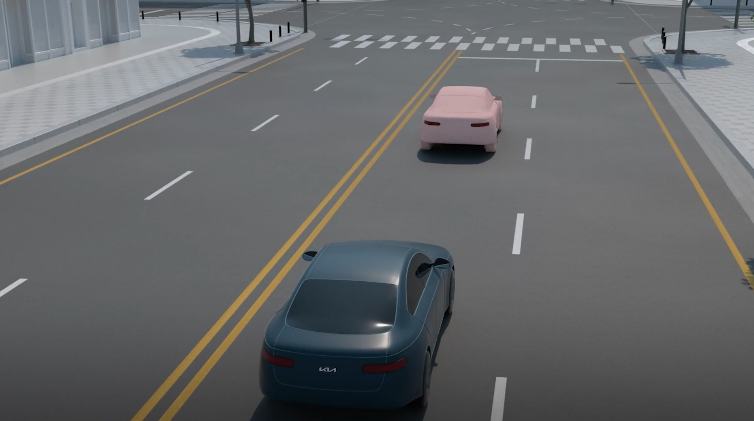
BCA uses rear corner radar sensors in the rear bumper to monitor and warn the driver in certain situations if it detects an approaching vehicle in the driver’s blind spot area, before changing lanes and exiting parallel parking. Initially, BCA provides Collision Warning when it detects a potential collision with a vehicle, emitting an audible warning and visual alert on the outside rearview mirrors. If BCA detects that the collision risk has increased, BCA automatically applies the opposite side front brake to try and mitigate a potential collision.
When another vehicle is detected within collision warning boundary  , an indicator will illuminate on the outside rearview mirrors
  .
.
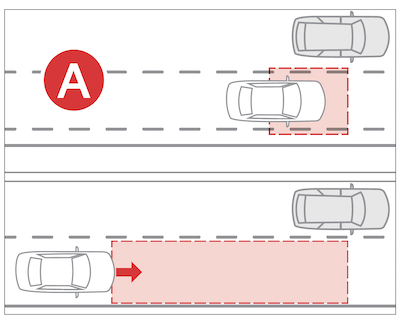
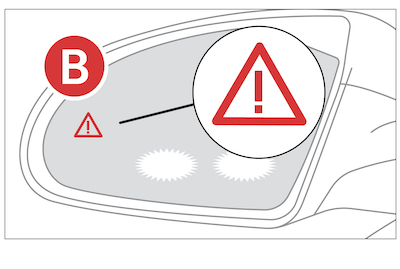
Collision warning: When vehicle detection warning is on and the driver activates a turn signal, BCA may alert the driver with a warning light on the cluster, outside rear-view mirrors (side-view mirrors) and head-up display.
When the turn signal is turned off or you move away from the lane, the collision warning will be canceled and the function will return to Vehicle detection state.
Collision-Avoidance Assist : When you are driving forward out of a parking space, if BCA determines that there’s a collision risk with an approaching vehicle in the blind spot, it can help avoid collision by applying the brake.

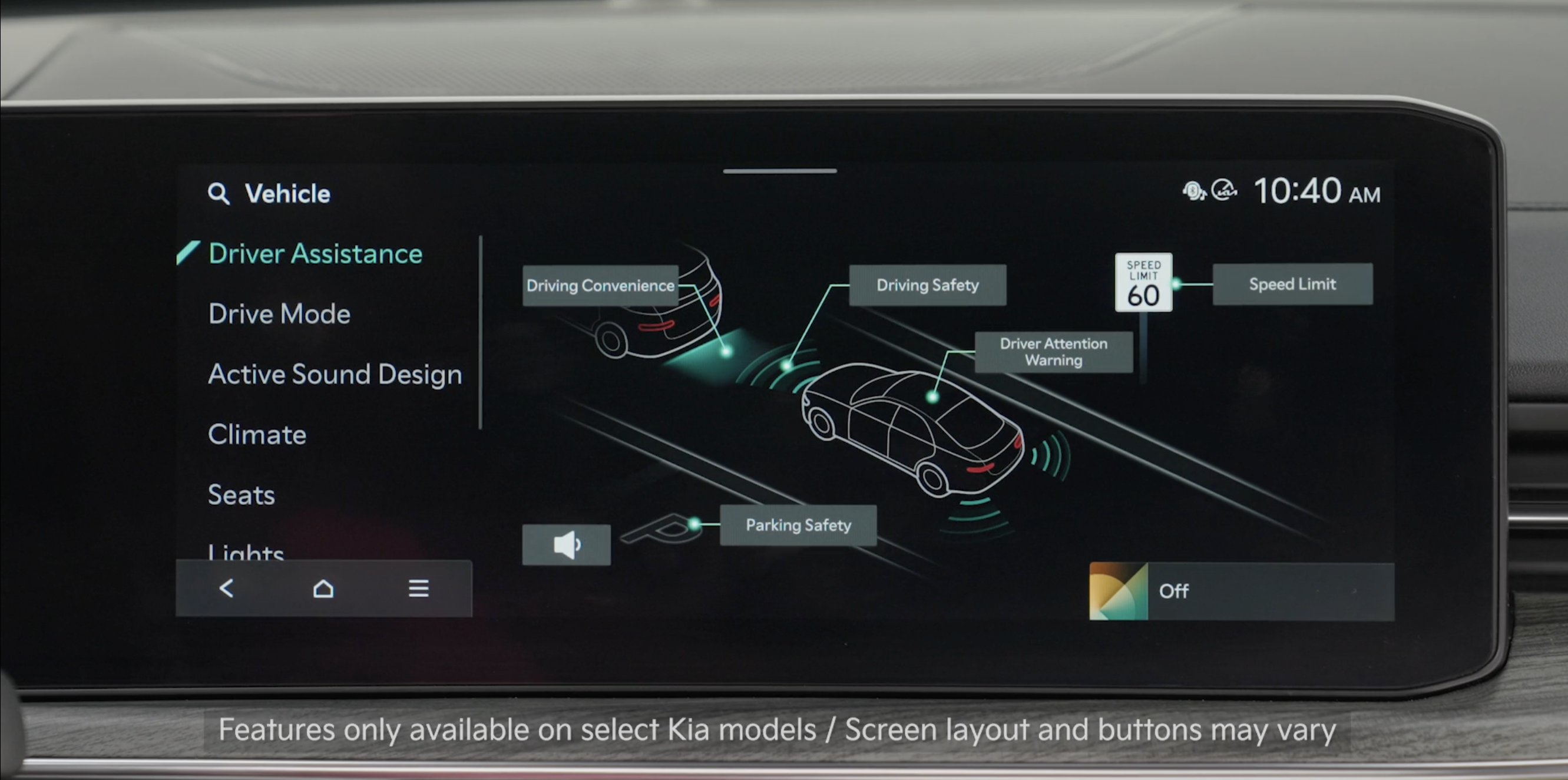
BCA can be turned on/off by going to the Vehicle Settings in the Infotainment System . Select Setup, Vehicle, Driver Assistance, Driving Safety, then Blind Spot Safety to turn the system on. Repeat the steps to turn off

- Only adjust settings when the vehicle is at a standstill, gear shift is in Park and the ignition is turned on or the Engine Start/Stop button is in the ON position
- Warning Volume can be set while the vehicle is on. Select Setup, then Vehicle, Driver Assistance, and then Warning Methods from the settings menu in the Infotainment System to change the following settings:– Warning Volume: Adjusts the volume of the warning sound– Haptic Warning: Activate the steering wheel vibration warning– Driving Safety Priority: Lowers all other audio volumes when the Driving Safety system sounds a warning
- Drive carefully. When the vehicle is stopped due to emergency braking, a warning message will appear on the Instrument Cluster. For your safety, the driver should depress the brake pedal immediately and check the surroundings
- Brake control will end after the vehicle is stopped by emergency braking for approximately 2 seconds
Quick Tips:
- To adjust the WARNING VOLUME: Press the SETUP button to go to VEHICLE SETTINGS on the Infotainment System. Press VEHICLE, DRIVER ASSISTANCE, and under WARNING METHODS, you can adjust WARNING VOLUME, and turn HAPTIC WARNING and DRIVER SAFETY PRIORITY on or off
- Adjusting the Warning Timing and Warning Methods or Volume will adjust settings for other driver assistance systems
BCA becomes active when the following conditions are met:
– The BCA system is turned ON
– A vehicle is detected in the rear side areas
– Collision Warning is available when vehicle speed exceeds approximately 12 mph
– Collision-Avoidance Assist is available when vehicle speed exceeds approximately 40 mph
Reminders:
- When the left turn signal is activated at an intersection, BCA may issue a warning to the driver, regardless of driver intent, if a potential collision risk is detected
- BCA will not issue a warning if the approaching vehicle’s speed is calculated to be under 6 mph
- When BCA is ON and the ignition is cycled, BCA returns to its previous state
*See LEGAL page for legal information
Certain features are available only on select Kia models.
The images on these pages are for illustrative purposes only and may not reflect actual feature or operation.
When engaged, BCA is a supplemental system. Do not solely rely on this system and always pay attention to the road and its conditions.
Refer to section 9 in the Owner’s Manual for more information.

