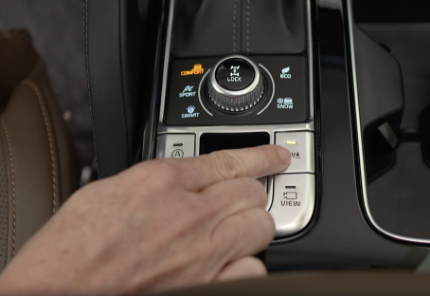
Forward/Reverse Parking Distance Warning (PDW)
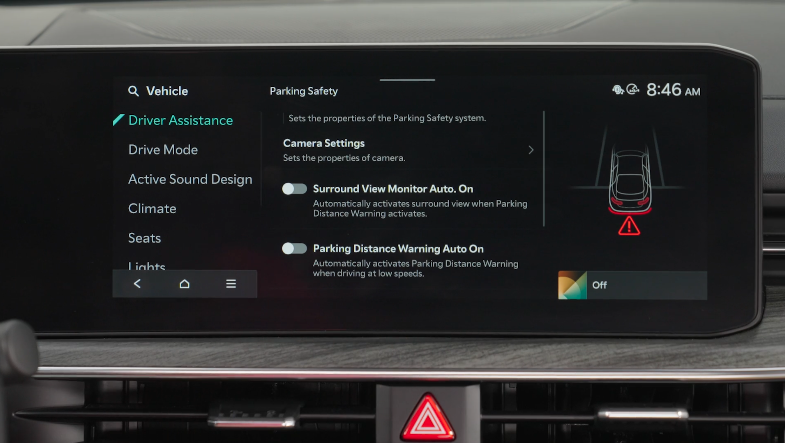
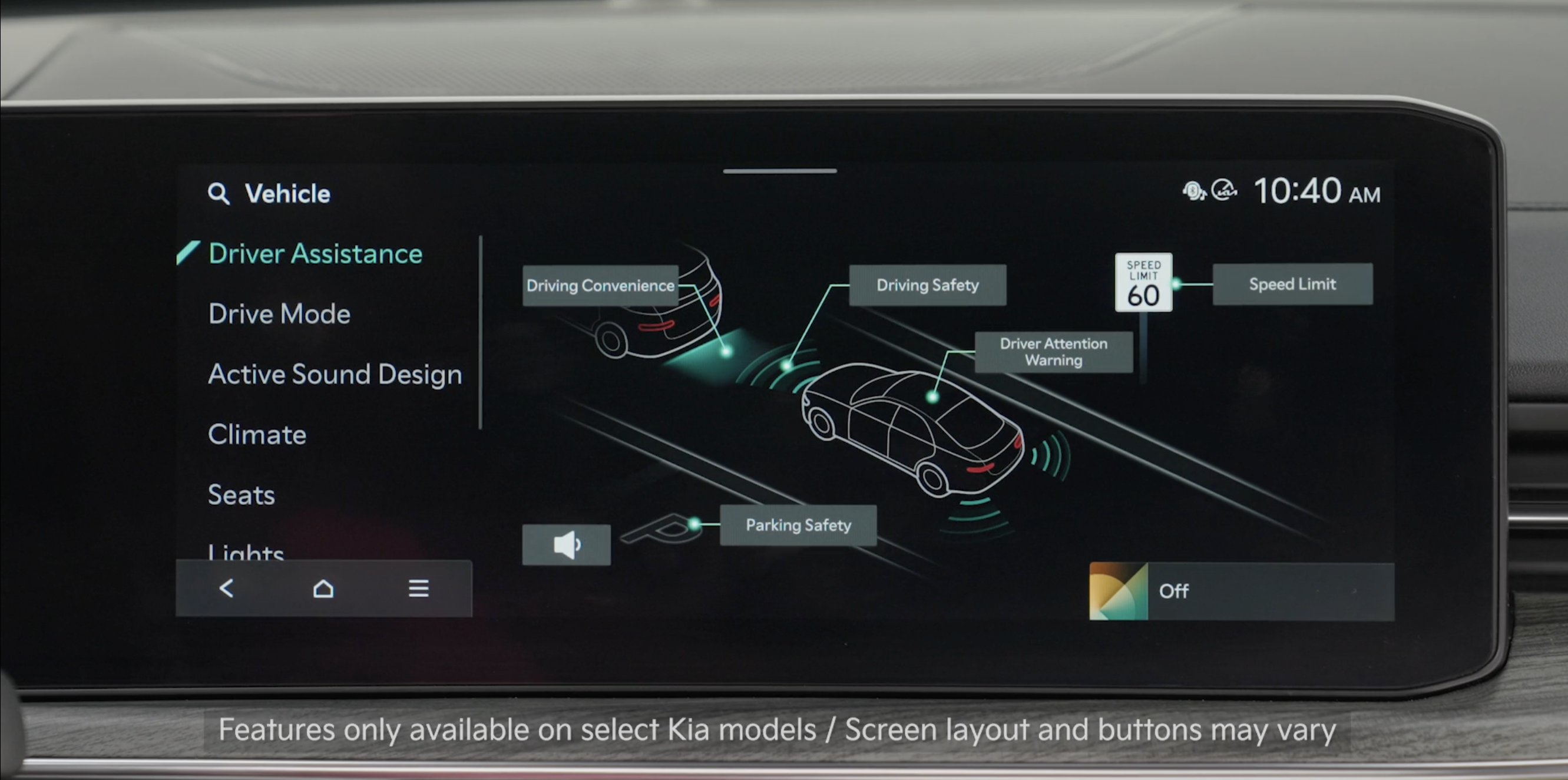
While driving at low speed, Forward/ Reverse/Side Parking Collision-Avoidance Assist is designed to detect pedestrians or objects and may warn the driver or assist with braking to help avoid a collision.
 (LED illuminated). again (LED not illuminated)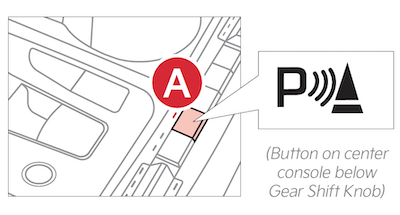
Parking Distance Warning Auto On:
To set the Parking Distance Warning Auto On, at low speeds, enable it in Vehicle Settings in the Infotainment System
To enable in Vehicle Settings in the Infotainment System:
Press the SETUP key or the onscreen SETUP button. Press VEHICLE to enter Vehicle Settings. Select Driver Assistance, then Parking Safety and select Parking Distance Warning Auto On
*See LEGAL page for legal information
Certain features are available only on select Kia models.
When engaged, Forward/Reverse Parking Distance Warning (PDW) is not a substitute for proper and safe backing-up procedures. Always drive safely and use caution when moving the vehicle forward or in reverse. Forward/Reverse Parking Distance Warning (PDW) may not detect every object in front of or behind the vehicle.
Images are for illustrative purposes only and features or functions may vary on actual vehicle. Refer to section 9 in the Owner’s Manual for more information.

