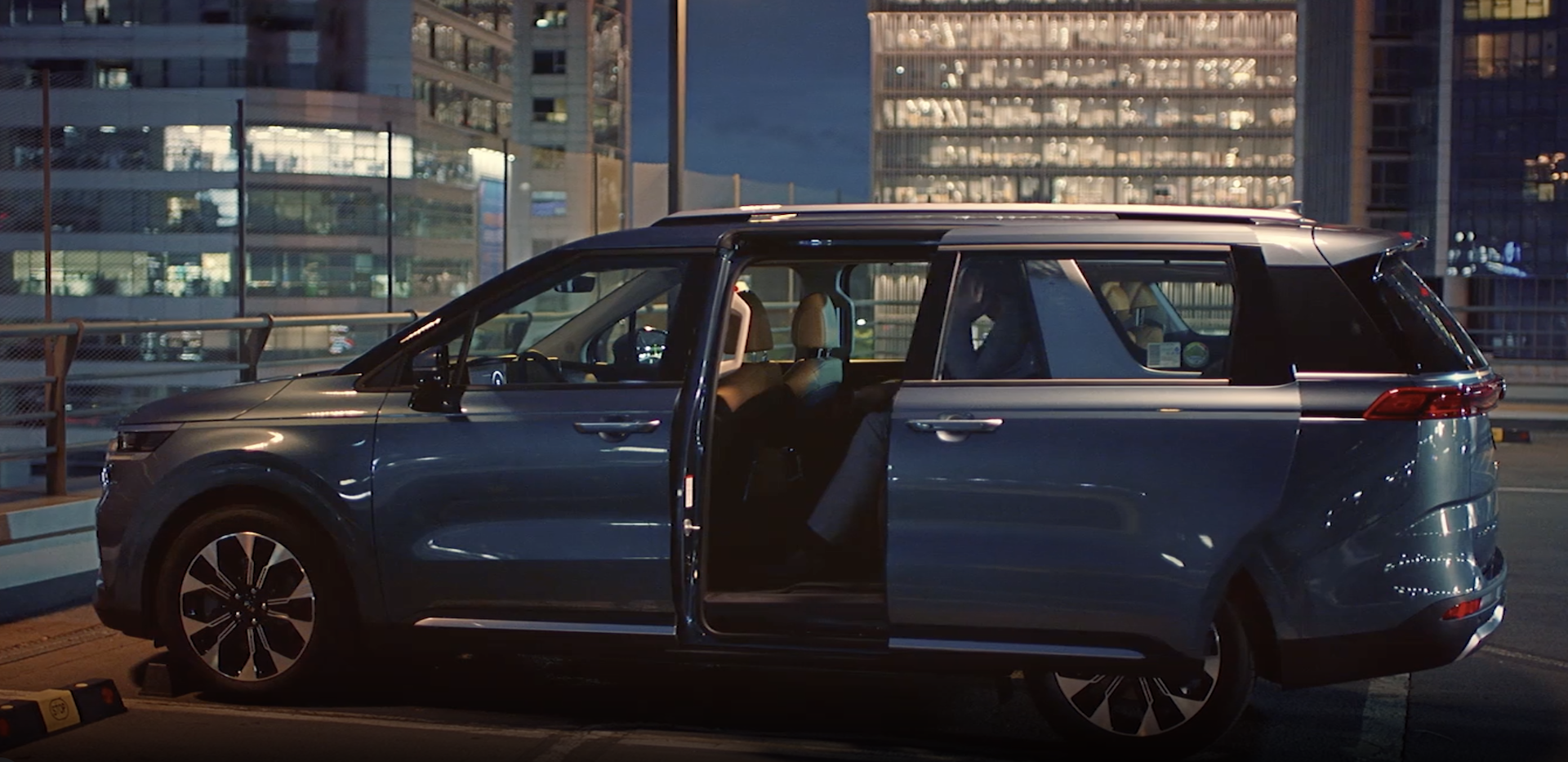
Kia Connect Infotainment System
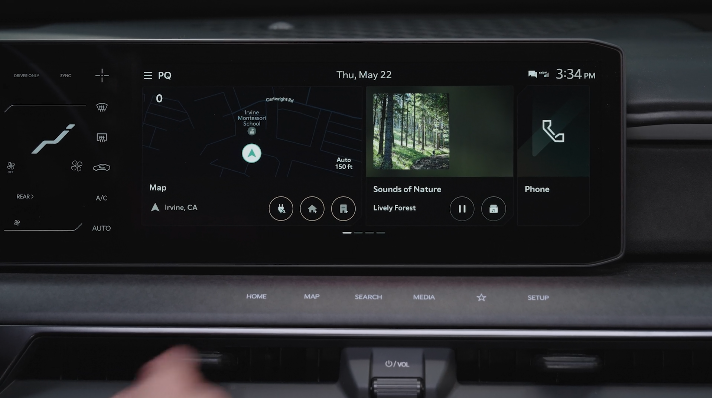
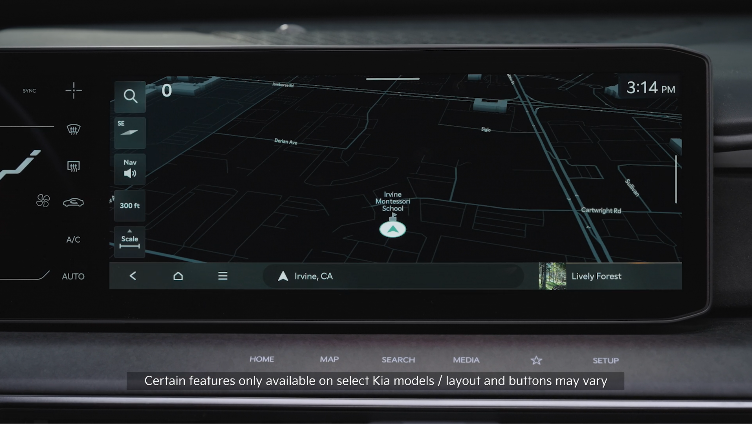

 : To program a custom key, press and hold the Custom Key, then select one of the available features you would like the Custom Key to open.
 ** POWER button/VOLUME knob: **Press to turn the Media ON/OFF. Press and hold to turn off the screen and sound. Rotate to adjust the system volume (except for navigation sound)
 ** Infotainment/Climate switch button:** Switch between control panel functions. Press/hold to access the control panel default settings screen
 ** HOME button:** Press to go to the Home screen. Press and hold to turn the Quick Control function ON/OFF
 ** MAP button (Systems with navigation):** Pressing the Map button displays the Navigation System map and your current location MAP button (Systems without navigation): When a phone is paired and connected via phone projection, press to display the phone’s native map screen. When a phone is not connected, it will display the phone projection setting screen
 ** SEARCH button:** Displays the Search screen
 ** SEEK/TRACK buttons:** While listening to the radio, press to change the station. While playing media, press to change the track/file
 ** MEDIA button **(FM/AM, SiriusXM®, USB, Bluetooth® Audio): Press to play the connected media. Press and hold to display the Media source options
 ** Custom button: **Press to play the user-defined function. Press and hold to display the function settings screen
 **SETUP button: **Displays the Settings screen. Press and hold to display the version information screen
 ** TUNE knob: **While listening to the radio, press to adjust the frequency or change the station. While playing media, press to scan music or files. During scanning, press to select the current channel, music or file. While on the map screen, zoom in or out on the map (except for navigation sound)
*See LEGAL page for legal information
Certain features are available on select Kia models.
Your vehicle’s audio system may differ from that in the illustration. For more information, refer to the Car Infotainment System Quick Reference Guide.
Driving while distracted can result in a loss of vehicle control that may lead to an accident, severe personal injury and death. The driver’s primary responsibility is in the safe and legal operation of a vehicle, any handheld devices, other equipment or vehicle systems which take the driver’s eyes, attention and focus away from the safe operation of a vehicle or that are not permissible by law should never be used during operation of the vehicle.

