Head-Up Display (HUD) - 12" Display
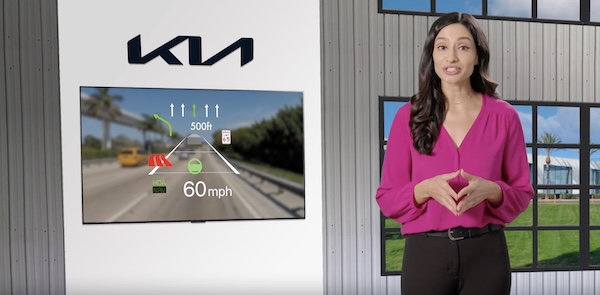
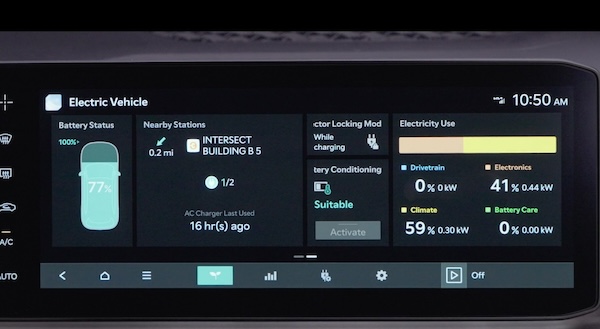
Augmented Reality Head-Up Display (HUD) is a semi-transparent display that is designed to project a snippet of information from the Instrument Cluster and Navigation System onto the windshield glass
 .
.
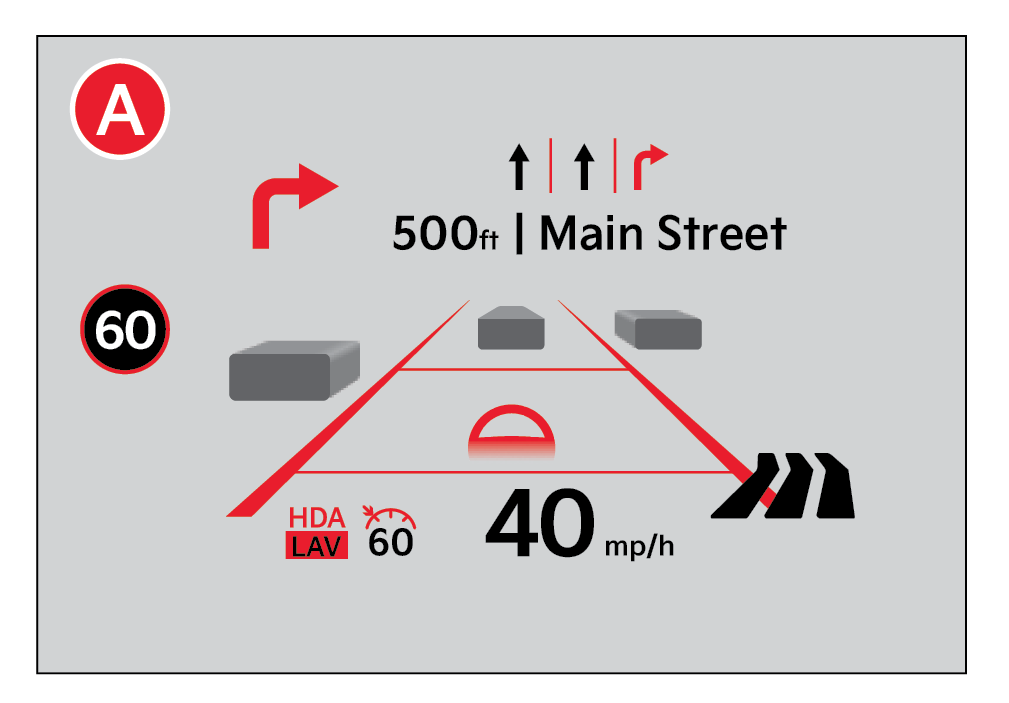
When activated, HUD shows:
- Turn By Turn navigation information
- Traffic information
- Speedometer information
- Smart Cruise Control (SCC) set speed information
- Smart Cruise Control (SCC) vehicle distance information
- Lane Following Assist information
Head-Up Display (HUD) Settings:
Drivers can adjust the HUD settings from the Vehicle Settings. Press the SETUP key/button on the Infotainment System.
Select VEHICLE, then HEAD-UP DISPLAY.
HUD settings include:
- Display Height: Adjust the height of the HUD image on the windshield glass
- Augmented Reality Matching Adjustment: Adjusts the position of the content
- Brightness: Adjust the intensity of the HUD brightness
Reminders:
The HUD image on the windshield glass may not be visible in these cases:
- The driver has poor sitting posture
- The driver is wearing polarized sunglasses
- There is an object covering the HUD
- The driver is driving on a wet road
- There is excessive lighting inside or outside the vehicle
- Modifications made to the windshield, such as tinting or other aftermarket treatments, could affect the HUD. When replacing the front windshield glass of vehicles equipped with the HUD, owners must replace it with windshield glass designed for HUD operation. Otherwise, duplicated images may be displayed on the windshield glass
- If Turn By Turn navigation information is selected as HUD content, TBT information will not be displayed on the LCD
*See LEGAL page for legal information
Certain features are available only on select Kia models. These illustrations are for demonstration purposes only. Some messages may appear differently. See your Owner’s Manual for more information.
When engaged, HUD is a supplemental system. Do not solely rely on the system, always drive safely, and pay attention to the driving conditions on the road. See section 5 in the Owner’s Manual for more information.

