Highway Driving Assist 2 (HDA2)
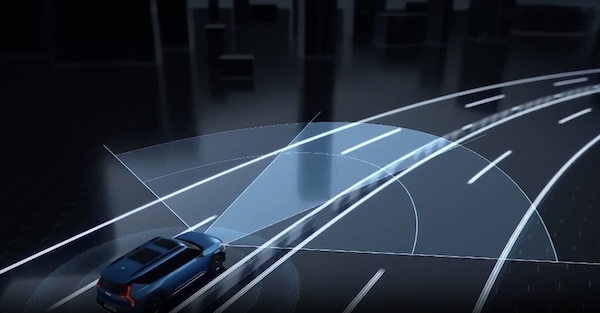
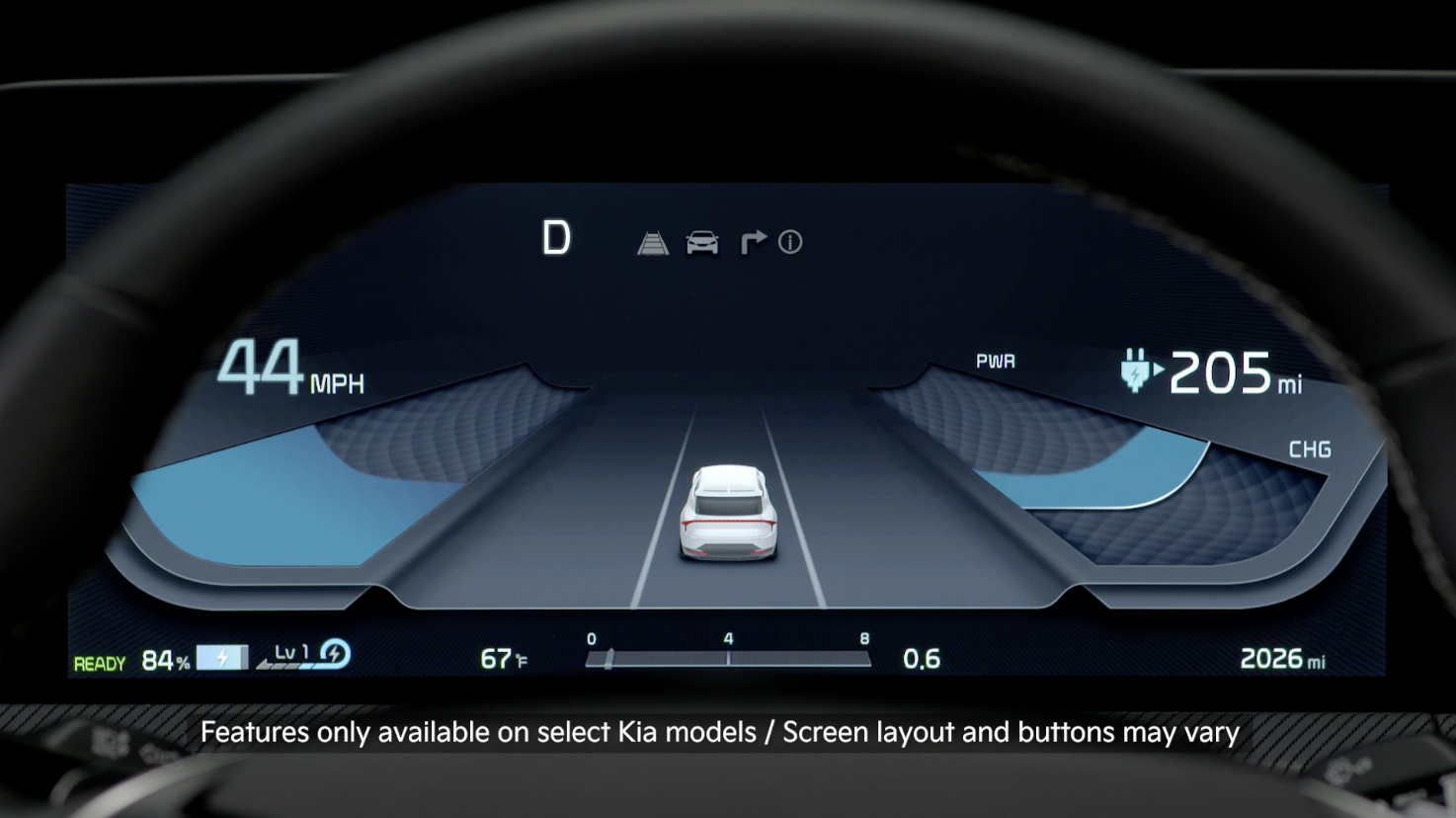
HDA2 Assist is designed to detect lanes and vehicles ahead, help maintain the distance from the vehicle ahead and the set speed, and center the vehicle in the lane while driving on certain highways/freeways.
When HDA2 is activated and the conditions are met, the Instrument Cluster indicator  will illuminate green. If the conditions are not met, HDA2 will be in standby mode and the indicator light will illuminate white. When in operation, and if both lanes are recognized, the Instrument Cluster will show the lanes illuminated white and the HDA2 indicator illuminated green.
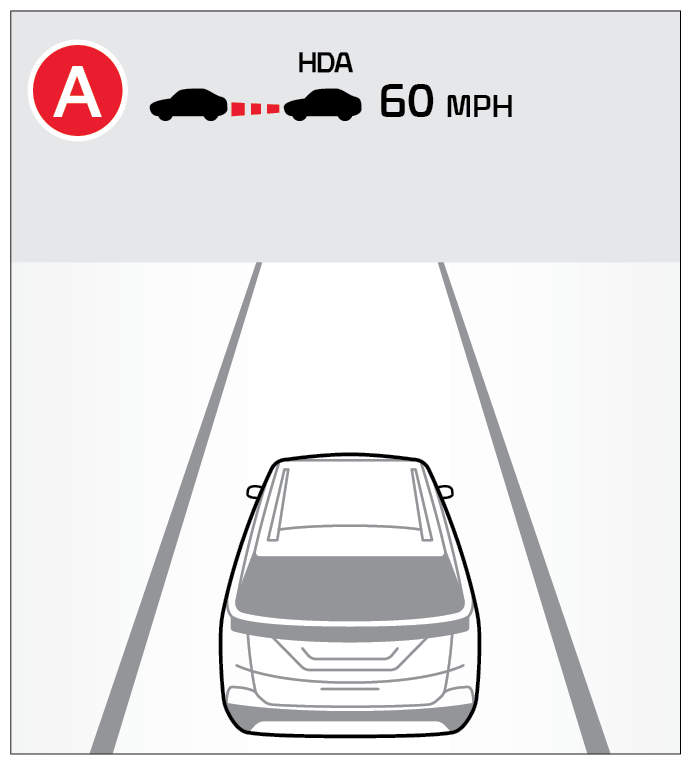
Hands-off Warning - If the driver takes their hands off the steering wheel for several seconds, a warning message will appear on the Instrument Cluster, and an audible warning will sound. If hands on the steering wheel is not detected, HDA2 will cancel.
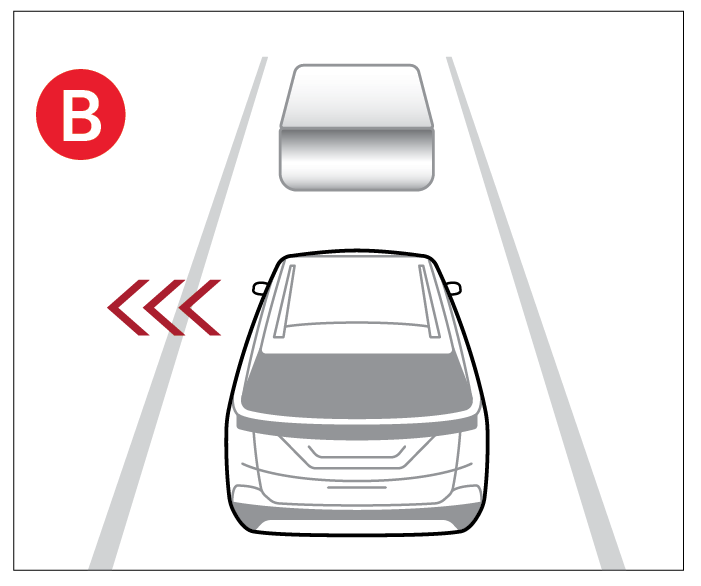
**Highway Lane Change Assist ** : This feature can assist with lane changes in the direction of the turn signal in certain circumstances. A green arrow appears when the function begins operating and remains displayed until the lane change is complete.
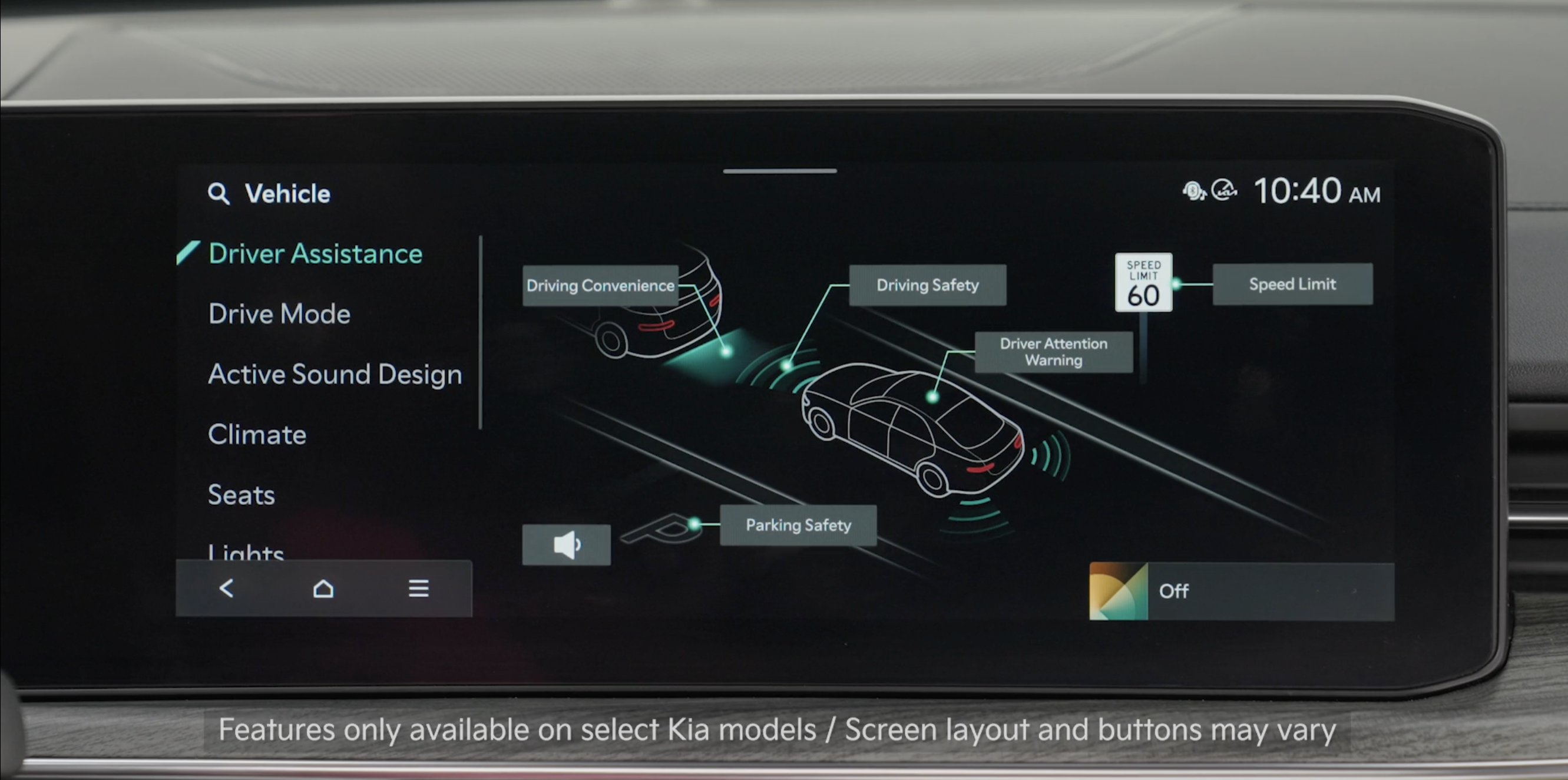
- To enable HDA, access settings through the Vehicle Settings in the Infotainment System.
Press the SETUP key, then press Vehicle to enter Vehicle Settings.
Select Driver Assistance, Driving Convenience and then Highway Driving Assist
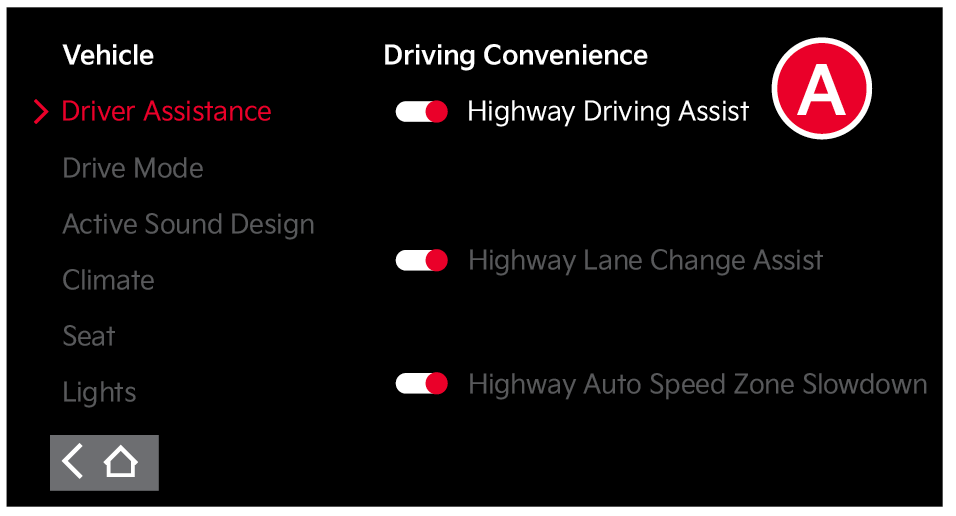
- HDA will operate when these conditions are met:
– Driving on the main road of highways, and turning on Highway Driving Assist by pressing the Driving Assist button
– Entering the main road of highways while Lane Following Assist and Smart Cruise Control are operating
Quick Tips:
- To adjust the WARNING VOLUME: Press the SETUP button to go to VEHICLE SETTINGS on the Infotainment System. Press VEHICLE, DRIVER ASSISTANCE, and under WARNING METHODS, you can adjust WARNING VOLUME, and turn HAPTIC WARNING and DRIVER SAFETY PRIORITY on or off.
- Adjusting the Warning Timing and Warning Methods or Volume will adjust settings for other driver assistance systems
Reminders:
- Limited access roads information may vary. See owner’s manual for more information
- When the ignition is cycled, the system returns to its previous state, on or off
- If the driver changes the speed while in automatic speed setting mode, it deactivates and enters a manual mode
*See LEGAL page for legal information.
Certain features are available only on select Kia models.
Images are for illustrative purposes only and may not reflect actual feature or operation. Button configuration may vary.
When engaged, Highway Driving Assist is not a substitute for safe driving, may not detect all objects around the vehicle, and only functions on certain federal highways. Always drive safely and use caution. See section 10 in the Owner’s Manual for more detailed information, limitations and conditions.

