Reverse Parking Collision-Avoidance Assist (PCA)
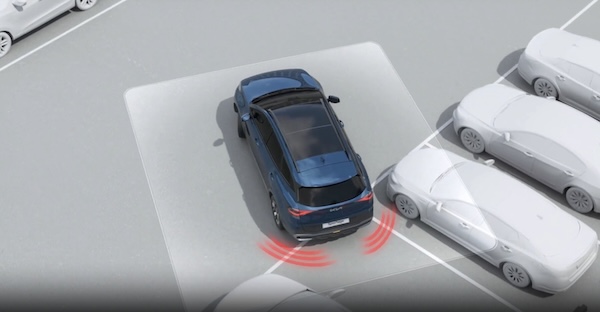
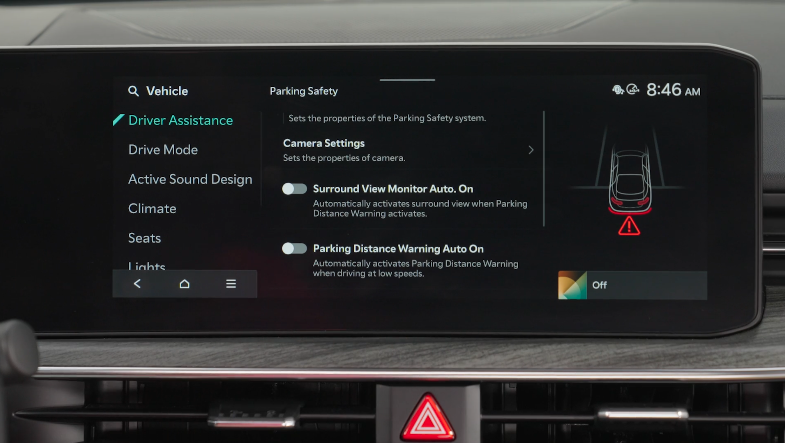
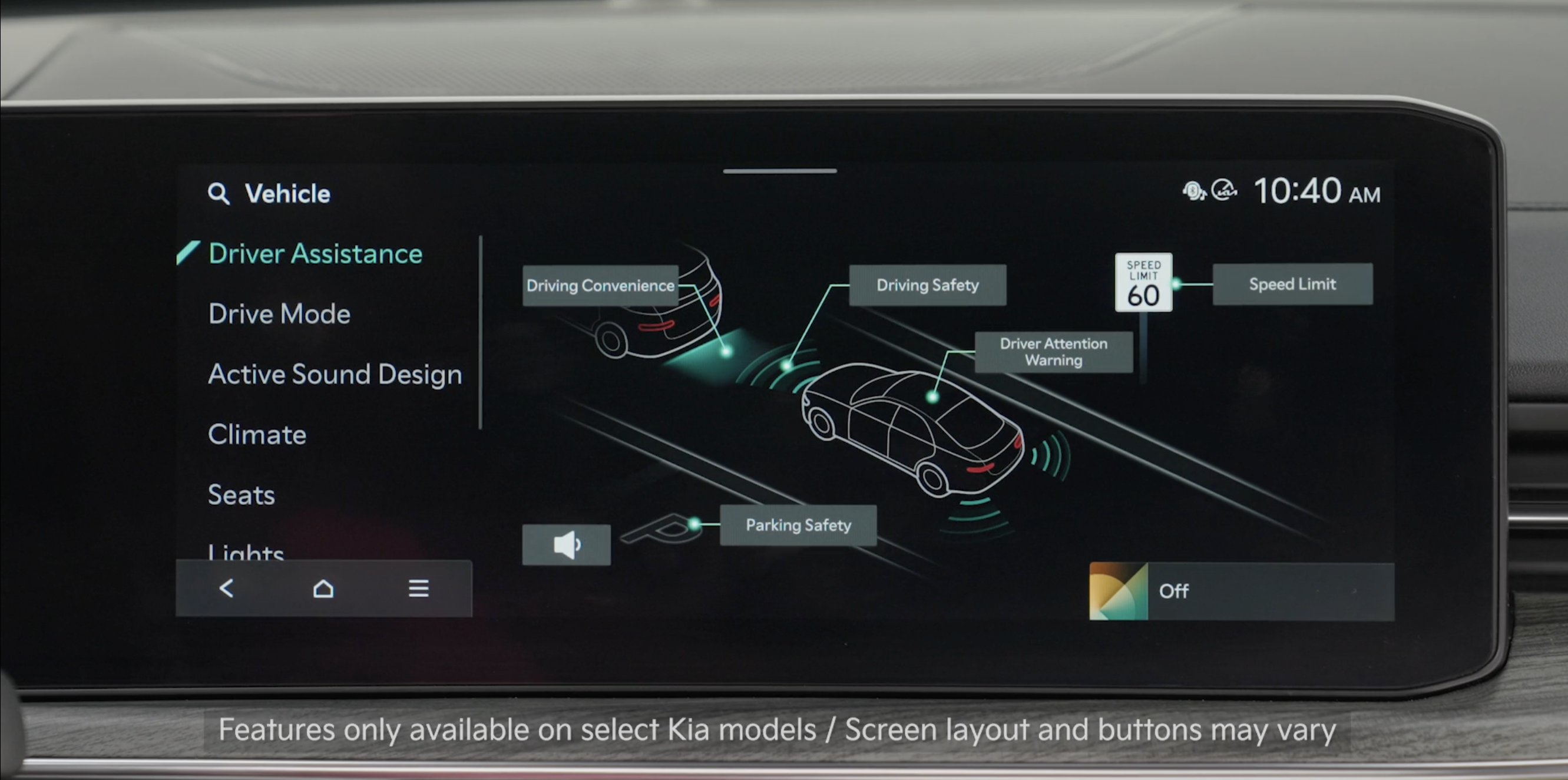
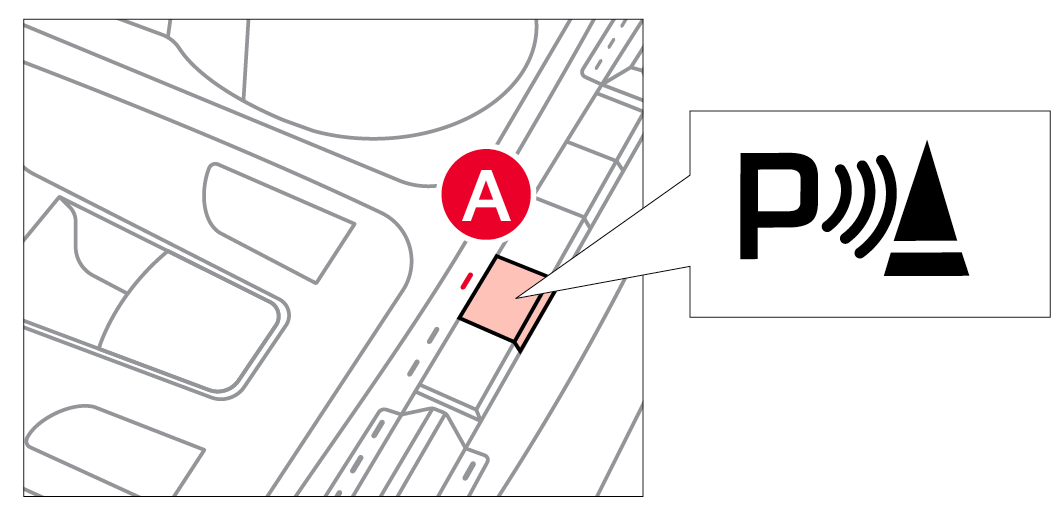
Reverse Parking Collision-Avoidance Assist is designed to detect pedestrians or objects behind the vehicle and may warn the driver or assist with braking to help avoid a collision while the vehicle is backing up.
- PCA can be enabled by going to the Vehicle Settings in the Infotainment System
- To access Vehicle settings in the Infotainment System - Press the SETUP key or the onscreen SETUP button. Press VEHICLE to enter Vehicle Settings. Select Driver Assistance, Parking Safety, and Rear Safety
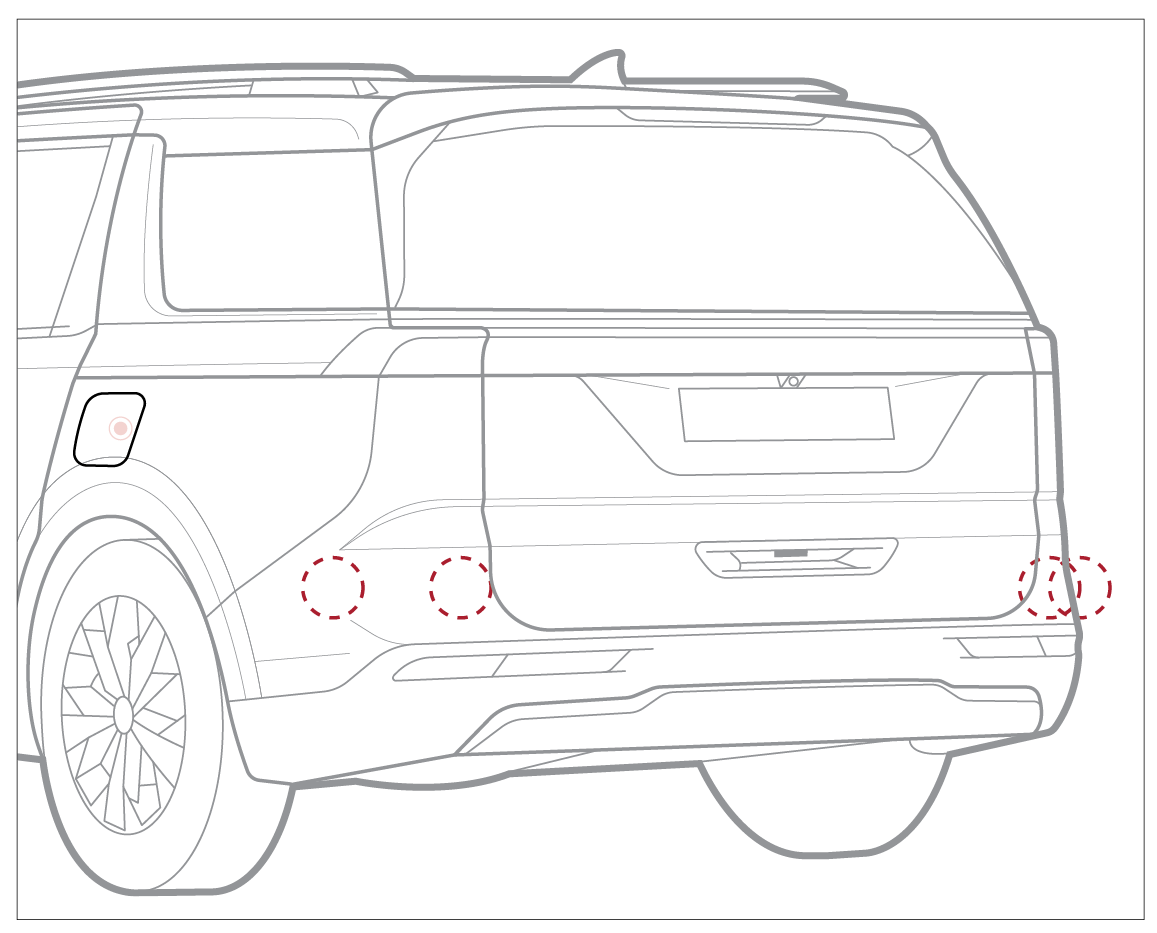
There are three modes:
– Rear Active Assist – PCA will sound an auditory alert and may apply temporary braking
– Rear Warning Only – PCA will sound an auditory alert
– Off – PCA is disabled
- To turn PCA off/on, press and hold the Parking Safety button
 for more than two seconds
Quick Tips:
- To adjust the WARNING VOLUME: Press the SETUP button to go to VEHICLE SETTINGS on the Infotainment System. Press VEHICLE, DRIVER ASSISTANCE, and under WARNING METHODS, you can adjust WARNING VOLUME, and turn HAPTIC WARNING and DRIVER SAFETY PRIORITY on or off
- Adjusting the Warning Timing and Warning Methods or Volume will adjust settings for other driver assistance systems
Reminders:
Only adjust settings when the vehicle is at a standstill, gear shift is in Park and the ignition is on or the Engine Start/Stop button is in the ON position.
*See LEGAL page for legal information
This feature may not be available on all Kia models.
Images are for illustrative purposes only and may not reflect actual feature or operation.
PCA is not a substitute for proper and safe backing-up procedures. Always drive safely and use caution when backing up. Images are for illustrative purposes only.
Reverse Parking Collision-Avoidance Assist (PCA) may not detect every object around the vehicle. See section 9 in the Owner’s Manual for more information.

