Blind-spot View Monitor (BVM)
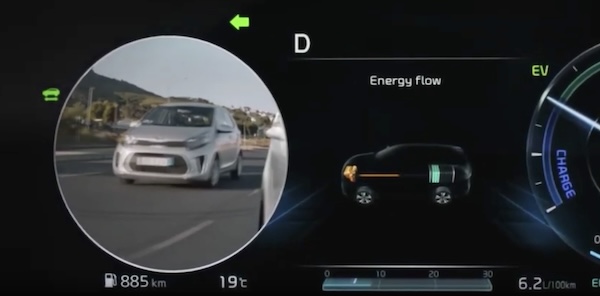

BLIND-SPOT VIEW MONITOR (BVM)*
Blind-Spot View Monitor uses the wide-side view cameras to display the rear blind spot areas of the vehicle on the Instrument Cluster  , when the turn signal is activated, to help with lane changes.
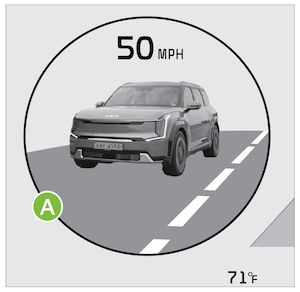
(LCD display showing right/left side of vehicle)
To turn BVM on
- Press SETUP on the Infotainment System.
- Select VEHICLE,
- Select DRIVER ASSISTANCE, and under DRIVING SAFETY,
- Select BLIND-SPOT VIEW MONITOR
When operating the turn signal  , BVM displays video of the blind-spot view for the direction indicated.
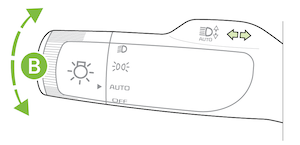
BVM will not operate when the EV Power button is OFF, a turn signal is deactivated or another warning screen comes up on the Instrument Cluster.
*See LEGAL page for legal information
This feature may not be available on all Kia models.
Images are for illustrative purposes only and may not reflect actual feature or operation. See section 10 in the Owner’s Manual for more information

