Forward/Side/Reverse Parking Distance Warning (PDW)*
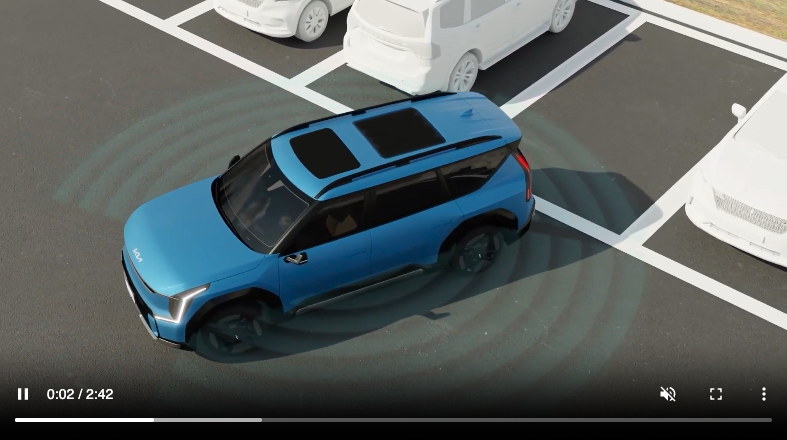
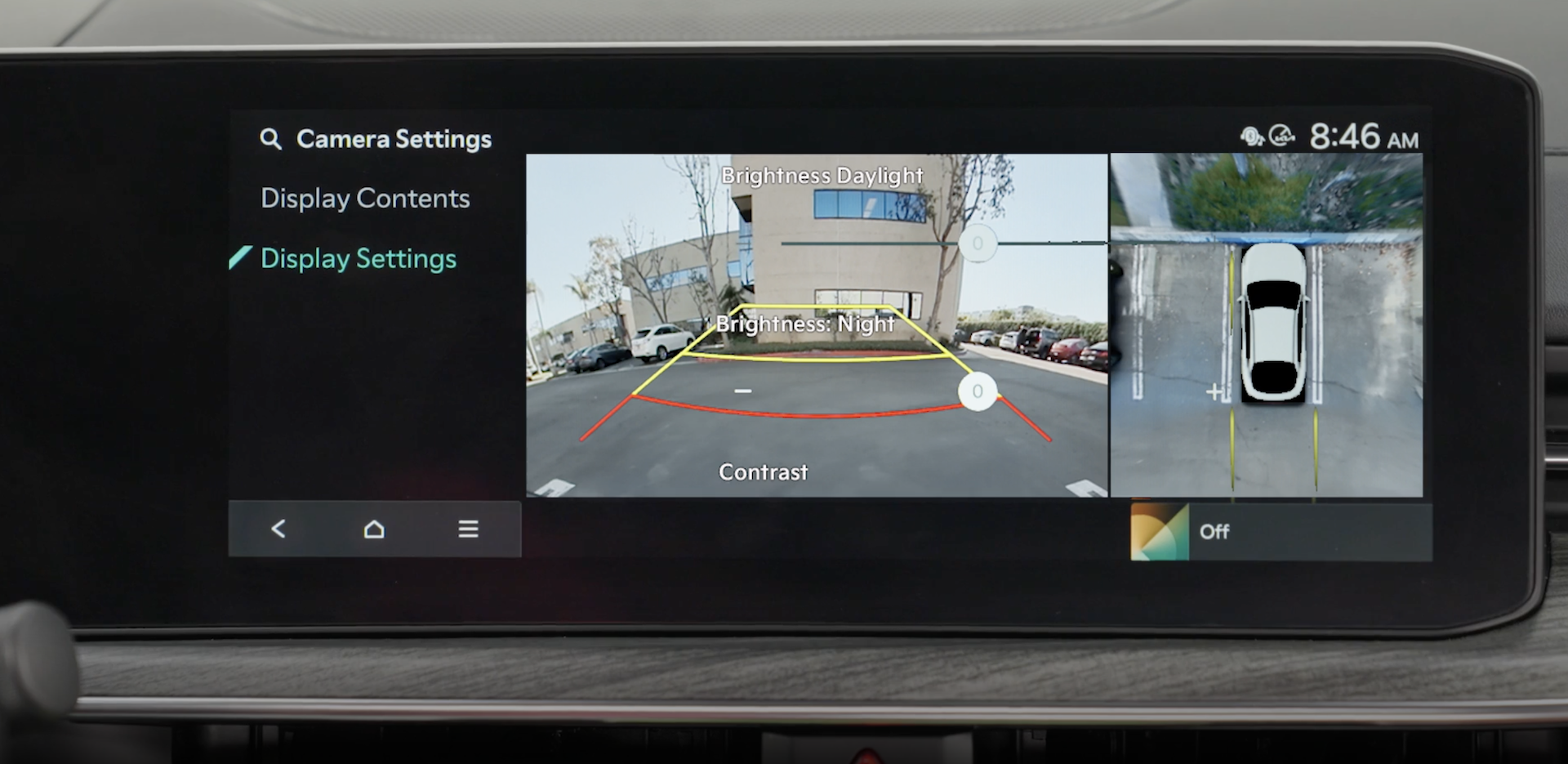

While stopped or driving at low speed, Forward/Reverse/Side Parking Distance Warning uses ultrasonic sensors to detect and warn you if a person, animal, or object is within a certain distance.
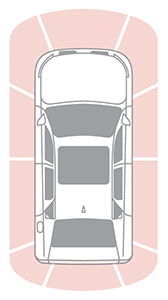
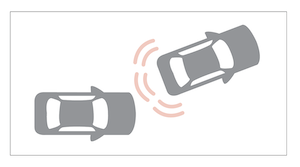
- Reverse PDW is on and active when the ignition is turned on and the gear shift is moved into R (Reverse).
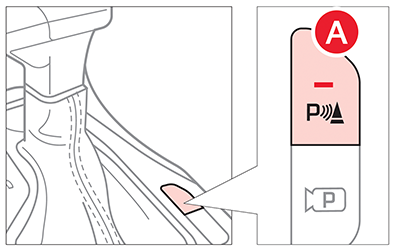
- To turn on Front/ Side PDW, press the Parking Safety button
 .
. 
- To activate PDW Auto On, press the SETUP key or the onscreen SETUP button. Press VEHICLE to enter Vehicle Settings. Select DRIVER ASSISTANCE, then PARKING SAFETY and select PARKING DISTANCE WARNING AUTO ON.
Quick Tips:
- To adjust the WARNING VOLUME: Press the SETUP button to go to VEHICLE SETTINGS on the Infotainment System. Press VEHICLE, DRIVER ASSISTANCE, and under WARNING METHODS, you can adjust WARNING VOLUME, and turn HAPTIC WARNING and DRIVING SAFETY PRIORITY on or off
- Adjusting the Warning Timing and Warning Methods or Volume will adjust settings for other driver assistance systems
Reminders:
- When more than two objects are sensed at the same time, the closest one will be recognized first
- Some driver assistance systems use a Haptic Warning, which alerts the driver by gently pulsing the steering wheel when certain conditions are detected
*See LEGAL page for legal information
Certain features are available only on select Kia models.
When engaged, Forward/Reverse Parking Distance Warning (PDW) is not a substitute for proper and safe backing-up procedures. Always drive safely and use caution when moving the vehicle forward or in reverse. Forward/Reverse Parking Distance Warning (PDW) may not detect every object in front of or behind the vehicle.
Images are for illustrative purposes only and features or functions may vary on actual vehicle.
Refer to section 4 in the Owner’s Manual for more information.

