Highway Driving Assist (HDA)
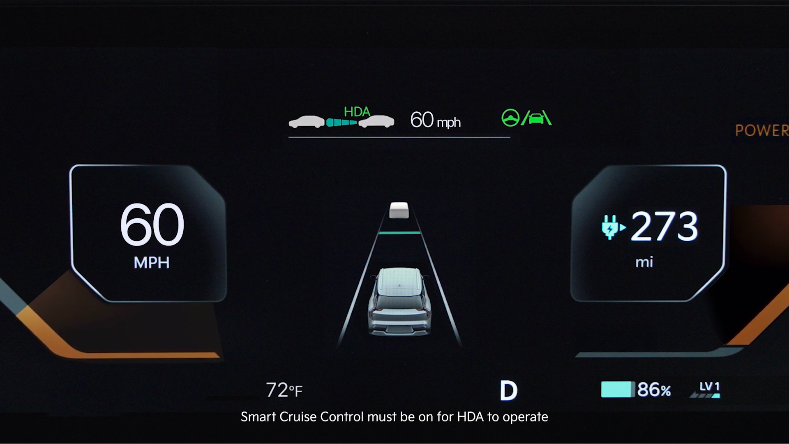
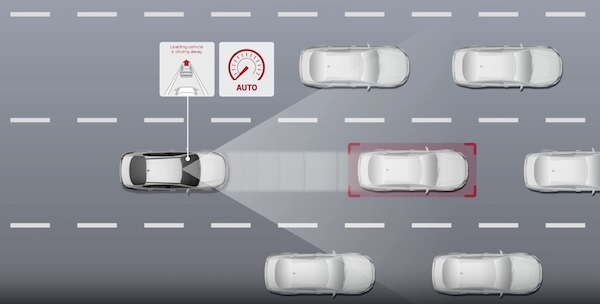
HDA is designed to help detect vehicles and lanes ahead, help maintain distance from the vehicle ahead, maintain the set speed, and keep the vehicle between the lanes while driving on certain highways.
***
When HDA is activated and the proper conditions are met, the Instrument Cluster indicator  will illuminate green. If the conditions are not met, HDA will be in standby mode and the indicator light will illuminate white. When in operation, and if both lanes are recognized, the Instrument Cluster will show the lanes illuminated white and the HDA indicator illuminated green .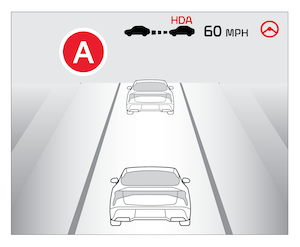
When HDA is operating, your vehicle will stop if the vehicle ahead of you stops. Also, if the vehicle ahead of you starts moving within approximately 30 seconds after the stop, your vehicle will start to move as well.
If the driver takes their hands off the Steering Wheel for several seconds, a warning message will appear on the Instrument Cluster and an audible warning will sound. If hands on the Steering Wheel are not detected, HDA will cancel.
Quick Tips:
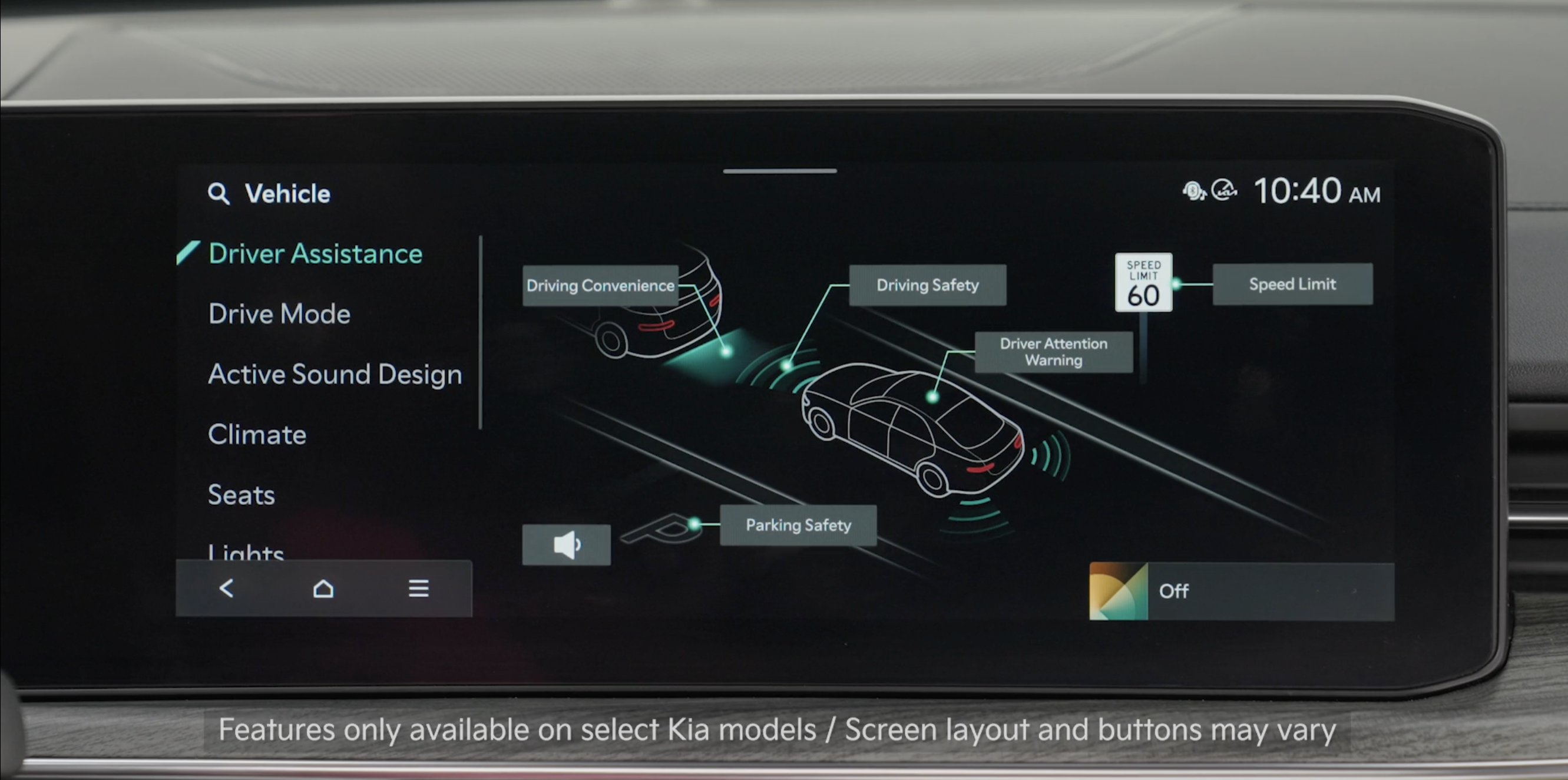
- To adjust the WARNING VOLUME: Press the SETUP button to go to VEHICLE SETTINGS on the Infotainment System. Press VEHICLE, DRIVER ASSISTANCE, and under WARNING METHODS, you can adjust WARNING VOLUME, and turn DRIVER SAFETY PRIORITY on or off
- Adjusting the Warning Methods or Volume will adjust settings for other driver assistance systems
- HDA can be turned on/off by going to Vehicle Settings in the Infotainment System
- Only adjust settings when the vehicle is at a standstill and the ignition is on or the Engine Start/Stop button is in the on position
- To access Vehicle Settings in the Infotainment System – Press the SETUP key or the onscreen SETUP button. Press VEHICLE to enter Vehicle Settings. Select Driver Assistance, then Driver Convenience. Select Highway Driving Assist to activate
- Driving on the main road of highways, and turning on Highway Driving Assist by pressing the Driving Assist button
- Entering the main road of highways while Lane Following Assist and Smart Cruise Control are operating
Reminders:
- Current highway speeds and controlled or limited access road information may vary. Future navigation updates may change this information. See owner’s manual for more information
- When the ignition is cycled, HDA returns to its previous state, on or off
- If the driver changes the speed while in automatic speed setting mode, it deactivates and enters a manual mode
*See LEGAL page for legal information.
This feature may not be available on all Kia models.
When engaged, Highway Driving Assist is not a substitute for safe driving, may not detect all objects around the vehicle, and only functions on certain federal highways. Always drive safely and use caution.
See section 5 in the Owner’s Manual for more detailed information, limitations and conditions.

