Blind-spot Collision-Avoidance Assist (BCA)
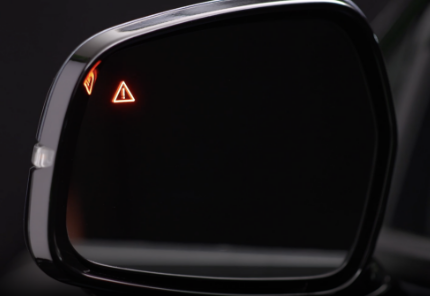
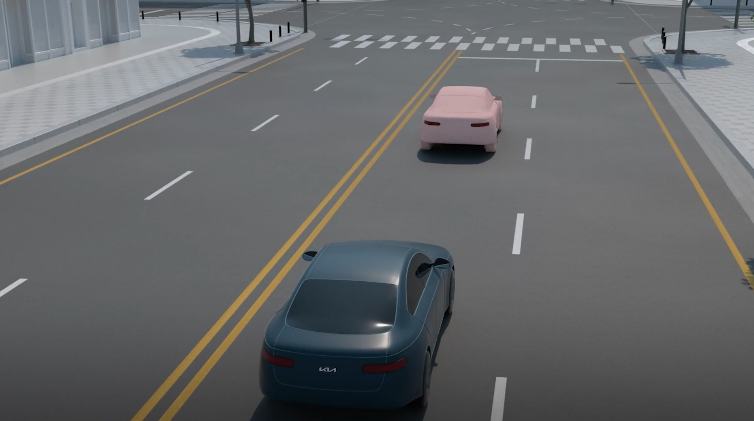
Blind-spot Collision-Avoidance Assist is designed to help detect approaching vehicles in the driver’s blind spot areas and may warn the driver of a possible collision with a visual alert on the outside rearview mirrors and a warning sound. If there is a collision risk when exiting a parallel space, BCA may assist with braking to help avoid a collision. Initially, BCA provides Collision Warning when it detects a potential collision with a vehicle, emitting an audible warning and visual alert on the outside rearview mirrors. If the system detects that the collision risk has increased, BCA may help avoid a collision by applying the brakes.
When another vehicle is detected within the collision warning boundary  , an indicator may illuminate on the outside rearview mirrors
  . This feature activates when the vehicle speed is above 12 mph, and the speed of the approaching vehicle is above 7 mph.
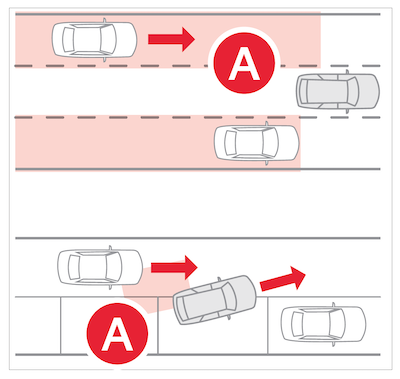
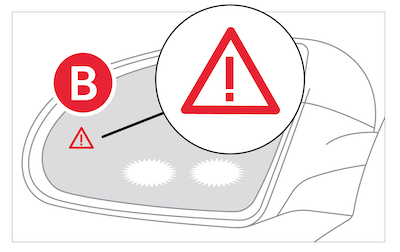
Collision warning: When vehicle detection warning is on and the driver activates a turn signal, a flashing indicator will illuminate on the outside rearview mirrors and BCA will sound a warning. This feature activates when your vehicle speed is above 25 mph and the approaching vehicle is above 7 mph.
Collision Avoidance Assist: If BCA determines that there is a collision risk with an approaching vehicle in the blind spot, BCA may help avoid a collision by applying the brakes when driving forward out of a parking space.
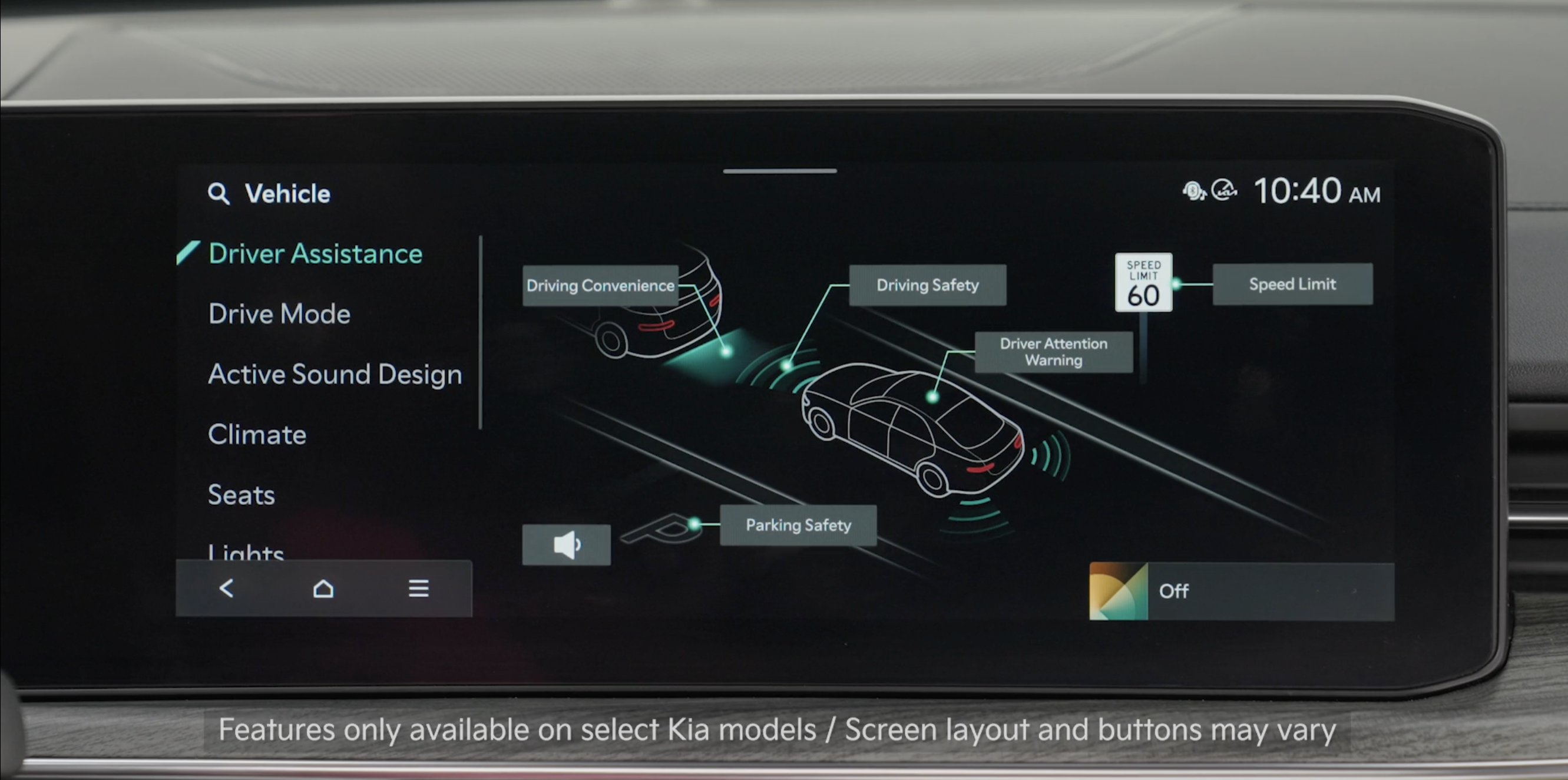
To enable BCA, press the SETUP button on the Infotainment System. Select the VEHICLE button to enter Vehicle Settings. Select DRIVER ASSISTANCE and then BLIND-SPOT SAFETY
Warning Methods: To adjust the Warning Methods settings, go to Vehicle Settings, DRIVING SAFETY, and under WARNING METHODS, you can adjust the Warning Volume, activate Haptic Warning, Blind-spot Safety Warning Sound and Driving Safety Priority
Quick Tips:
- Adjusting the Warning Methods will adjust settings for other driver assistance systems
- Collision warning of BCA will activate when:– The system is turned on– Other vehicles are detected on the rear sides of the vehicle at speeds above 6 mph– Vehicle speed is above approximately 25 mph
Reminders:
- BCA will not issue a warning if the approaching vehicle’s speed is calculated to be under 6 mph
- When BCA is ON and the ignition is cycled, BCA returns to its previous state
- If the turn signal is activated for a left turn at an intersection, BCA may issue a warning regardless of whether the driver intends to complete the turn. Maintain a proper distance from oncoming vehicles
*See LEGAL page for legal information
Certain features are available only on select Kia models.
When engaged, BCA is a supplemental function. Do not solely rely on this function and always pay attention to the road and its conditions. Refer to section 7 in the Owner’s Manual for more information. The images on this page are for illustrative purposes only and may not reflect actual feature or operation.

