Start/Stop Button
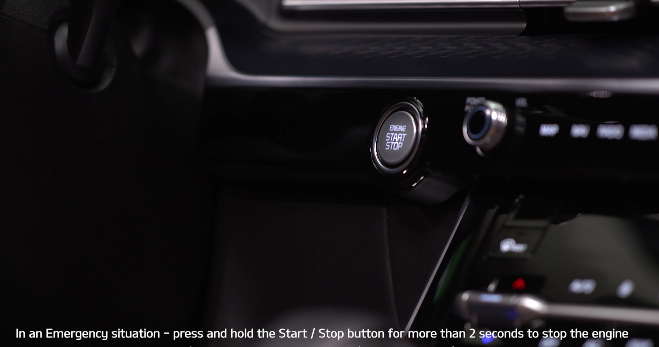
To start the vehicle:
- Depress the brake pedal
- Press the Start/Stop button while gear shift is in P (Park)
- To turn the vehicle OFF, press the Start/Stop button.
To use the Start/Stop button, you must have the Smart Key fob on your person.
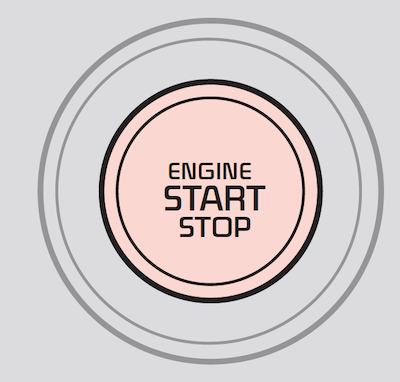
Quick Tips:
To use electrical accessories:
- ACC position– When in the OFF position and without depressing the brake pedal, press the Start/Stop button once
- ON position– When already in the ACC position and without depressing the brake pedal, press the Start/Stop button again– When in the OFF position and without depressing the brake pedal, press the Start/Stop button twice– Keeping the vehicle in ACC or ON position without turning the vehicle on may discharge the vehicle’s battery
Reminders:
- In an emergency situation while the vehicle is in motion, you are able to turn the vehicle off and to the ACC position by pressing the Start/Stop button for more than 2 seconds or 3 times successively within 3 seconds
- If the Smart Key battery is weak or not working properly, hold the Smart Key fob up to the Start/Stop button (Lock button side closest) and press the button to start the vehicle
- With the vehicle off, hydraulic power assist for steering and braking will be disabled and the vehicle will be more difficult to control
*See LEGAL page for legal information.
This feature may not be available on all Kia models.
Button configuration may vary. Images are for illustrative purposes only and may not reflect actual feature or operation.
Refer to section 9 in the Owner’s Manual for more information.

