Intelligent Speed Limit Assist (ISLA)
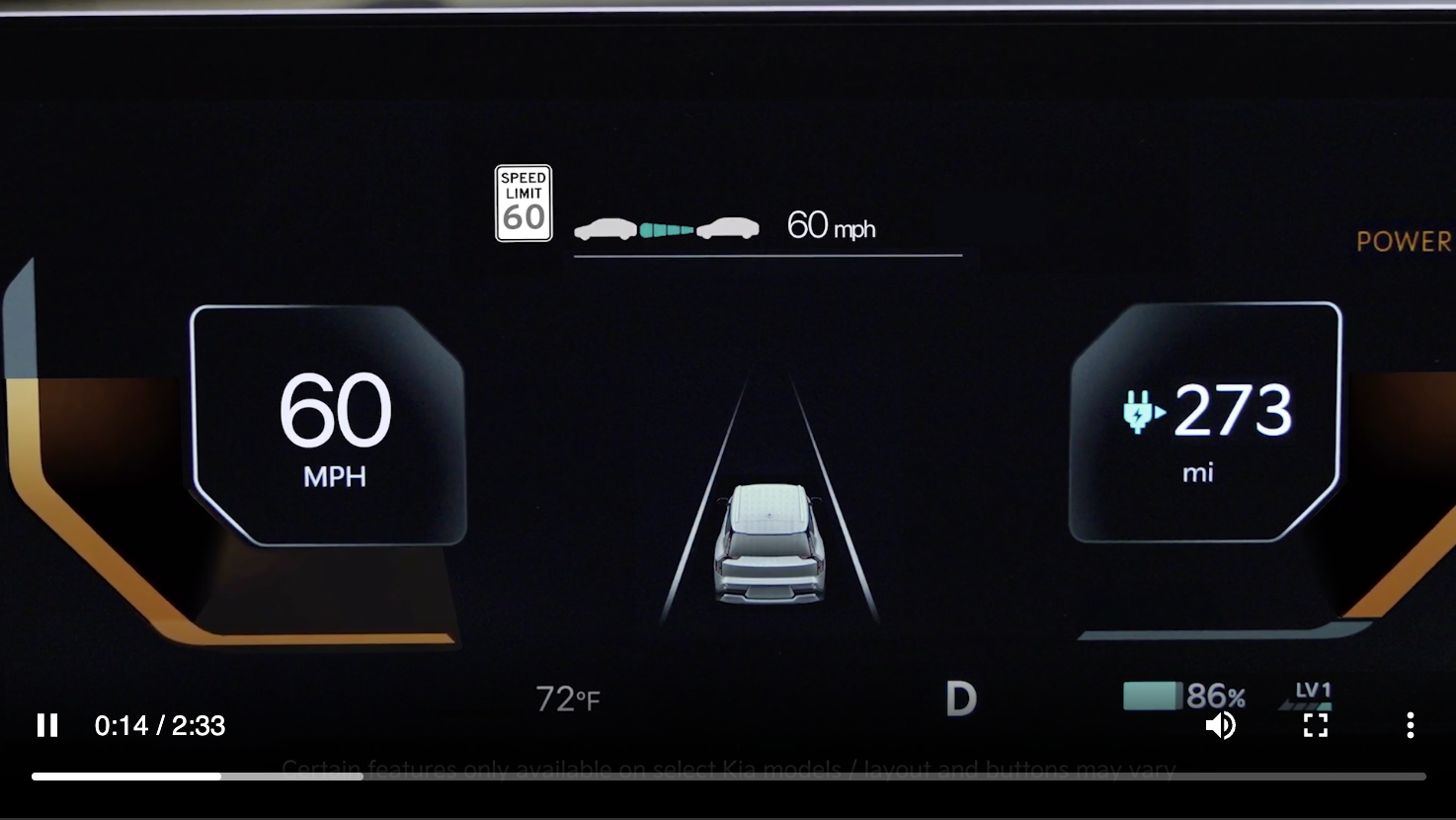
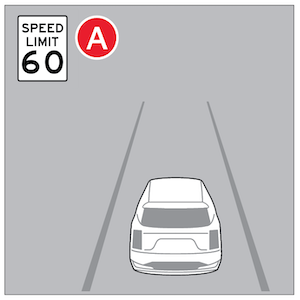
Intelligent Speed Limit Assist is designed to use speed limit information from the navigation system to inform the driver of the detected speed limit.
When ISLA is on and active, ISLA will display an alert on the Instrument Cluster of the detected speed limit  . If the vehicle’s current speed exceeds the detected speed limit, the vehicle’s current speed will blink red on the LCD.
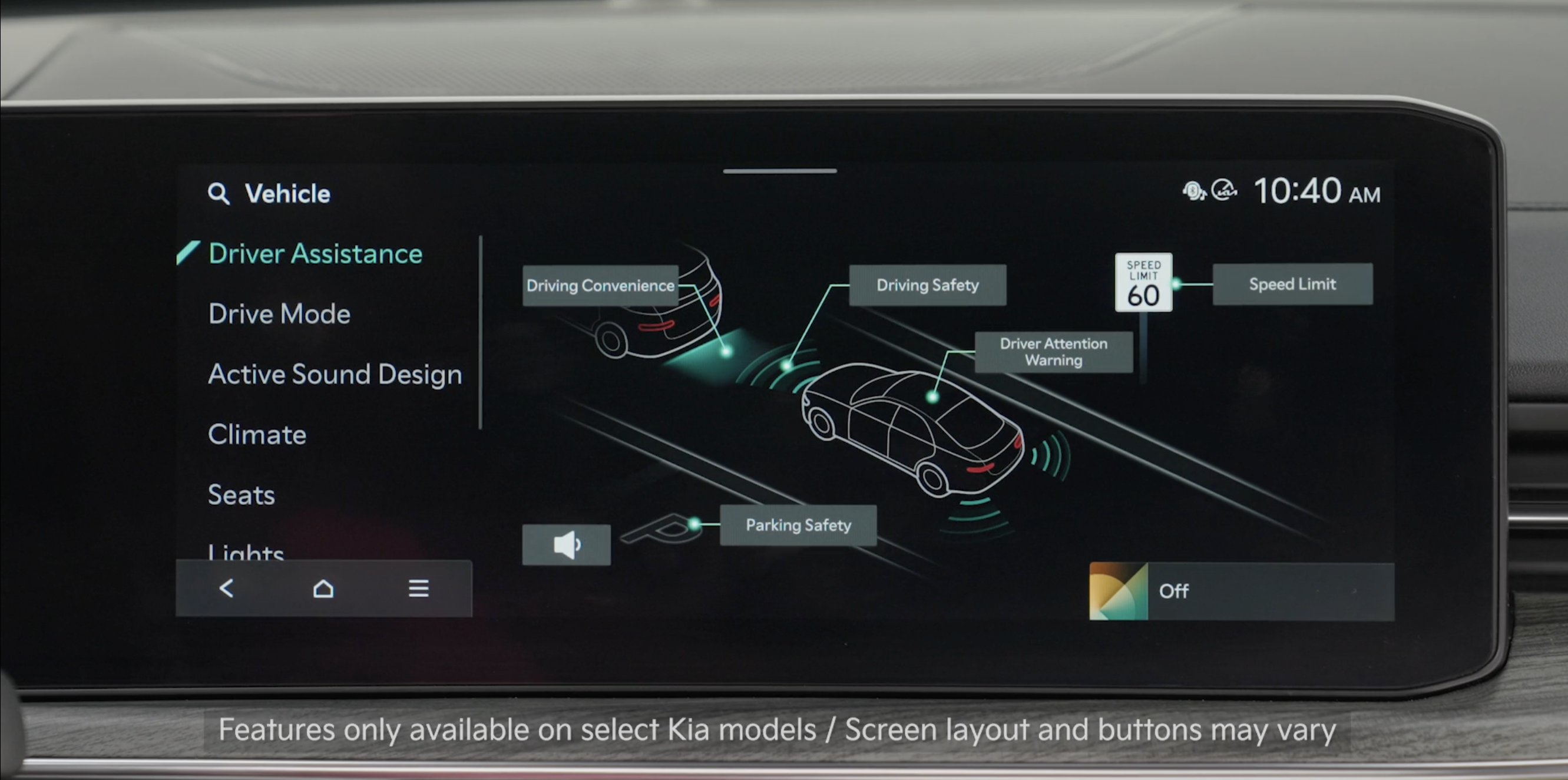
- To enable ISLA, press the SETUP key/button on the Infotainment System. Select the VEHICLE, DRIVER ASSISTANCE, then SPEED LIMIT
- Select Country: If the vehicle is not equipped with navigation system, a settings menu will be provided to select the country manually
- Speed Limit Offset: The offset for Speed limit can be adjusted. The vehicle will warn the speed limit or adjust the driving speed when the current driving speed is higher than the recognized speed limit added with set tolerance value
- Select one of the three modes:– Speed Limit Assist: Informs the driver of the posted speed limit, displays a message to change the speed to help the driver stay within the posted speed limit, and informs the driver to change set speed of Manual Speed Limit Assist or Smart Cruise Control to help the driver stay within the speed limit– Speed Limit Warning: Informs the driver of the posted speed limit and warns the driver when the vehicle is traveling faster than the posted speed limit– Off: ISLA is disabled
Quick Tips:
- Set the offset to “0” if you want the vehicle to travel at the posted speed limit when ISLA is on
- To adjust the WARNING VOLUME: Go to Vehicle Settings on the Infotainment System by pressing the SETUP button. Select Vehicle, Driver Assistance, Warning Methods, then Warning Volume. You can also select Driving Safety Priority to temporarily decrease the audio volume while the driver assistance system is operating
- Adjusting the Warning Timing and Warning Methods or Volume will adjust settings for other driver assistance systems
Reminders:
Vehicle must be parked and in a safe location to change the speed settings.
*See LEGAL page for legal information
This feature may not be available on all Kia models.
ISLA is a supplemental function. Do not solely rely on this system and always pay attention to the road and its conditions. Speed Limit Assist operates when the posted speed limit is 20 mph or higher.
Images are for illustrative purposes only and may not reflect actual feature or operation. See section 10 in the Owner’s Manual for more detailed information, limitations and conditions.

