Lane Following Assist 2 (LFA2)
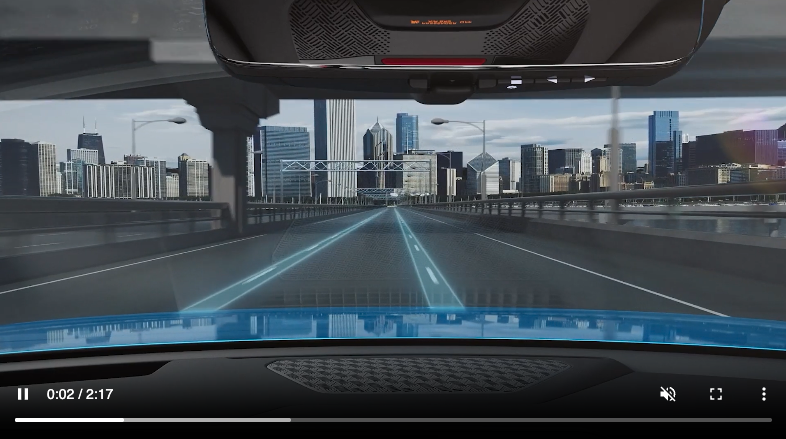
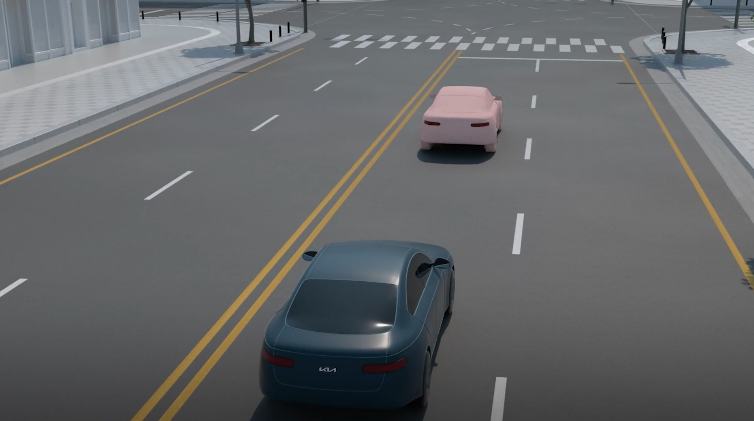
Lane Following Assist is designed to help ensure that the vehicle stays centered in its lane  by monitoring the detected lane markings ahead. The Instrument Cluster indicator will initially illuminate white
 .
.
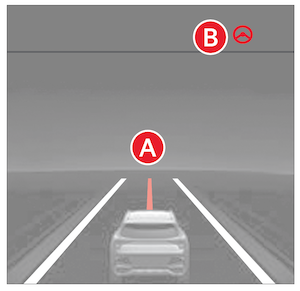
Hands-off Warning - If the driver removes their hands from the steering wheel for several seconds, visual and audible warnings will be provided. If the driver does not respond, Lane Following Assist (LFA) will automatically turn off and additional warnings will be displayed. If Smart Cruise Control is active, the Emergency Stop function may be activated.
- Press the Lane Driving Assist button
 to turn LFA on or off
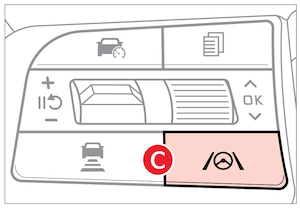
- LFA will operate only when these conditions are met:– LFA detects both sides of the lane markers the vehicle is traveling in– The vehicle is traveling slower than 100 mph
Quick Tips:
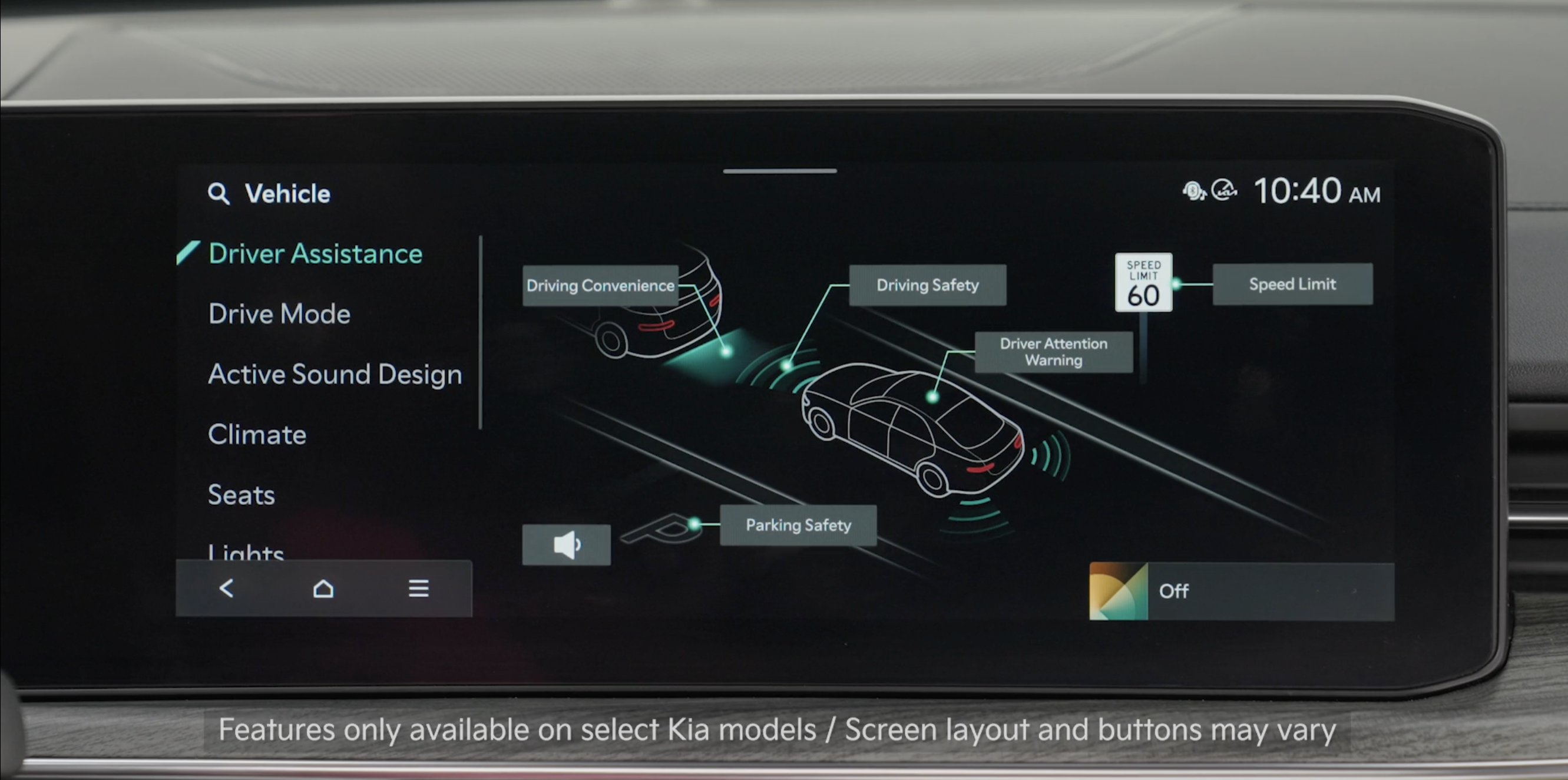
- To adjust the WARNING VOLUME: Go to Vehicle Settings on the Infotainment System by pressing the SETUP button. Select Vehicle, Driver Assistance, Warning Methods, then Warning Volume. You can also select Driving Safety Priority to temporarily decrease the audio volume while LFA is operating
- Adjusting the Warning Timing and Warning Methods or Volume will adjust settings for other driver assistance systems
Reminders:
LFA is not a substitute for safe and proper driving. Always drive safely and use caution.
*See LEGAL page for legal information
Certain features are available only on select Kia models.
LFA is supplemental. Do not solely rely on LFA and always pay attention to the road and its conditions. Images are for illustrative purposes only and may not reflect actual feature or operation.
Actual User Settings steps may vary by model. See section 10 in the Owner’s Manual for more detailed information, limitations and conditions.

