Lane Keeping Assist (LKA)
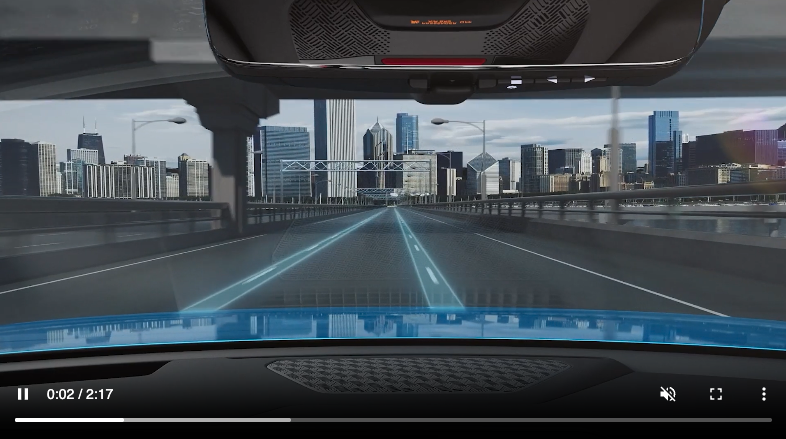
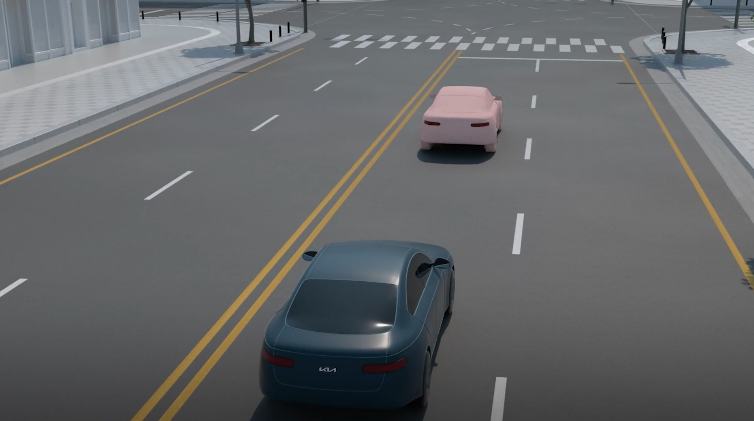
Lane Keeping Assist is designed to detect the lane markers on the road with a front view camera on the windshield, and may assist the driver’s steering to potentially help keep the vehicle in the lane. When turned on, the Instrument Cluster indicator will initially illuminate gray  . It will remain gray when the vehicle is traveling slower than 40 mph or when the system does not detect the lane markers. When the system detects the lane markers and can assist the steering, the Lane Safety icon will illuminate green .
If the LKA detects that you are moving outside of your lane without using the turn signal, LKA may give an auditory warning and display Lane Departure Warning on the Instrument Cluster or LKA may provide steering inputs to help prevent the vehicle from moving outside its lane. If LKA detects that the vehicle continues moving outside of the lane, LKA may give an auditory warning and display a Lane Departure Warning on the Instrument Cluster.
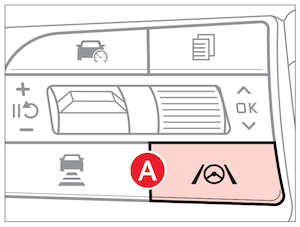
When enabled press and hold the Lane Safety button  to turn it on or off.
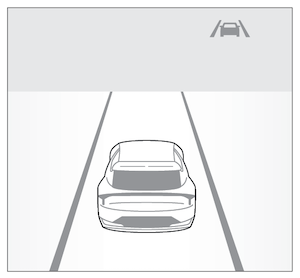
When the front-view camera does not detect the lane traveled in the lanes are not illuminated
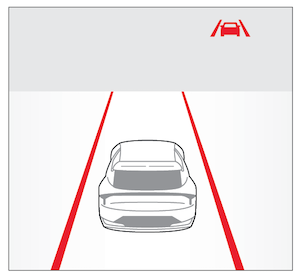
When the front-view camera detects the lane traveled in, both lanes are illuminated
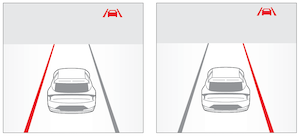
When the front-view camera detects the vehicle moving outside of the lane being traveled in, a red indicator will illuminate either on the left or right lane (shown in both images above)
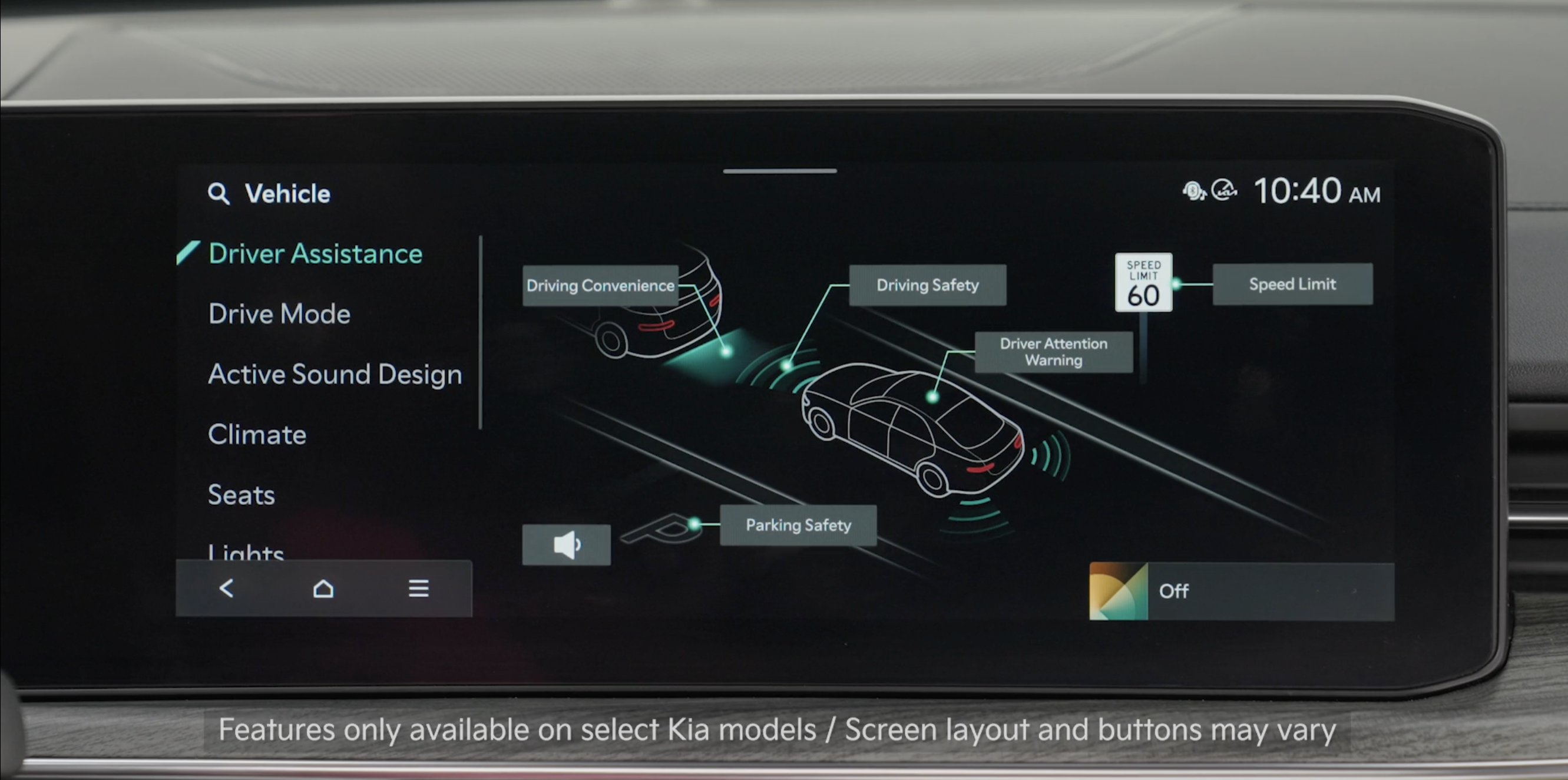
- To enable LKA: Press the SETUP key on the Infotainment System. Press VEHICLE to enter Vehicle Settings. Select DRIVER ASSISTANCE then LANE SAFETY
- Warning Methods: To adjust the Warning Methods settings, go to VEHICLE SETTINGS, DRIVER ASSISTANCE, and under WARNING METHODS, you can adjust the Warning Volume, Haptic Warning, Lane Safety Warning Sound and Driving Safety Priority
Quick Tips:
- All systems will operate under the following conditions:– The vehicle speed exceeds approximately 40 mph– LKA recognizes the lane the vehicle is traveling in– The vehicle is between the lane markers
Reminders:
- LKA will not issue a warning if the turn signals or hazard lights are activated
- When the ignition is cycled, LKA will return to the previously set state
*See LEGAL page for legal information
Certain features are available only on select Kia models.
When engaged, Lane Keeping Assist is not a substitute for safe driving and may not always warn the driver if the vehicle is driven outside of its lane. Always drive safely and use caution.
Images are for illustrative purposes only and may not reflect actual feature or operation. Your actual display, buttons and/ or features may vary.
Actual Vehicle Settings steps may vary by model. Refer to section 10 in the Owner’s Manual for more information.

