USB-C Ports & Power Outlets
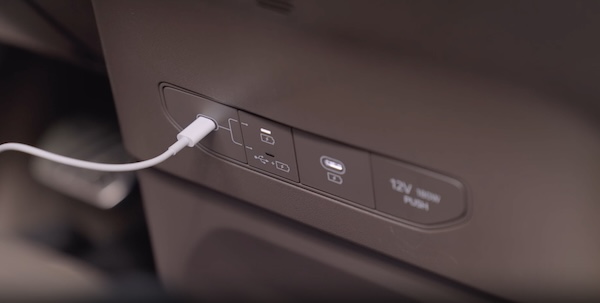
 Multimedia USB-C Port: Use the Multimedia USB-C port to connect audio devices and smartphones. The USB-C port can also be used to stream data. Press the button
  to cycle between charging and streaming data. When the top LED is illuminated, the port is charging only. When the bottom LED is illuminated, the port is streaming and charging.
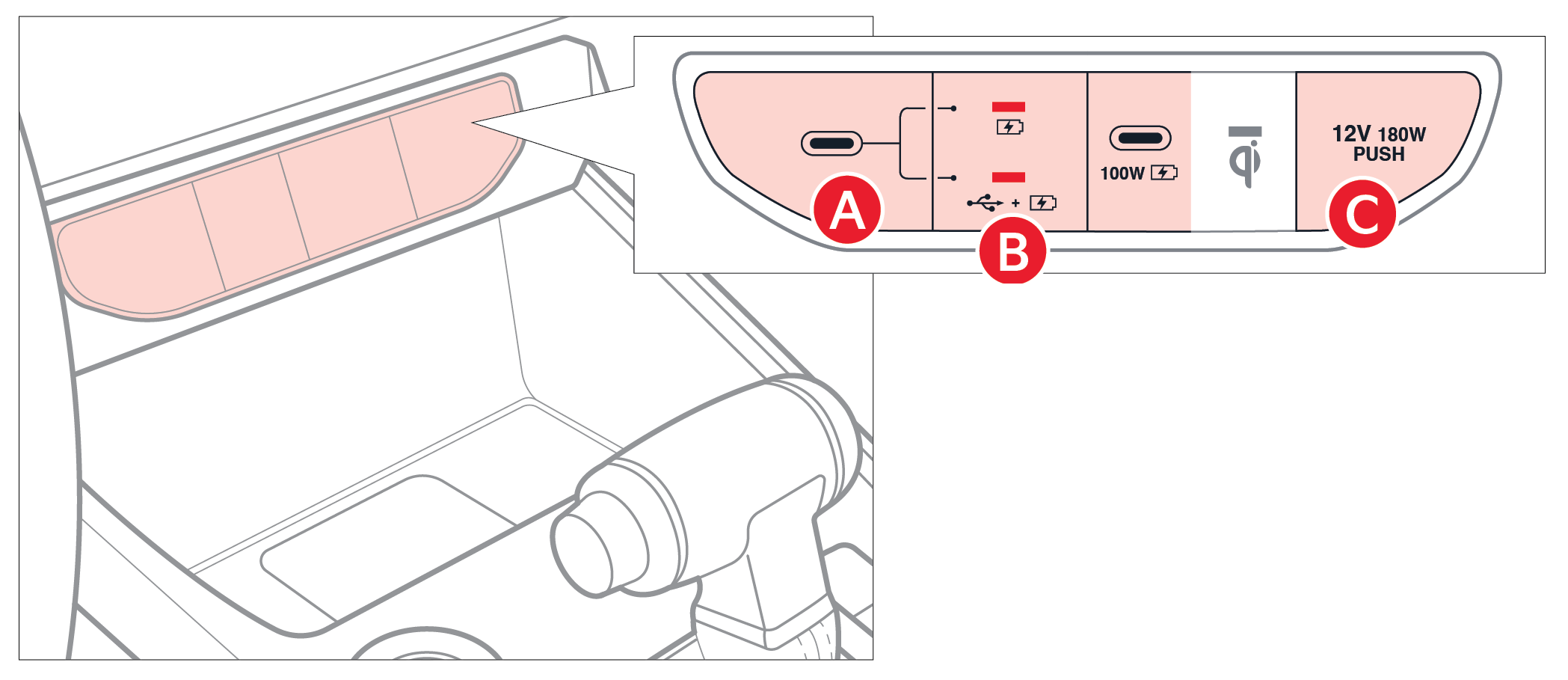
 Power Outlets: Use the power outlet for mobile phones and other devices designed to operate on a 12V (180W max) power outlet.
Quick Tips:
The power outlets are inactive when ignition is in the OFF position.
Reminders:
- Using the power outlets (accessory plugs) for prolonged periods of time with the Start/Stop button in the ACC position (Vehicle OFF) may cause the battery to discharge
- The Multimedia USB-C data port is located to the left of the Power Outlet. The USB Charger Port does not support data transfer
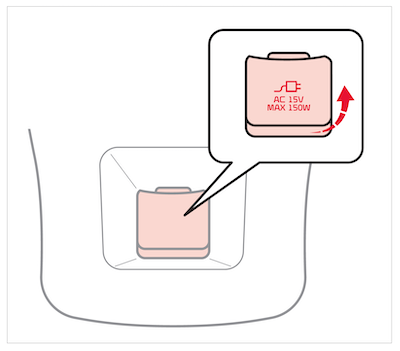
- The AC inverter supplies 115V/150W electric power to operate accessories or devices.
- To use the AC inverter, open the AC inverter cover and connect a plug to it.
- The AC inverter is ON when the vehicle is on.
Certain features are available only on select Kia models.
Refer to section 8 in the Owner’s Manual for more information. Button configuration may vary. Images are for illustration purposes only and may not reflect actual feature or operation.

