Trip Modes / Trip Computer
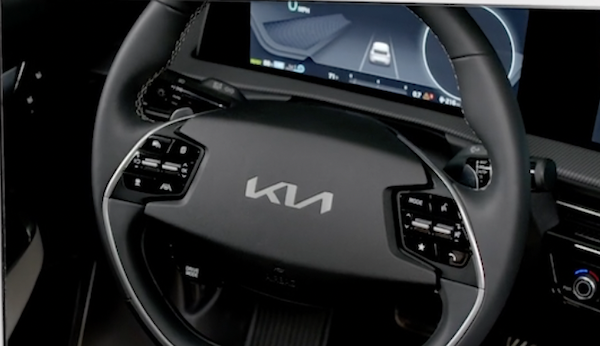
TRIP MODES / TRIP COMPUTER
The Trip Computer is a driver information system that displays information related to driving. It appears on the display when the Engine Start/Stop button is in the ON position.
To cycle through the Trip modes  , press the Mode button
  .
.
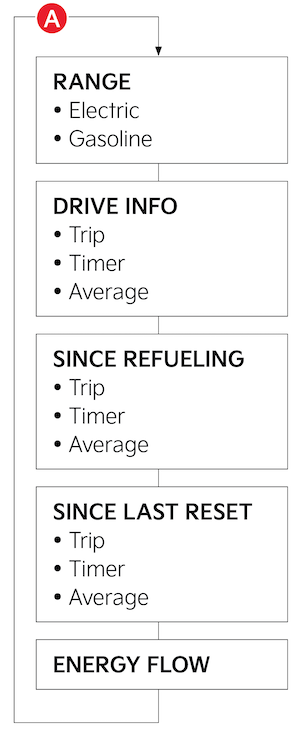
(Type A)
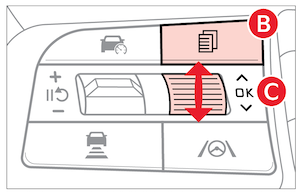
When in the Trip Computer mode  , press the OK button
  to cycle through the screens. When displaying ACCUMULATED INFO, DRIVE INFO, DRIVING STYLE or FUEL ECONOMY screens, press and hold the OK button to reset to zero.
Reminders:
- Appearance of Trip Computer display may differ as equipped
- All stored driving information (except Odometer and Range) is reset if the battery is disconnected
Certain features are available only on select Kia models.
For illustrative purposes only. Your actual display, buttons and/or features may vary.
Refer to section 5 in the Owner’s Manual for more information.

