Instrument Cluster LCD Modes
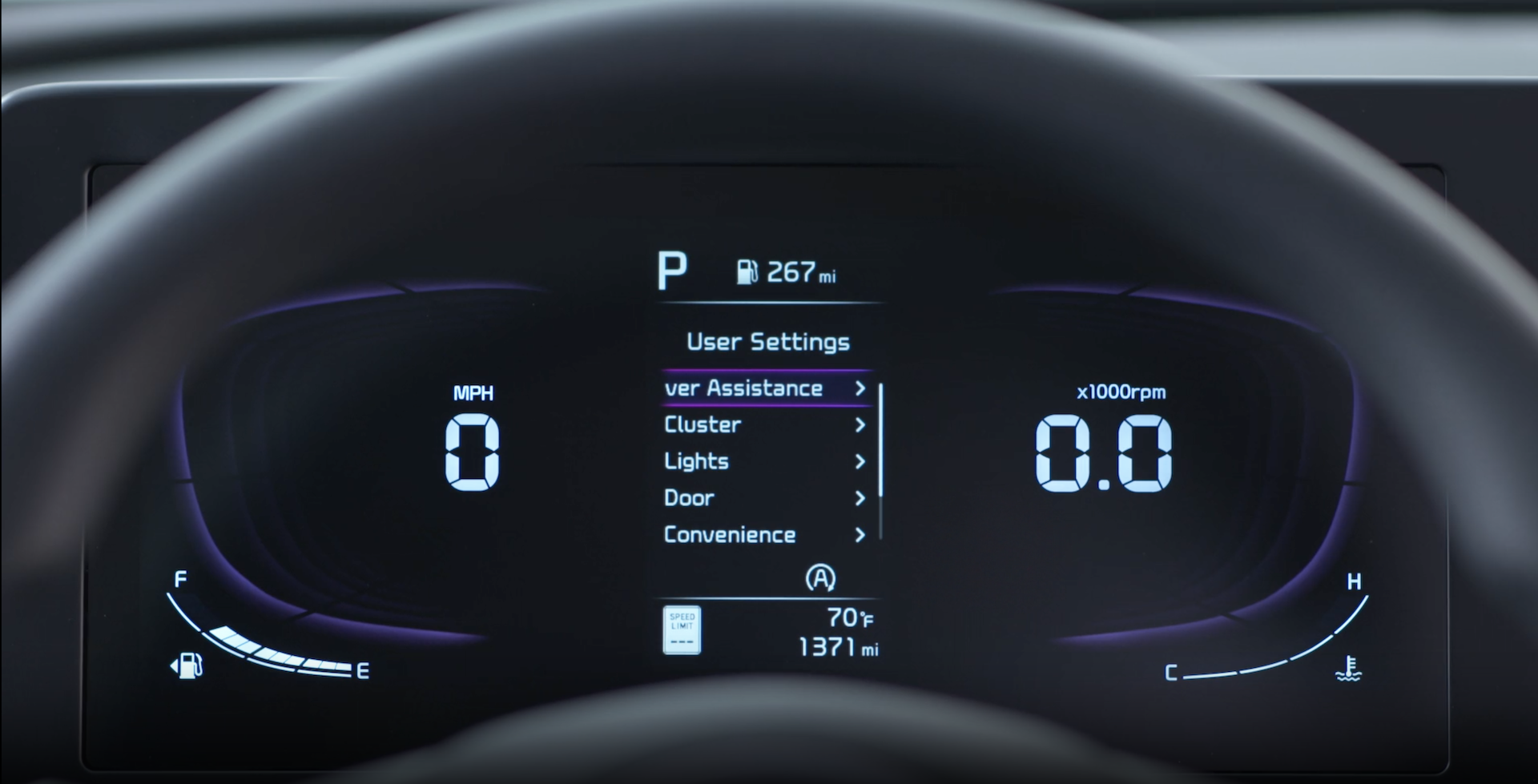
Press the Mode button  on the right side of the Steering Wheel to cycle through different Instrument Cluster LCD Modes: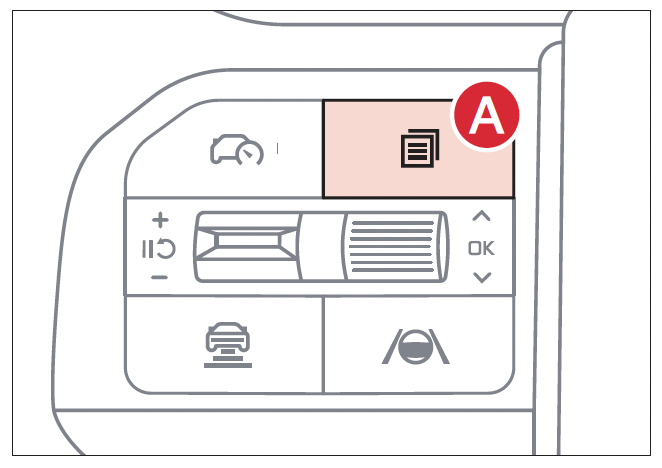
 Driving Assist: Displays Lane Keeping Assist, Smart Cruise Control*, Lane Following Assist
 Trip Computer Mode: Displays driving information for fuel economy, accumulated info, AUTO STOP* etc.

 User Settings Mode: Change settings for Driver Assistance, cluster, lights, door, convenience, units, language and reset
 Information/Master Warning Mode: Displays warning messages related to the vehicle when one or more systems is not operating normally, TPMS information
Driving while distracted is dangerous and should be avoided. Drivers should remain attentive to driving and always exercise caution when using the steering-wheel-mounted controls while driving.
Refer to section 5 in the Owner’s Manual for more information.

