Kia Connect Activation*
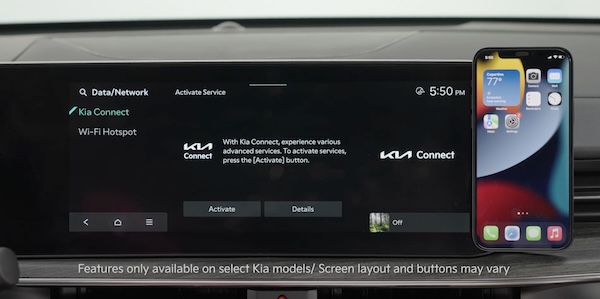
Follow these steps to activate your Kia Connect system:
- Enter the activation screen on your Infotainment System: press the SETUP button, Press the DATA/NETWORK button, In Kia Connect, press ACTIVATE
- Read and agree to Terms of Service and Privacy Policy and press SUBMIT
- Enter number or email address to receive a verification code, then press SUBMIT
- Click on the link and a page will open requesting you to create an account
- Provide the information needed and select SAVE to create the account
- A page will open displaying your verification code. Enter this code on the Infotainment System screen. Press OK and SUBMIT, then press OK again
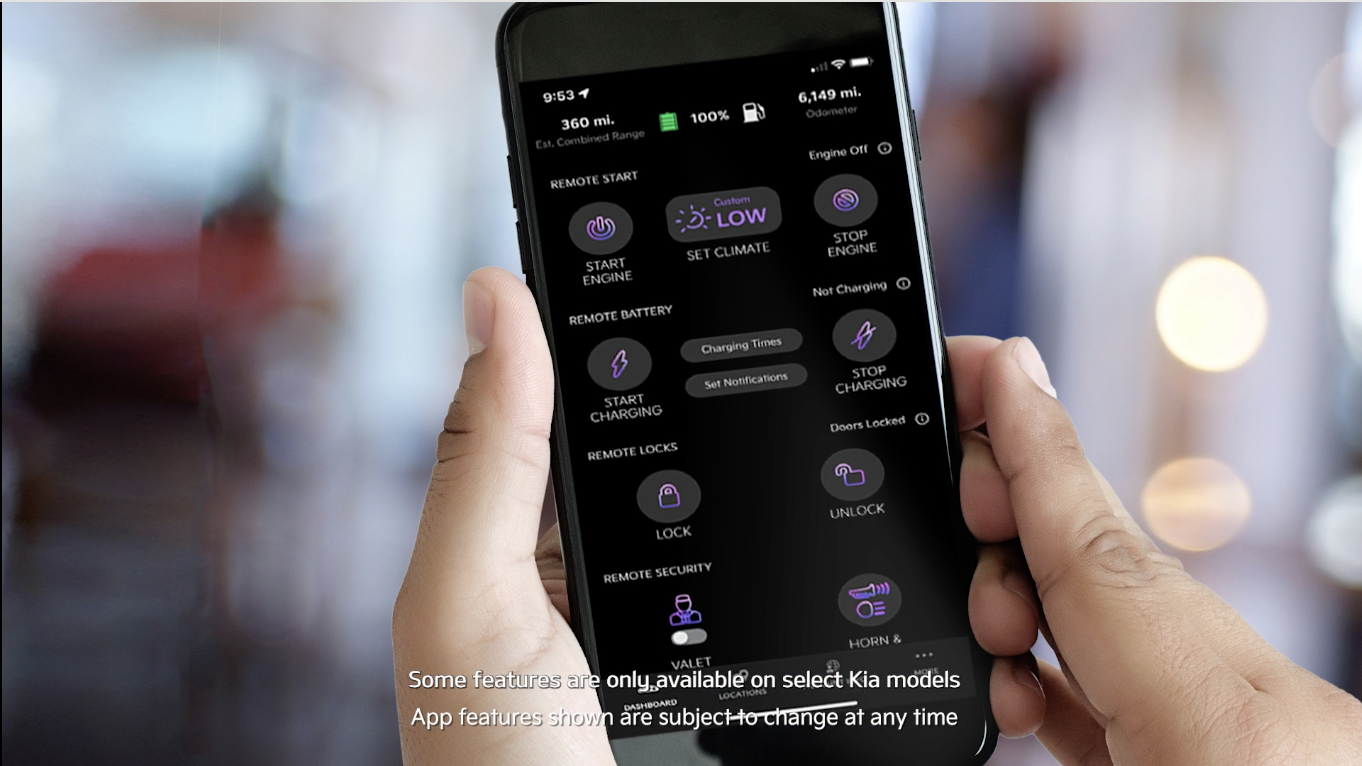
- On your phone, select I HAVE ENTERED MY VERIFICATION CODE and a link will be provided to download the Kia Access App. After installing the app, log in and enjoy
Reminders:
This vehicle is equipped with over-the-air system updates. Download map updates for the navigation system by going to update.kia.com. Check for updates that are generally available twice a year.
*See LEGAL page for legal information
For more information, refer to the Car Infotainment System Quick Reference Guide.
Driving while distracted can result in a loss of vehicle control that may lead to an accident, severe bodily injury, and death. The driver’s primary responsibility is in the safe and legal operation of a vehicle, and any handheld devices, other equipment, or vehicle systems which take the driver’s eyes, attention and focus away from the safe operation of a vehicle or which are not permissible by law should never be used during operation of the vehicle.

