Surround View Monitor (SVM)
SURROUND VIEW MONITOR (SVM)*
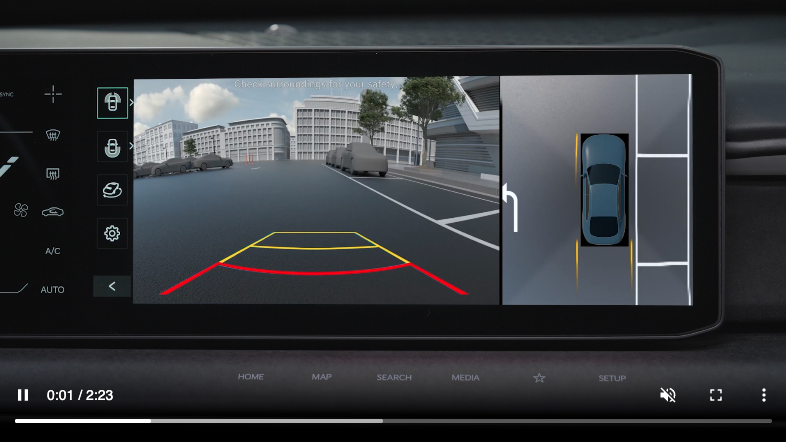
Surround View Monitor uses the wide view cameras and displays images around the vehicle through the infotainment system screen to assist with parking.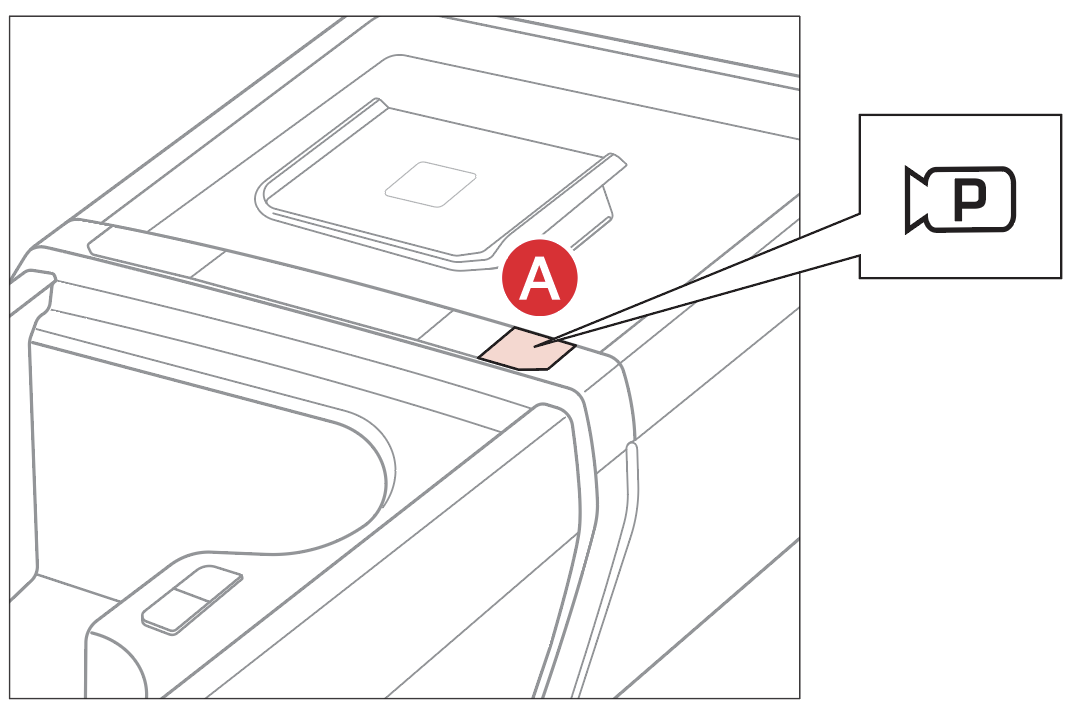
- Press the Parking/View button
 to turn on Surround View Monitor. Press the button again to turn off the function
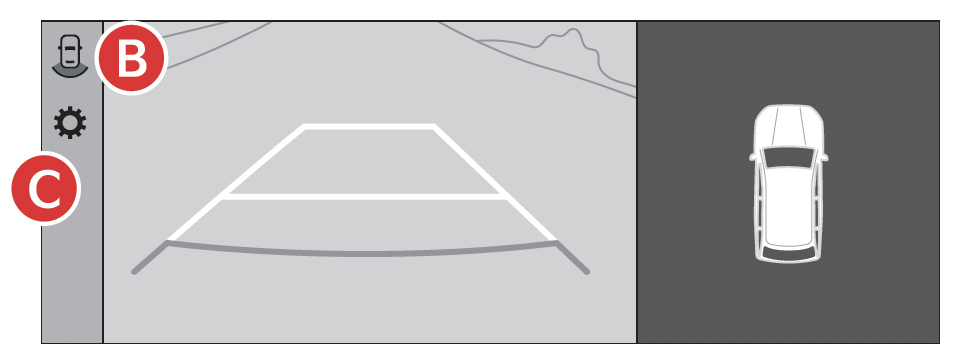
 - Other view modes can be selected by touching the view icons
 on the Surround View Monitor screen
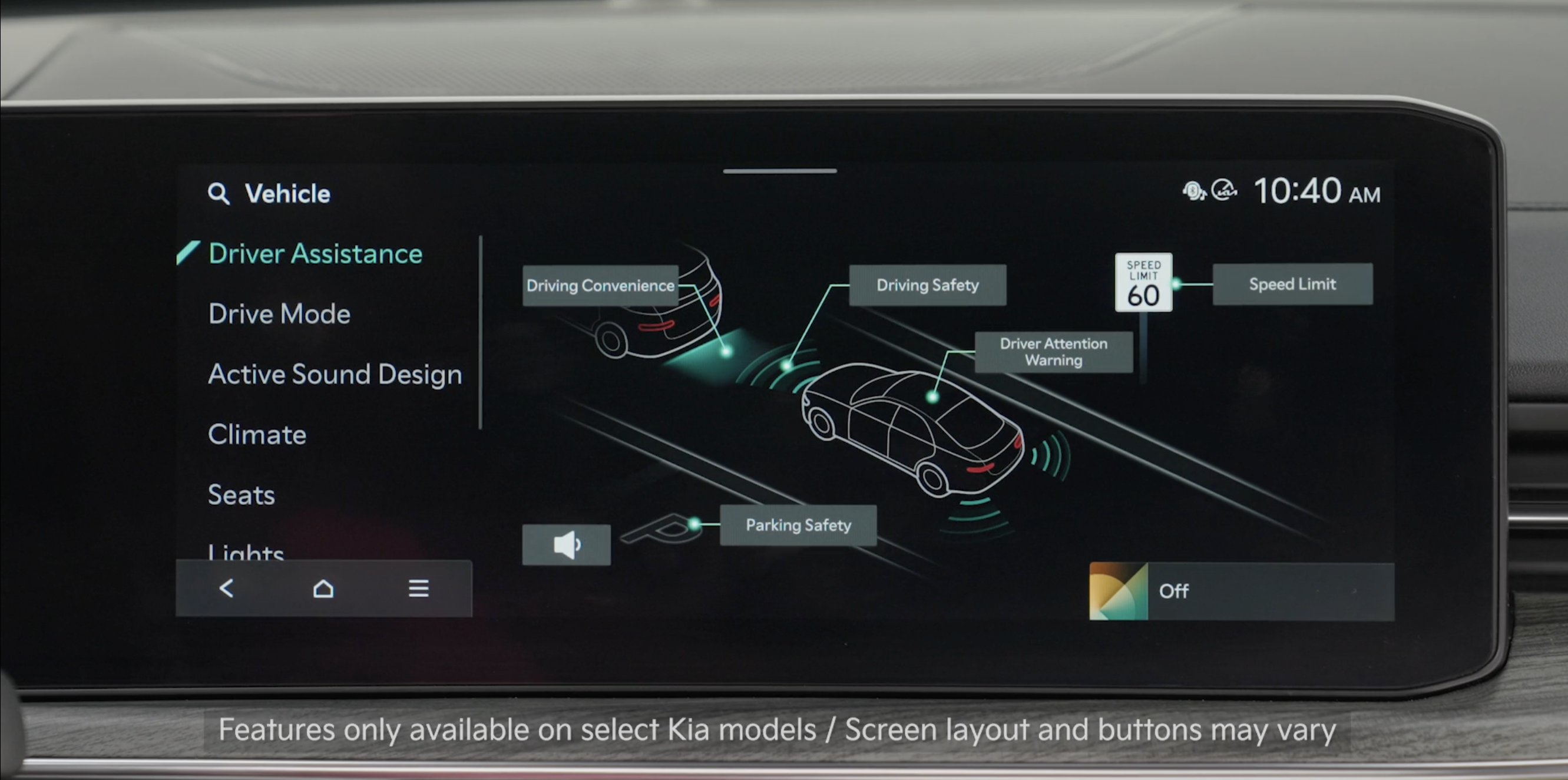
 - Surround View Monitor Auto On: In Driver Assistance, select Parking Safety and then Surround View Monitor Auto. With Surround View Monitor Auto on and selected from the Vehicle Settings menu, the front parking assist view screen is displayed when Parking Distance Warning warns the driver while gear is in D (Drive)
To change the SVM settings, press the onscreen settings icon
 , while SVM is operating.
Quick Tips:
- To adjust the WARNING VOLUME: Press the SETUP button to go to VEHICLE SETTINGS on the Infotainment System. Press VEHICLE, DRIVER ASSISTANCE, and under WARNING METHODS, you can adjust WARNING VOLUME, and turn HAPTIC WARNING and DRIVER SAFETY PRIORITY on or off.
- Adjusting the Warning timing and Warning Methods or Volume will adjust settings for other driver assistance systems
Reminders:
- The SVM camera is equipped with an optical lens to provide a wider range of vision and may appear different from the actual distance. The Surround View Monitor system is only a supplemental device. Drivers should not rely solely on the SVM information when parking and backing up. Drivers should always pay attention and directly check the left/right and rear
- When SVM is active the volume may be lowered on all audio modes
- Through normal use and after washing or inclement weather, the rear camera may need cleaning. Use a clean, microfiber cloth to remove any dirt, debris or spots that may have accumulated on the lens
*See LEGAL page for legal information
Images are for illustrative purposes only and may not reflect actual feature or operation.
When engaged, Surround View Monitoring (SVM) is only a supplemental device. Drivers should not rely solely on the SVM information when parking and backing up. Drivers should always pay attention and directly check the left/right and rear.
See section 9 in the Owner’s Manual for more information.

