Rear View Monitor (RVM)
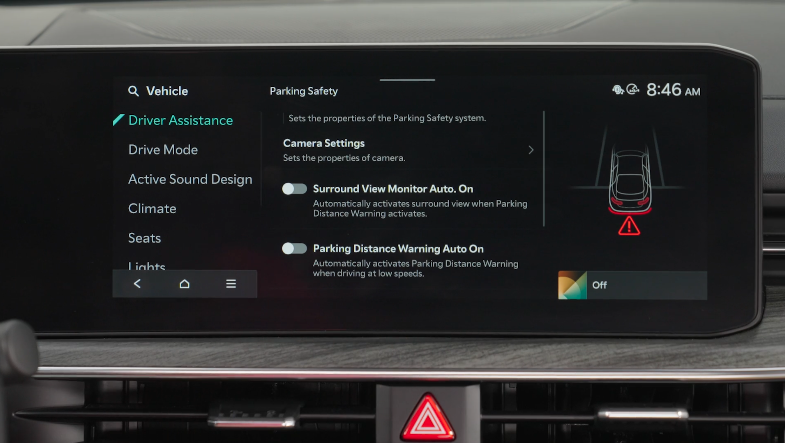
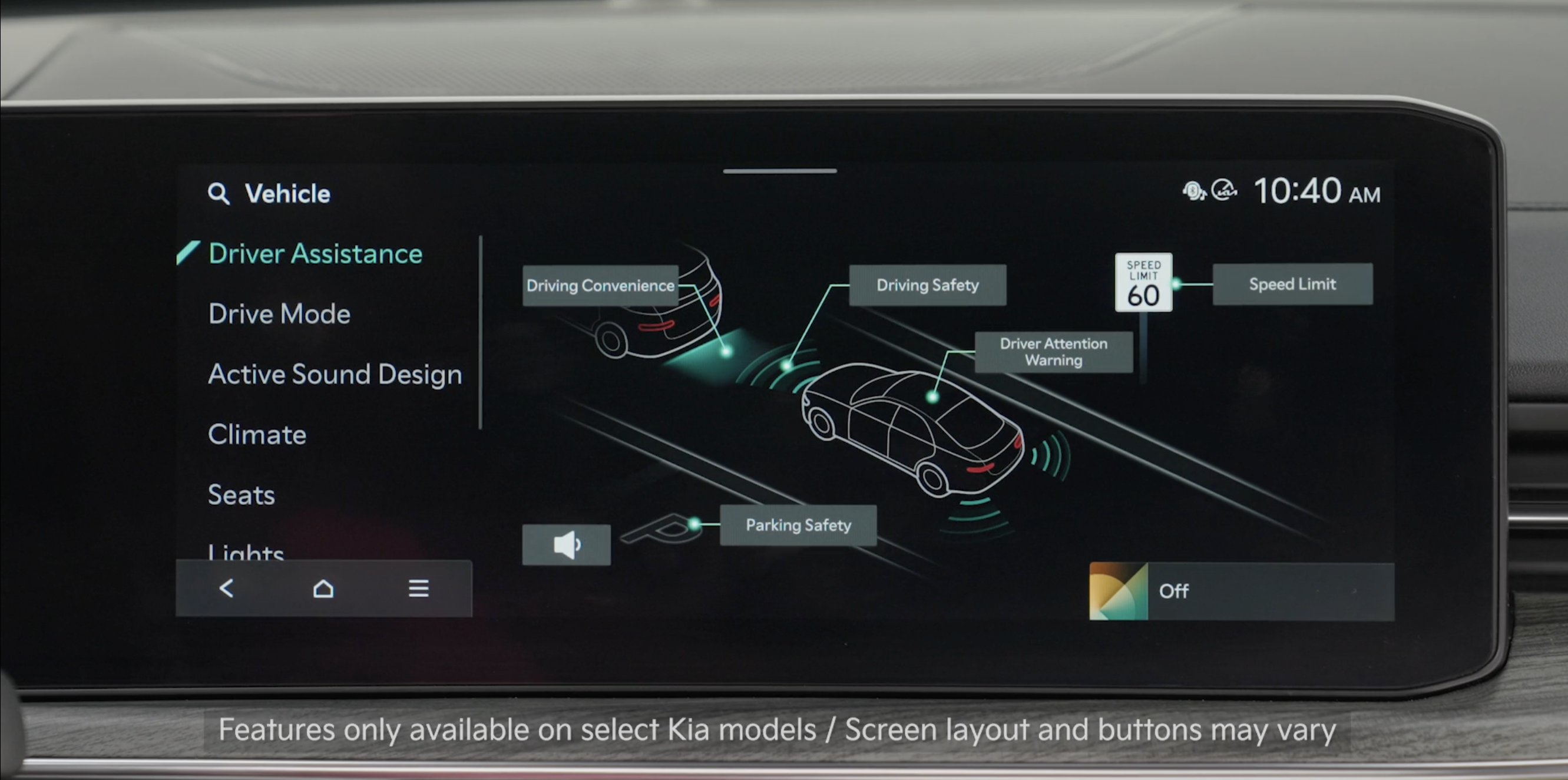
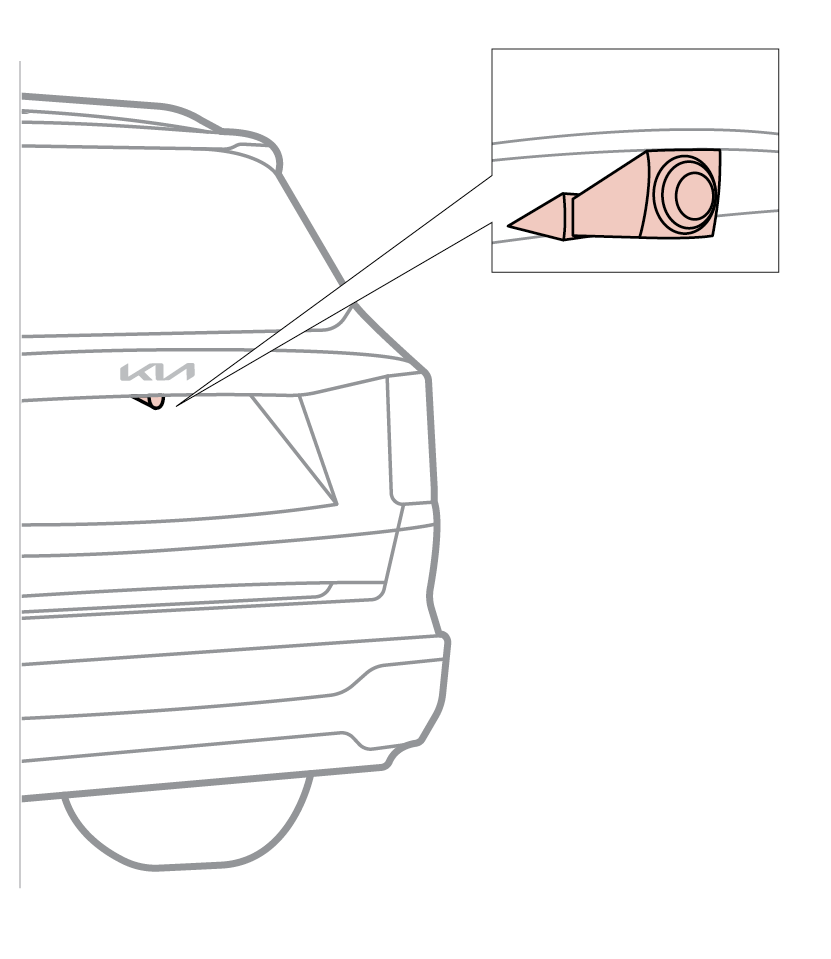
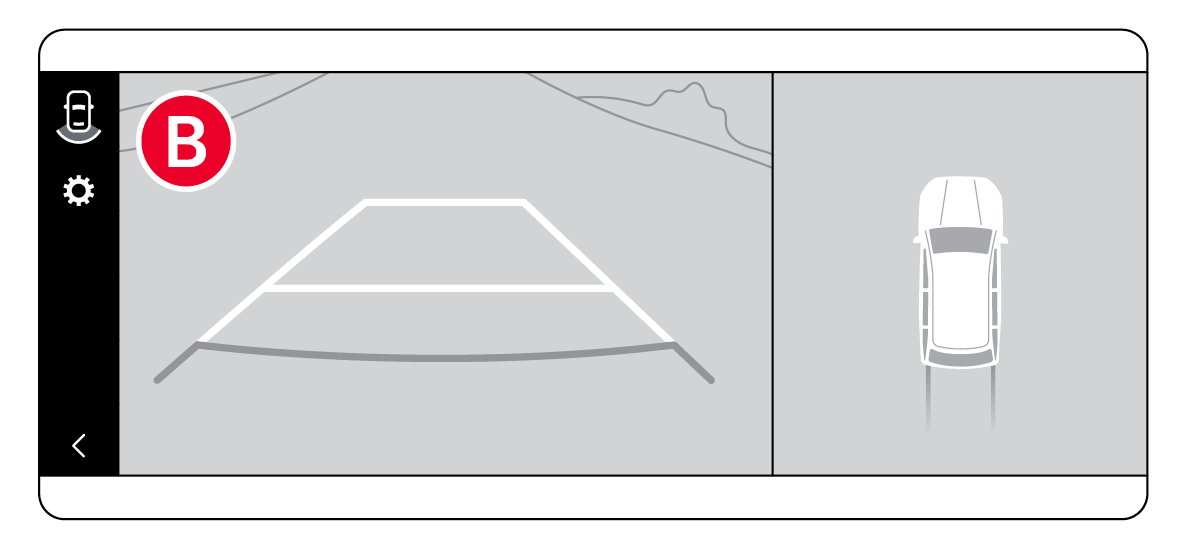
Rear View Monitor is a supplemental system that displays the view behind the vehicle through the Infotainment System screen while the vehicle is in Reverse.
RVM activates when the:
- Ignition or the ENGINE START/STOP button is in the ON position
- Rotary Dial Shifter is in the R (Reverse) position
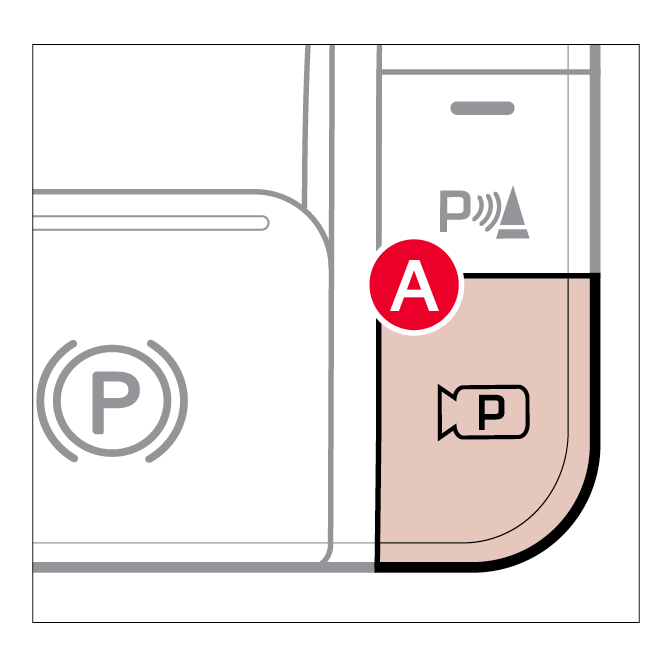
To access Rear View Monitor settings:
- Press the Parking/View button
 to activate the Rear View Monitor.
 - Select the Settings icon

 , and choose Camera Settings to adjust the available options
To adjust the Warnings Methods:
The Warning Methods for the Rear View Monitor can be adjusted in the Infotainment System
- Select Setup, then select Vehicle
- Select Driver Assistance, and then choose Warning Methods
To access Camera Settings in the Infotainment System:
- Select the SETUP key or the onscreen SETUP button
- Select VEHICLE
- Select DRIVER ASSISTANCE, PARKING SAFETY and CAMERA SETTINGS
Reminders:
- RVM is ON by default when the ignition is cycled
- While the Rear View Monitor is active the volume will be lowered on all audio modes
- Through normal use and after inclement weather or washing, the rear camera may become dirty. Use a clean, microfiber cloth to remove any dirt, debris or spots that may have accumulated on the lens.
- Adjusting the Warning Timing and Warning Methods or Volume will adjust settings for the other driver assistance systems
*See LEGAL page for legal information
This feature may not be available on all Kia models.
Rear View Monitor is not a substitute for proper and safe backing-up procedures. Rear View Monitor may not display every object behind the vehicle. Always drive safely and use caution when backing up.
Images are for illustrative purposes only and may not reflect actual feature or operation. See section 7 in the Owner’s Manual for more information.

