Instrument Cluster LCD Modes
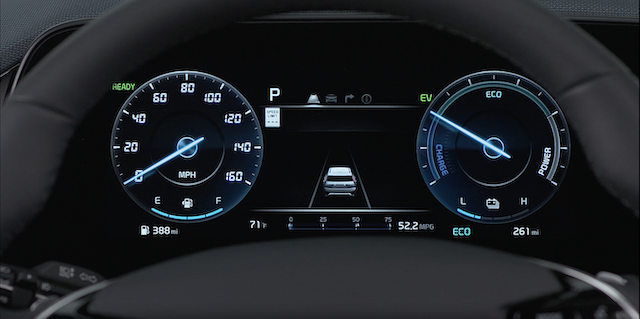
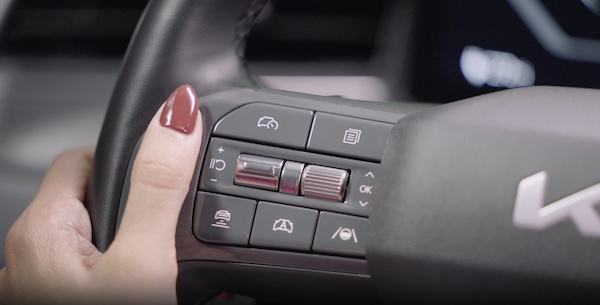
Press the Mode button  to scroll through different Instrument Cluster LCD Modes: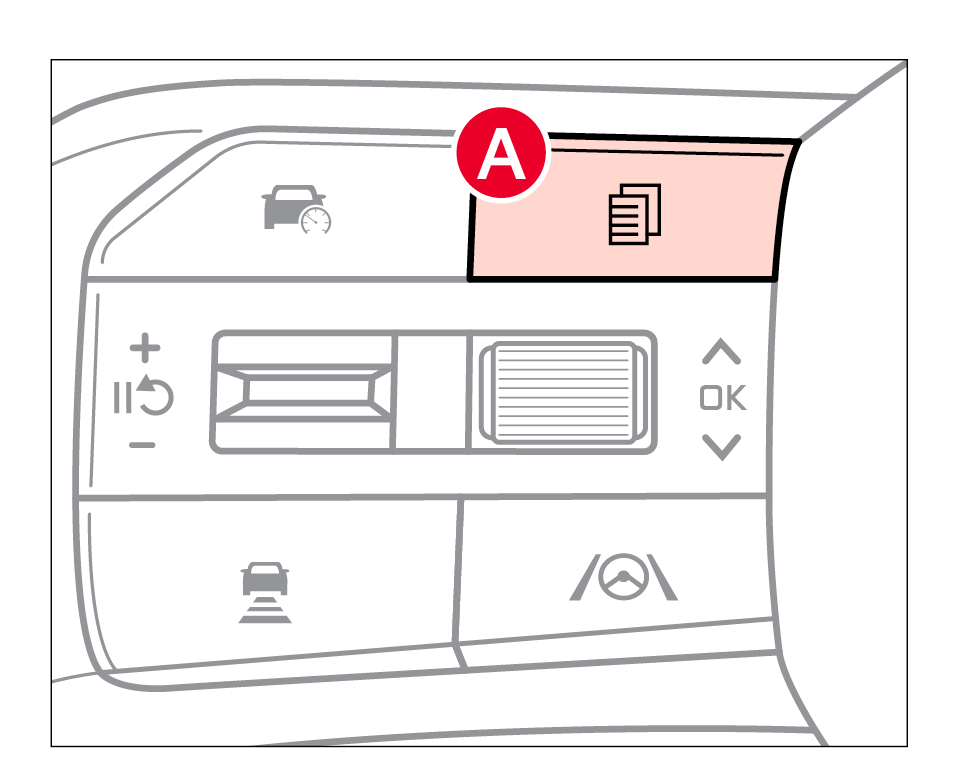
 Trip Computer Mode: Displays driving information for current trip, since refueling/last reset, energy flow, driving force distribution, range
 Driving Assist Mode: Displays information related to Driver Assistance systems
 Navigation View: Displays the route guidance and destination information
 Information/Master Warning Mode: Displays information on Intelligent Speed Limit Assist, TPMS, drive force distribution, and warning messages related to the vehicle when one or more systems is not operating normally
Some features may not be available on all Kia models.
For illustrative purposes only. Your actual display, buttons and/or features may vary.
Driving while distracted is dangerous and should be avoided. Drivers should remain attentive to driving and always exercise caution when using the steering-wheel-mounted controls while driving.
Refer to Section 5 in the Owner’s Manual for more information.

