Vehicle Auto Shut-off System
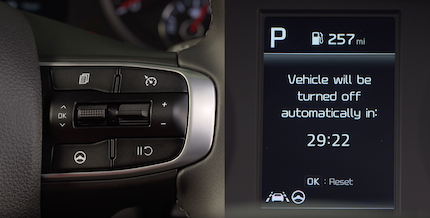
Vehicle Auto Shut-off is designed to automatically turn the vehicle off after a preset amount of time, when certain conditions are met. When the timer starts, a warning message stating “Vehicle will be turned off automatically in…”  appears on the Instrument Cluster LCD, accompanied by a chime.
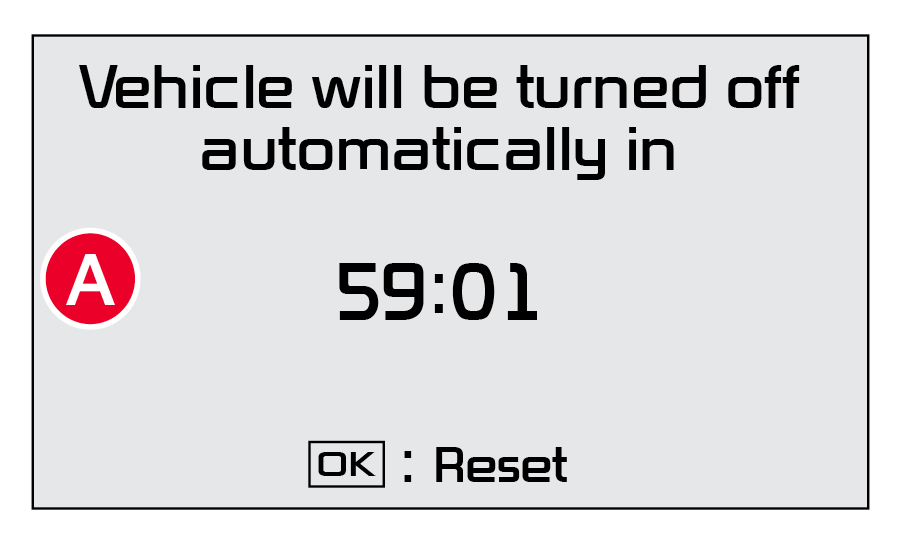
Quick Tips:
- The timer that appears on the Instrument Cluster’s LCD can be reset using the OK buttonon the right side of the Steering Wheel.
When the timer ends, a continuous beep sounds for one minute before the vehicle shuts off.
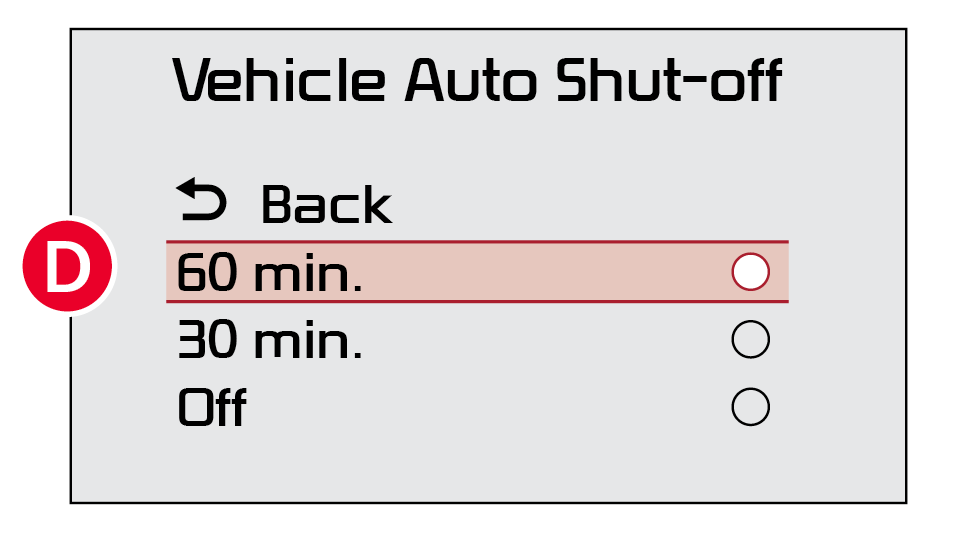
Auto Shut-off Settings: The system is on by default and timer is pre-set to 30 minutes.
To change the pre-set time settings,
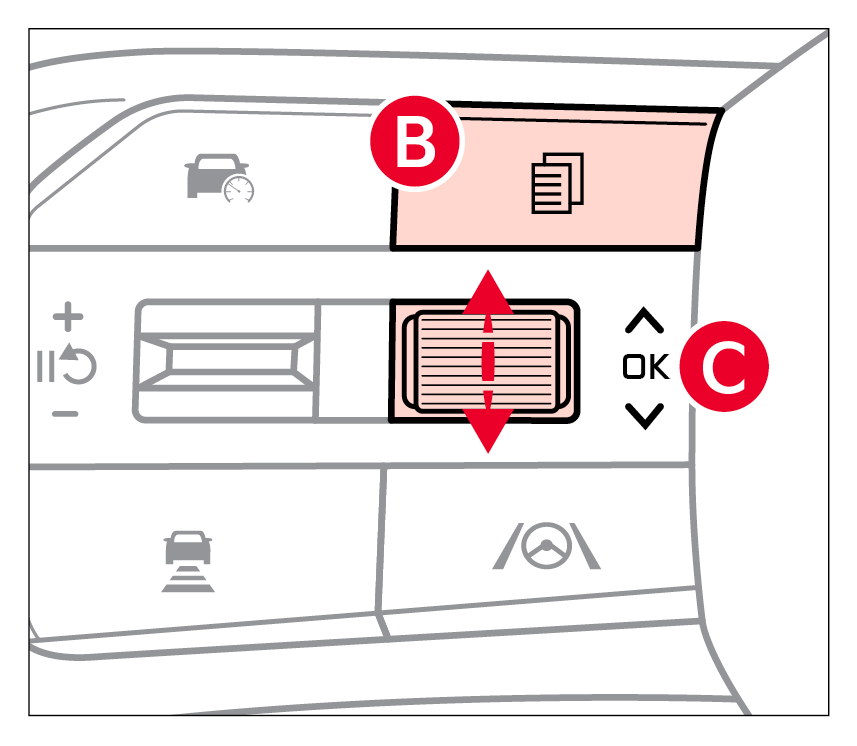
- Go to User Settings on the Instrument Cluster LCD by pressing the Mode button
 on the right side of the Steering Wheel.
 - Select Convenience
- Then select Vehicle Auto Shut-off.
- Move through the selections by pressing the OK button
 on the steering wheel.
 - Select 30 minutes, 60 minutes or Disable for off
 .
.
Reminders:
- When the vehicle is turned off then on again, the system defaults to on (30-minute pre-set time)
- The system will activate when the vehicle is on and these conditions are met:
– The vehicle is in (P) Park
– The driver’s seat belt is unfastened
– The driver’s door is opened
– The passenger seat is not occupied
This feature may not be available on all Kia models.
Driving while distracted is dangerous and should be avoided. Do not attempt to change vehicle system settings while driving.
Images are for illustrative purposes only. Actual feature, buttons and screen may vary.
Refer to Section 9 in the Owner’s Manual for more information.

