Plug-In Hybrid Display
The Infotainment System screen provides information on economical operation and Plug-In Hybrid* system modes.
To enter the Plug-In Hybrid display mode, press the PHEV button  on the Infotainment System’s home screen. Then select one of the menus: EV Range, Energy Information, Charge Management, ECO Driving, Energy Flow.

Some examples are below:
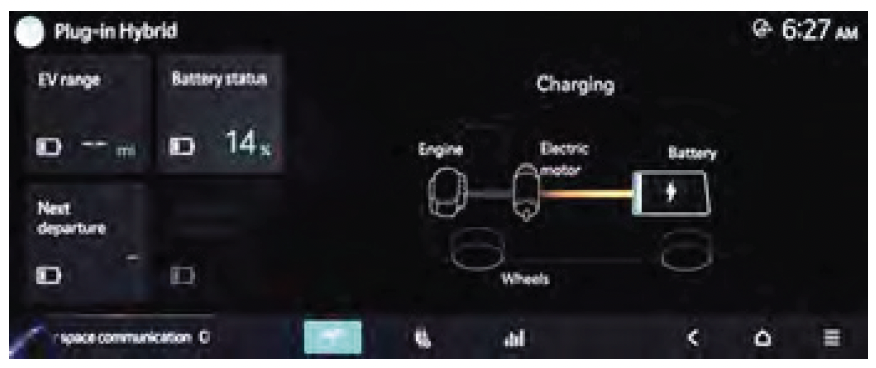
• Plug-In Hybrid System Home Screen: EV Range, Energy Info, Charge Management, ECO Driving, Energy Flow
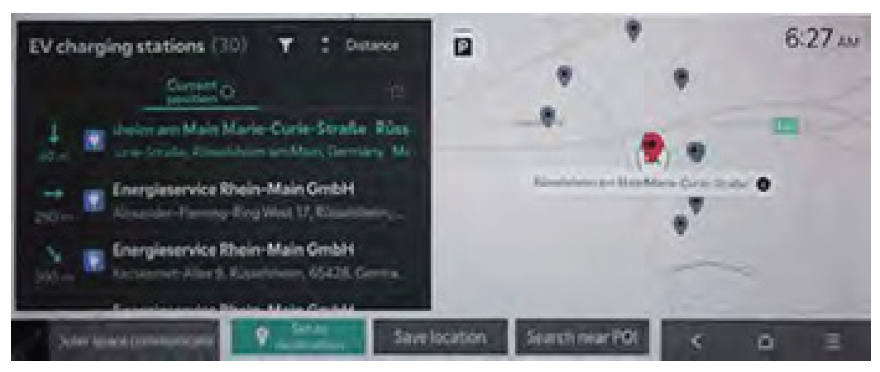
• **EV Charging Stations*: **helps locate the nearest charging stations
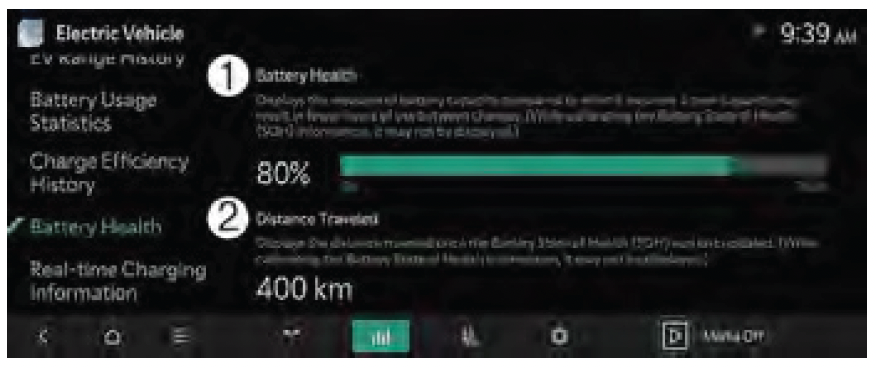
• State of Health display: shows the battery’s overall condition and the distance driven since it was last calculated
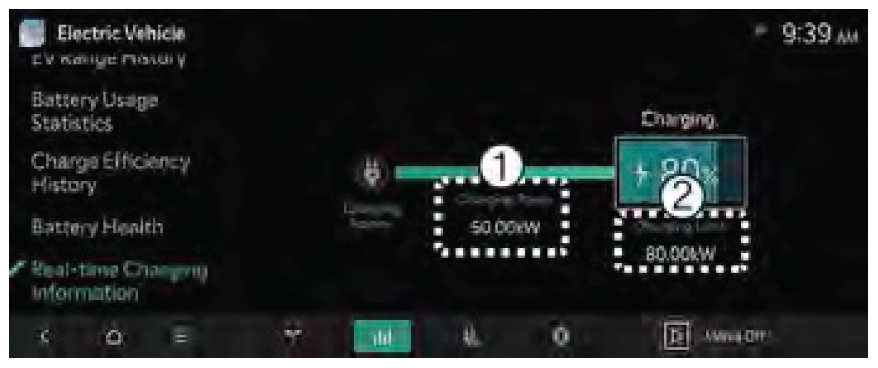
• Real-Time Charging Information display shows the current charging power and the set charging limit while the vehicle is charging
Certain features are available on select Kia models.
The images shown are for illustrative purposes only. Not all available displays are shown. Screen content may vary.
For more information, refer to section 7 in the Owner’s Manual or the Car Infotainment System Quick Reference Guide

