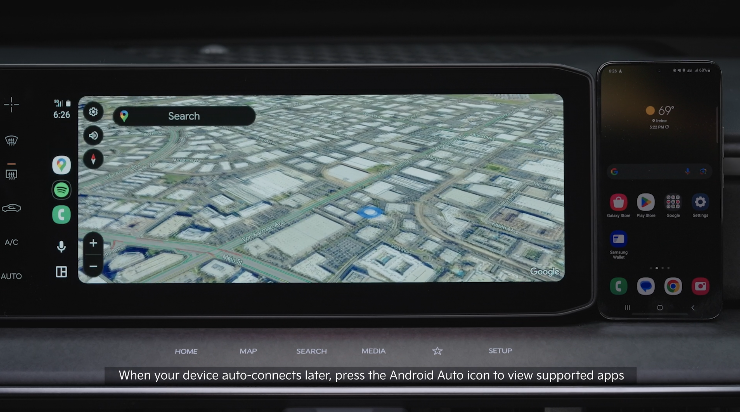
Automatically Activated Bluetooth
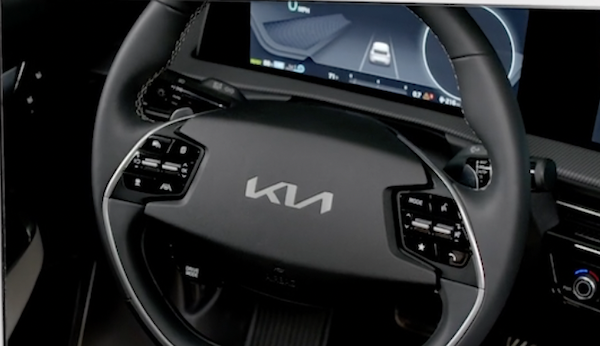
 Volume button: Press up/down to raise/lower speaker volume
Mute button: Press to mute the microphone during a call, to mute the audio system speakers, or to pause Bluetooth® streaming media
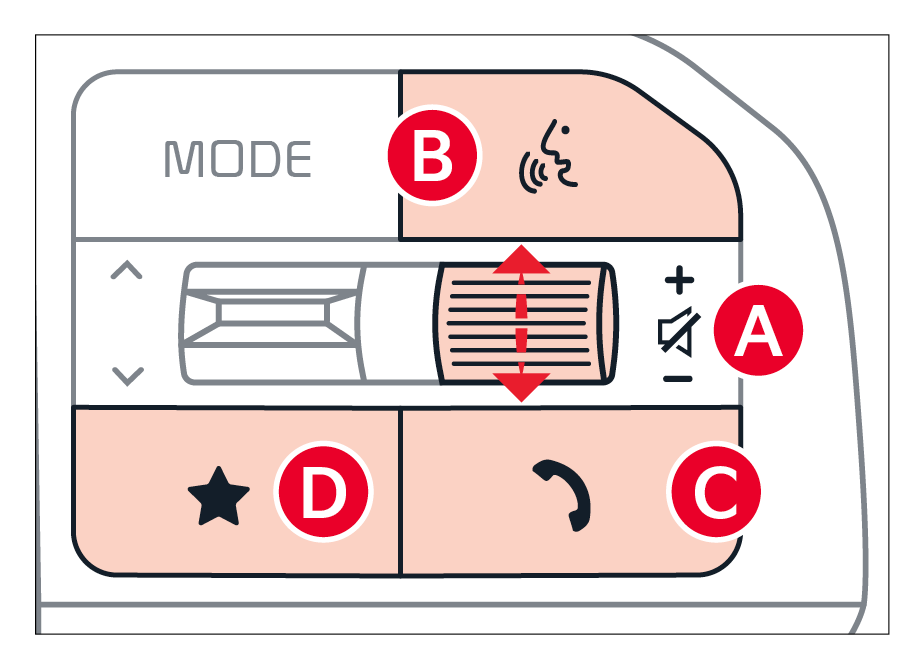
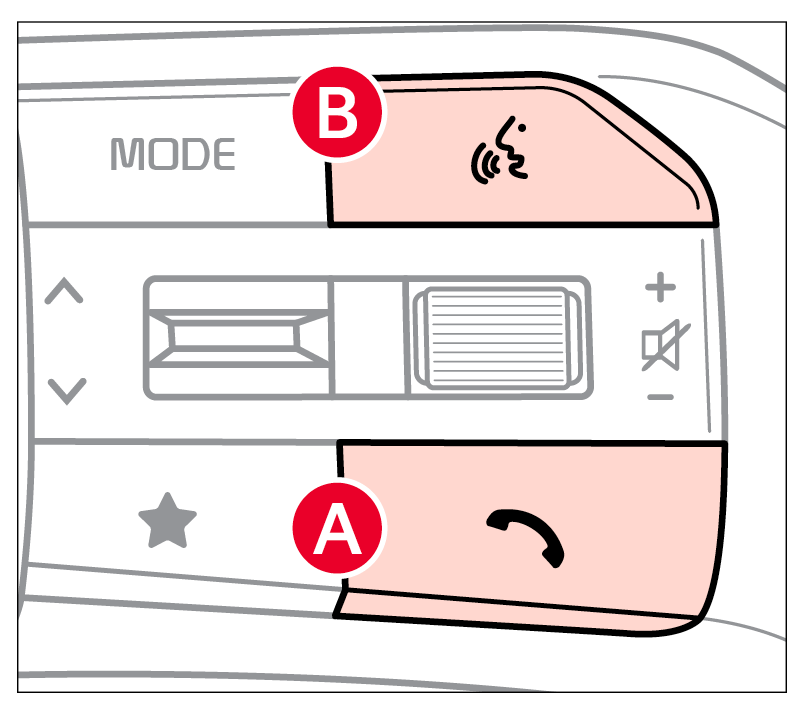
 Voice Recognition button: Press to activate voice recognition/bring up menus with minimal voice command prompts from the system. Press and hold to exit voice recognition (must have a Kia Connect subscription)When enrolled with a Kia Connect subscription, press this button to activate the Kia Connect Assist to use navigation guidance and search destinations
 Call / End Call button: Press to receive/place or end a call. Press to pair a phone (if no phone is paired)
 Custom button
  : Press to go to the pre-selected menu/feature. Press and hold to program the Custom Button, then select an available feature you would like the Custom Button to open
Pairing a Phone: For instructions on how to pair a phone, refer to the Car Infotainment System’s Quick Reference Guide.
Bluetooth® Wireless Technology audio and calling functions are supported when connected to a Bluetooth® enabled device.
There are two options for placing a call:
. Then say the command “Call {name}” or “Dial {number}”When using the voice command feature, wait for the system to BEEP before speaking the command
*See LEGAL page for legal information. Certain features are available on select Kia models.
Bluetooth® wireless Technology audio and calling functions are supported when connected to a Bluetooth® enabled device (sold separately). Button configuration may vary. Images are for illustrative purposes only and may not reflect actual feature or operation. See your Owner’s Manual for more details. Driving while distracted is dangerous and should be avoided. Drivers should remain attentive to driving and always exercise caution when using the steering-wheel-mounted controls while driving.
For more information, refer to the Car Infotainment System Quick Reference Guide. For Bluetooth® Wireless Technology FAQs, go to www.kia.com, Owners section, or call Consumer Information for Bluetooth® Technology at (800) 333-4KIA. Refer to your Owner’s Manual for more specific Bluetooth® Wireless Technology phone pairing and operation instructions.

