Forward/Reverse/Side Parking Distance Warning (PDW)*
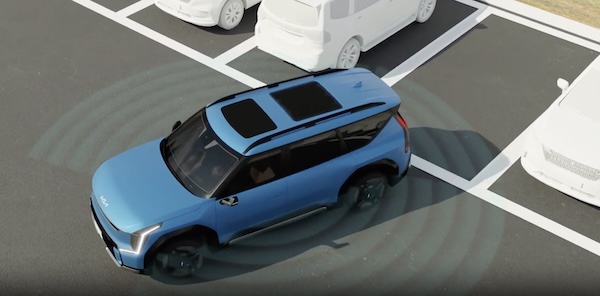
While driving at low speed, Forward/ Reverse/Side Parking Collision-Avoidance Assist is designed to detect pedestrians or objects and may warn the driver or assist with braking to help avoid a collision.
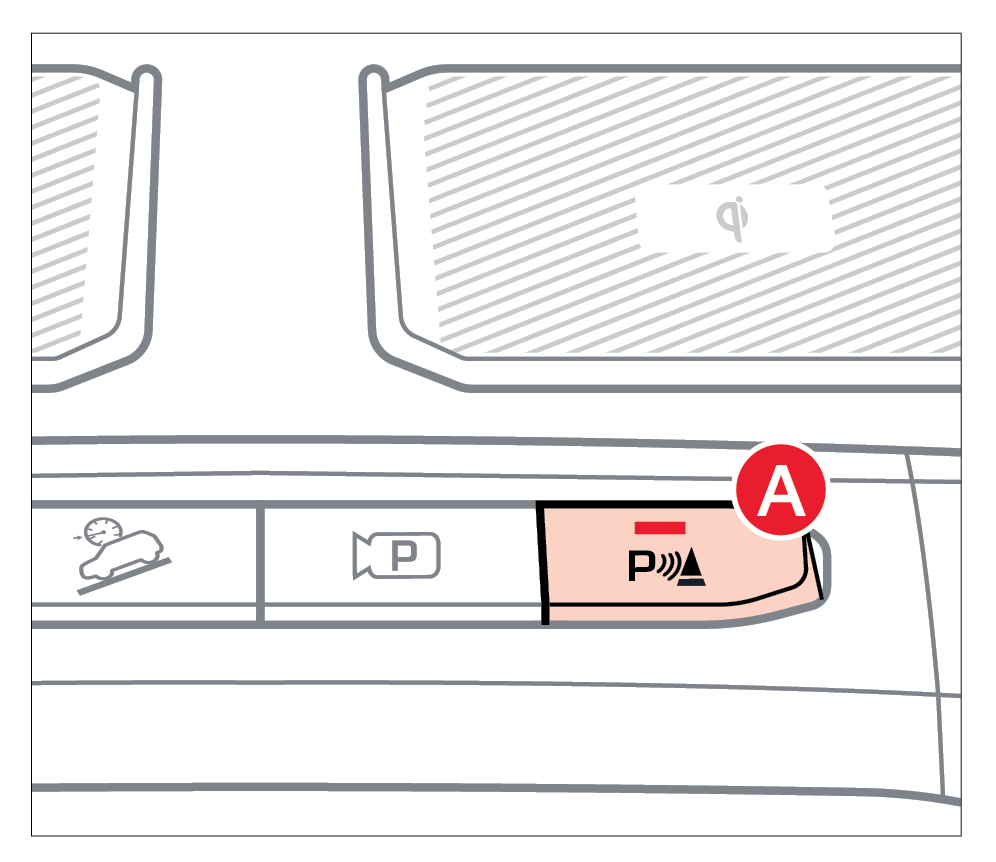
- To turn PDW on, press the Parking Safety button
 (LED illuminated). To turn PDW off, press the button again (LED not illuminated)
 - PDW will activate when the ignition is on/ready and the vehicle is in Drive/Reverse
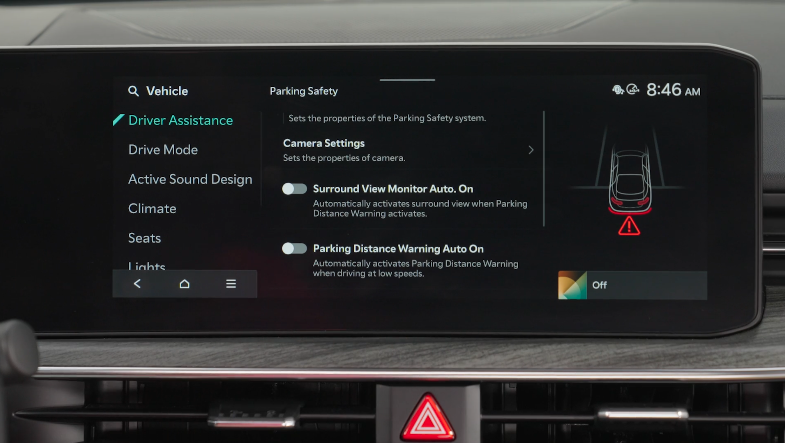
Parking Distance Warning Auto On:
To set the parking distance warning to be on at low speeds, enable it in the Vehicle Settings in the Infotainment System.
Forward/Reverse/Side Parking Distance Warning (PDW) Settings:
- Press the SETUP key or the onscreen SETUP button.
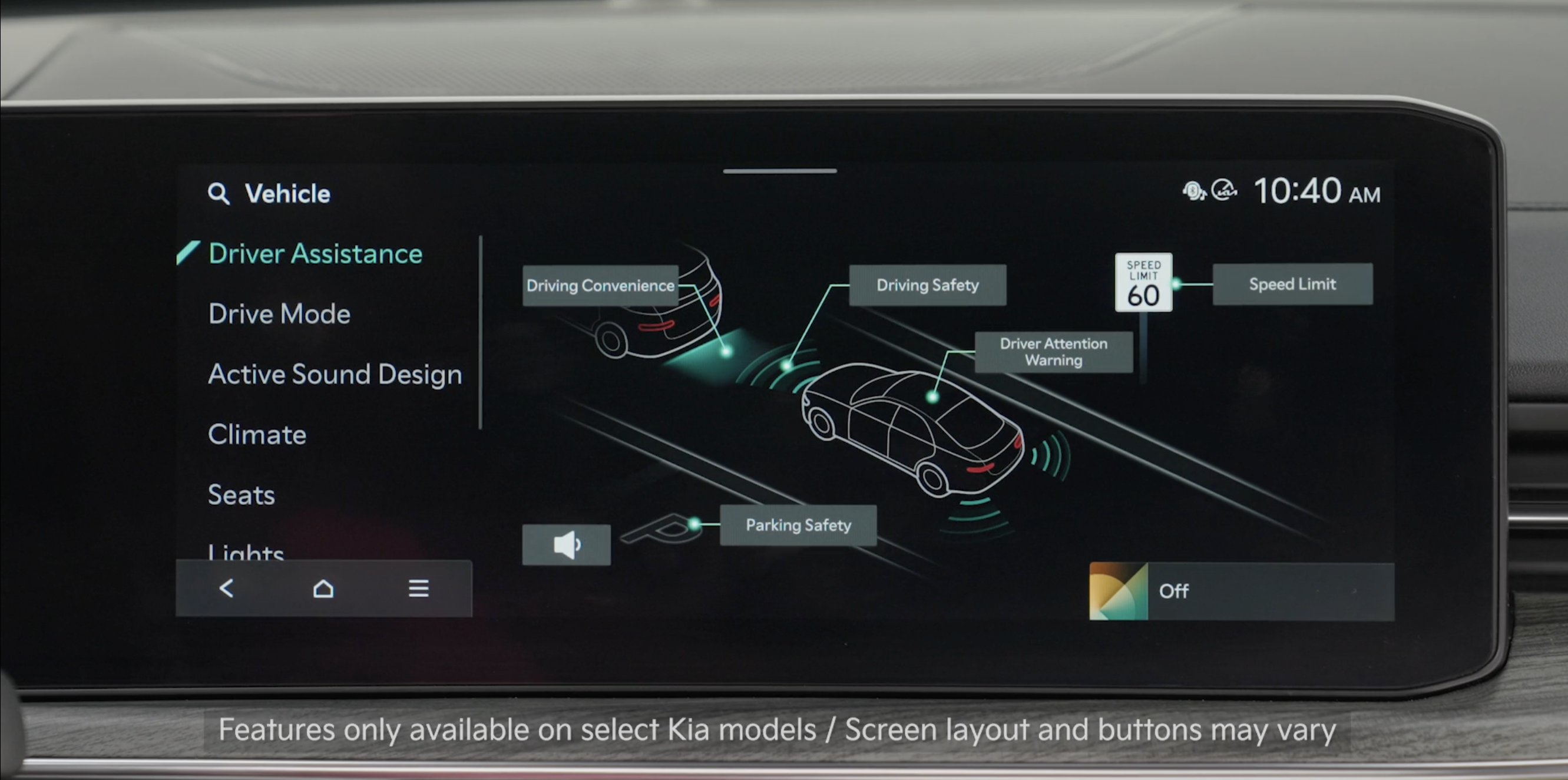
- Press VEHICLE to enter Vehicle Settings.
- Select DRIVER ASSISTANCE and then PARKING SAFETY
- Select PARKING DISTANCE WARNING AUTO ON
To adjust the Warning Methods settings:
- Go to Vehicle Settings and select Driver Assistance
- Under WARNING METHODS, you can adjust the WARNING VOLUME, and turn HAPTIC WARNING and DRIVER SAFETY PRIORITY on or off
Quick Tips:
Adjusting the Warning Timing and Warning Methods or Volume will adjust settings for other driver assistance systems.
Reminders:
- If the vehicle is moving at speeds over 3 mph, the system may not activate correctly
- When more than two objects are sensed at the same time, the closest one will be recognized first
*See LEGAL page for legal information
This feature may not be available on all Kia models.
Forward/Reverse/Side Parking Distance Warning (PDW) is not a substitute for proper and safe backing-up procedures. Always drive safely and use caution when backing up. Forward/Reverse/Side Parking Distance Warning (PDW) may not detect every object around the vehicle.
Refer to section 7 in the Owner’s Manual for more information.
Images are for illustrative purposes only and may not reflect actual feature or operation.

