Instrument Cluster LCD Modes
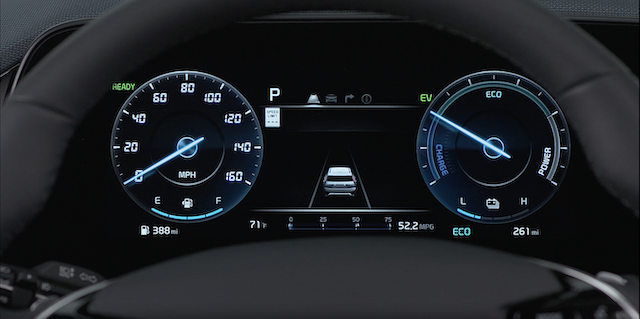
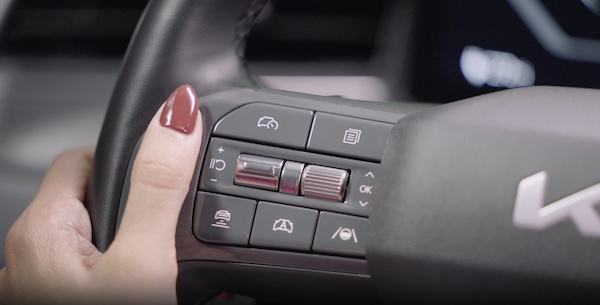
INSTRUMENT CLUSTER LCD MODES
Press the Mode button  to scroll through different Instrument Cluster LCD Modes: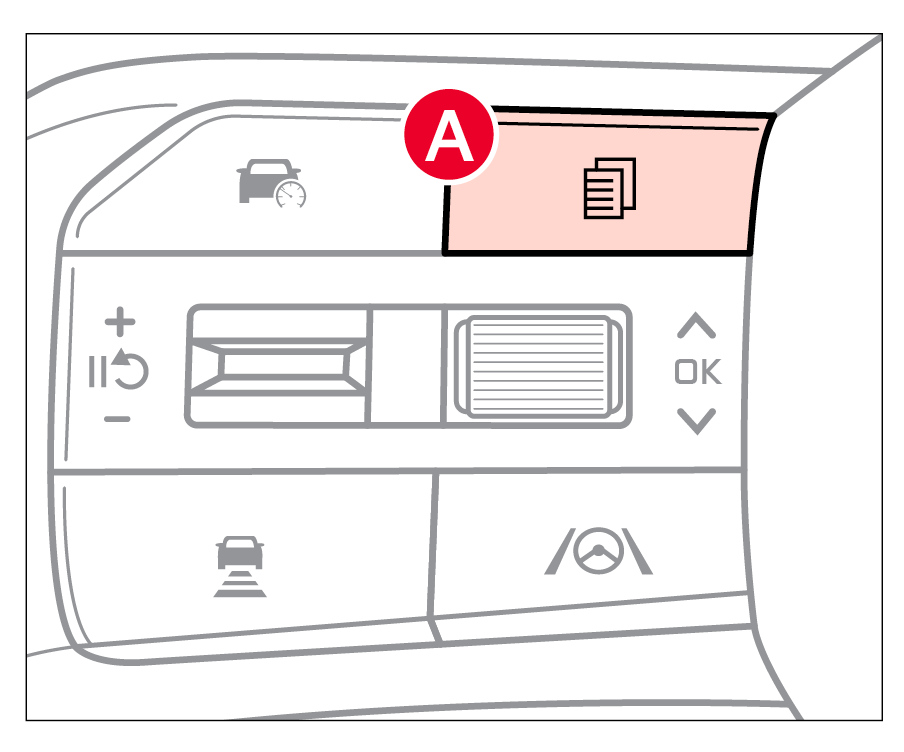
Press the OK button  to select and enter menu item:
- Driving Assist view: Displays information on the Advanced Driving Assist System (ADAS)
- Navigation view: Displays information related to the navigation system
- Utility information view: Displays information related to driving, TPMS, and other warnings
Some features may not be available on all Kia models.
For illustrative purposes only. Your actual display, buttons and/or features may vary.
Driving while distracted is dangerous and should be avoided. Drivers should remain attentive to driving and always exercise caution when using the steering-wheel-mounted controls while driving.
Refer to Section 5 in the Owner’s Manual for more information.

