Leading Vehicle Departure Alert (LVDA)
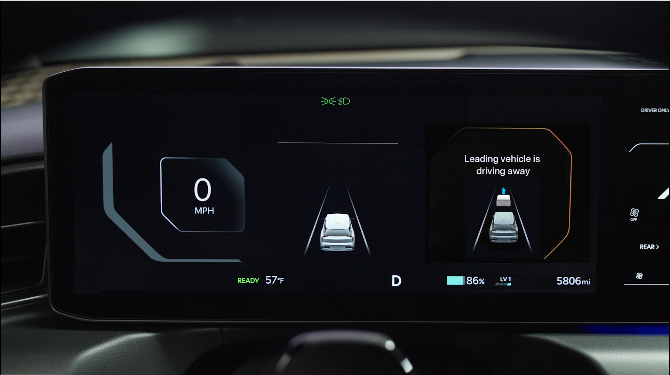
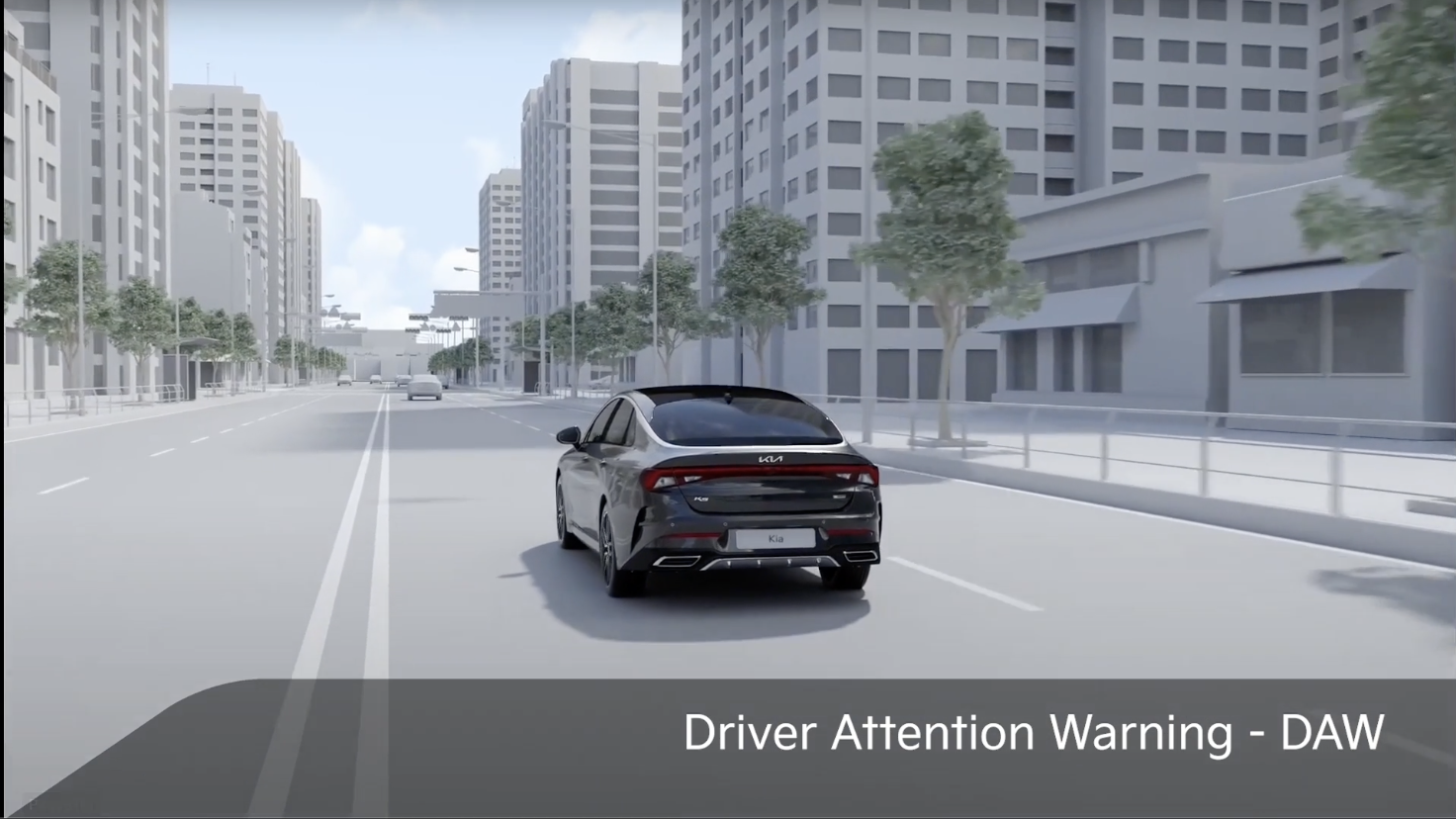
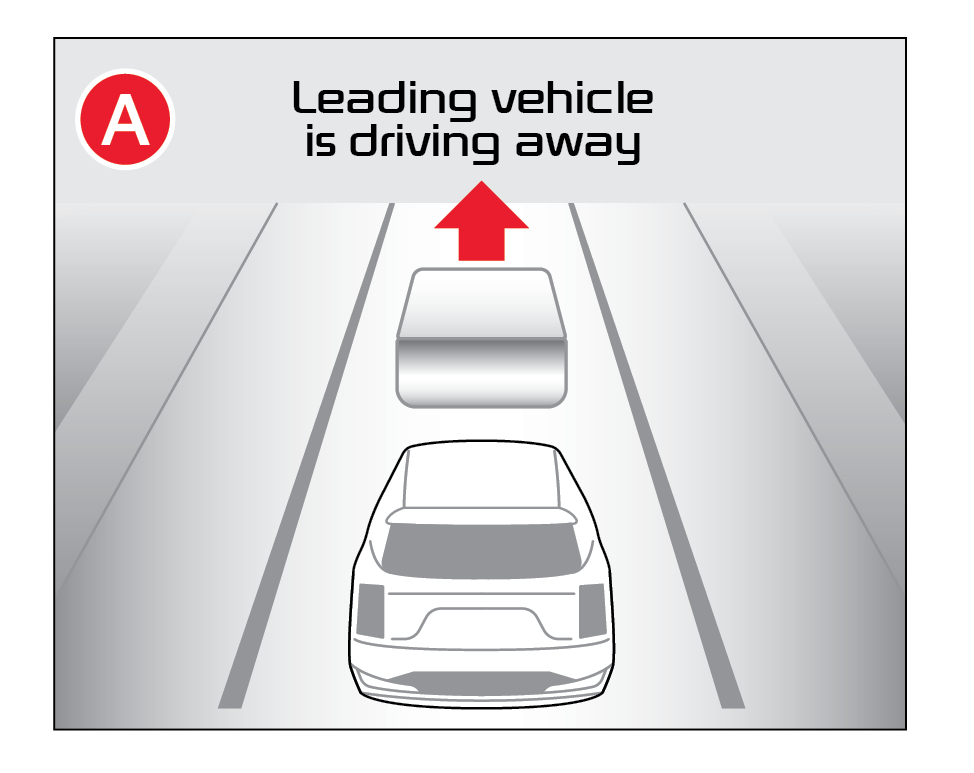
Leading Vehicle Departure Alert is designed to inform the driver when the vehicle in front starts moving or departs from a stop. When LVDA is on, your vehicle is stopped and detects that the leading vehicle is driving away, LVDA sounds an alert to let you know you can start driving. If no action is taken after the vehicle in front drives away, then a message  will appear on the Instrument Cluster.
To enable LVDA:
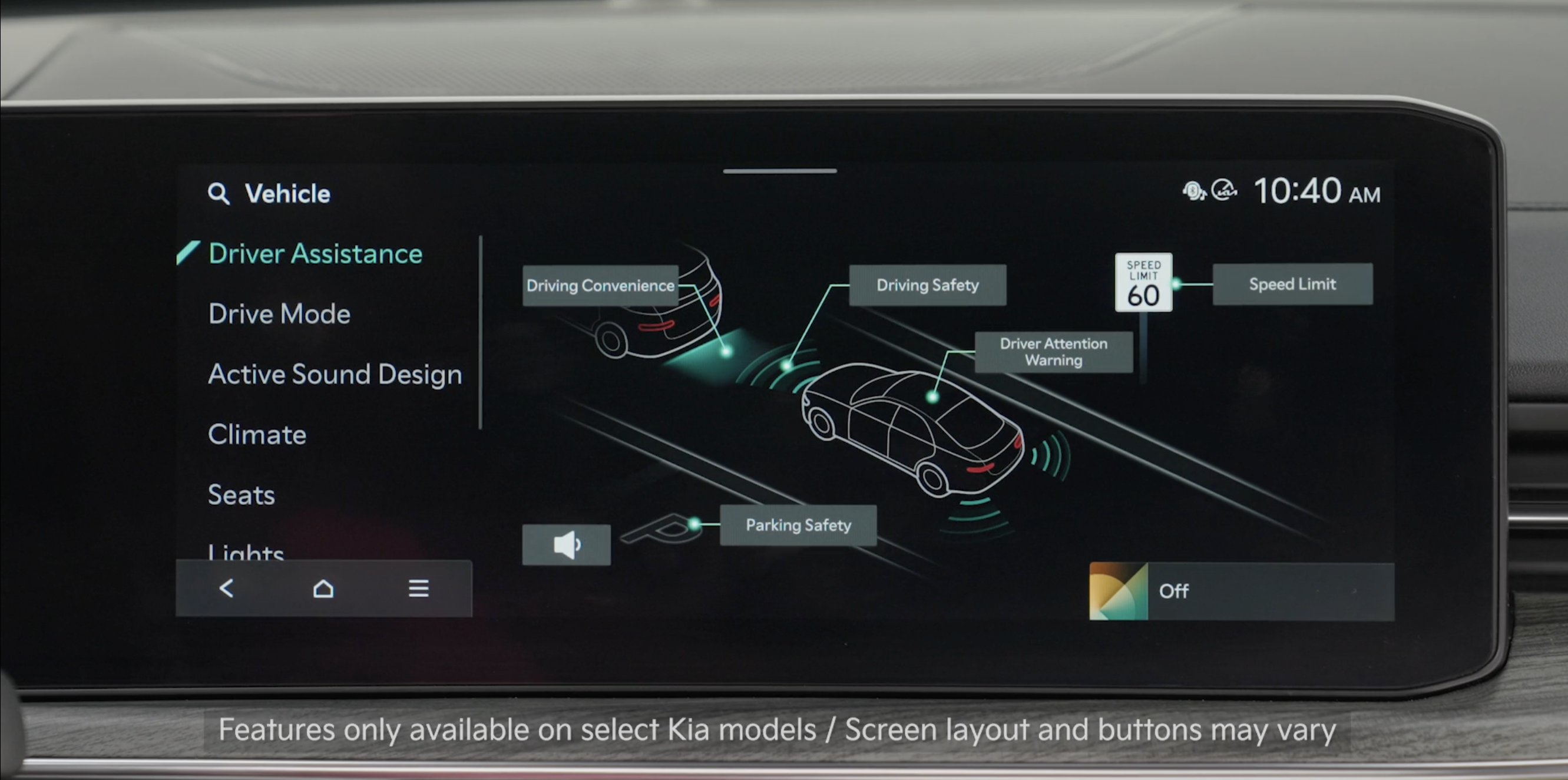
- Press the SETUP button on the Infotainment System
- Then select VEHICLE
- Select DRIVER ASSISTANCE
- Select DRIVER ATTENTION WARNING
Then select one or both of the following:
- Inattentive Driving Warning: If DAW detects that the driver’s attention level has fallen below a certain level, DAW is designed to display a message recommending the driver to take a break
- Leading Vehicle Departure Alert: DAW is designed to inform the driver when the front vehicle departs from a stop
To adjust the Warning Methods settings:
- Go to VEHICLE SETTINGS
- Select DRIVER ASSISTANCE
- Under WARNING METHODS, you can adjust the Warning Volume, activate Haptic Warning and Driving Safety Priority
Reminders:
- When the ignition is cycled, the system returns to its previous state, on or off
- Always check the front of the vehicle and road conditions before departure
- Adjusting the Warning Timing and Warning Methods or Volume will adjust settings for other driver assistance systems
*See LEGAL page for legal information. Certain features are available on select Kia models.
The Leading Vehicle Departure Alert system is not a substitute for safe and proper driving. Always drive safely and use caution.
Images are for illustrative purposes only and may not reflect actual feature or operation.
See section 7 in the Owner’s Manual for more information.

