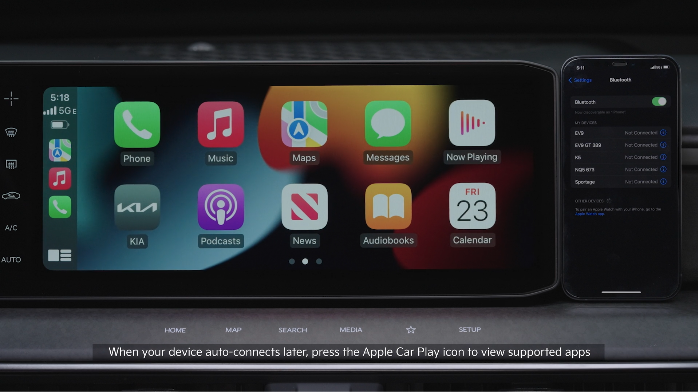
Wireless Apple Carplay®
Cable Connection setup for Apple CarPlay®
Connect the Apple CarPlay® compatible iPhone® with the vehicle’s USB port using the manufacturer’s cable provided with your iPhone®.
If Apple CarPlay® randomly disconnects:
– Kia Connect with Navigation (USB cable & wireless connection): iOS® software 8.0 or higher, phone manufacturer’s USB cable and data plan for applicable feature(s)
*See LEGAL page for legal information.
Certain features are available on select Kia models.
For Bluetooth® Wireless Technology FAQs, go to www.kia.com, or call Consumer Information for Bluetooth® Technology at (800) 333-4KIA. For further Kia Connect with Smart Navigation operations, refer to the Car Infotainment System Quick Reference Guide.
—
iPhone is a registered trademark of Apple Inc.
Android Auto™ and Apple CarPlay® run on your smartphone cellular data service. Normal data rates will apply.
—
*Driving while distracted can result in a loss of vehicle control that may lead to an accident, severe bodily injury, and death. The driver’s primary responsibility is in the safe and legal operation of a vehicle, and any handheld devices, other equipment, or vehicle systems which take the driver’s eyes, attention and focus away from the safe operation of a vehicle or which are not permissible by law should never be used during operation of the vehicle. *

