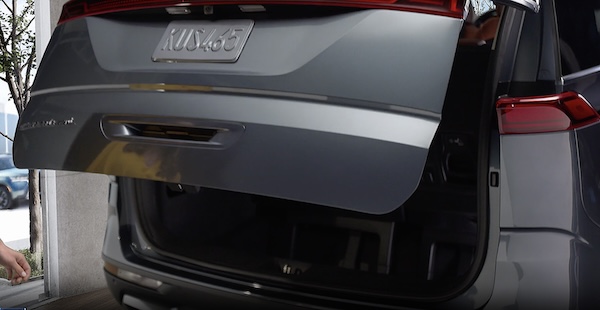
Liftgate Button and Operation

The Smart Power Liftgate can be operated from several controls to either open, close or lock the Liftgate.
To turn the Smart Power Liftgate features on from the Infotainment System, go to Vehicle Settings. Press the SETUP button. Select VEHICLE, DOOR, and ENABLE SMART LIFTGATE.
The Smart Power Liftgate feature automatically closes the Liftgate, locks all the doors and Liftgate, and arms the vehicle.
Press and hold the Smart Power Liftgate Open/Close button  to automatically open/close the Liftgate.
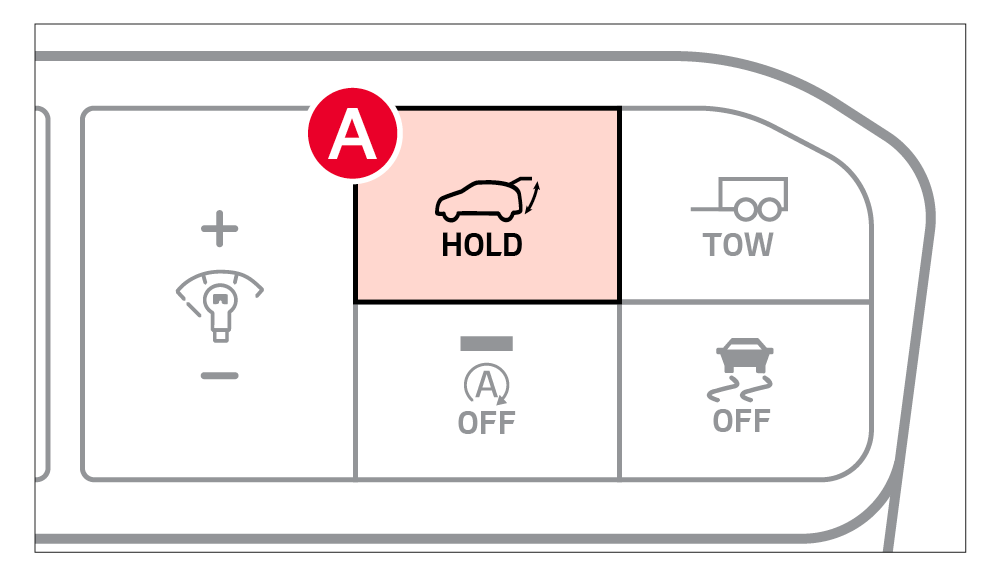
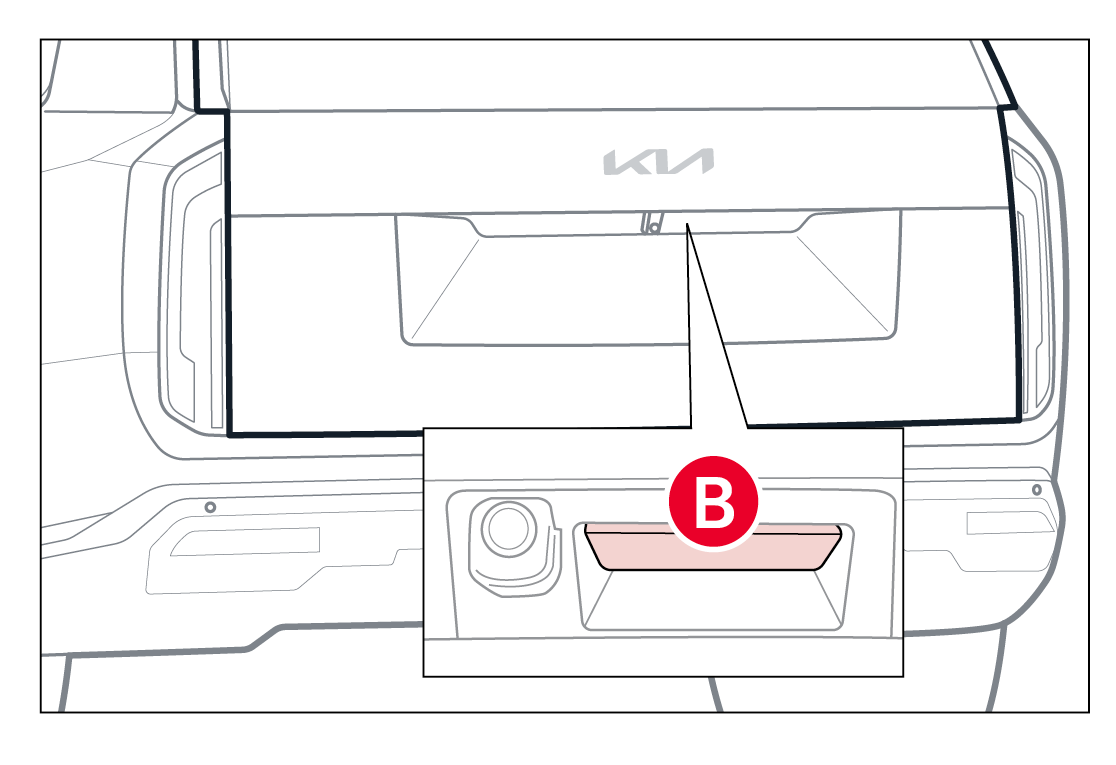
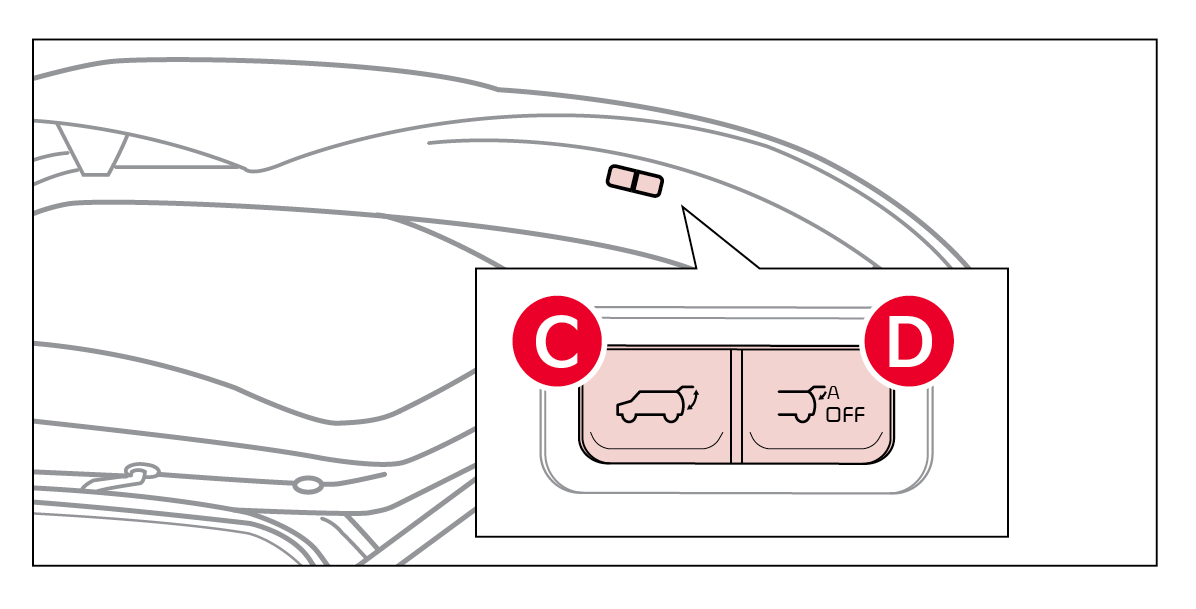
To open the Smart Power Liftgate* automatically, press the Liftgate Release button  on the exterior of the Liftgate. Automatically close by pressing the Smart Power Liftgate Close button
  located inside the Liftgate lid. Press the Auto Close Off button
  to disable Auto Close.
To cancel the Smart Power Liftgate while automatically opening or closing, press any button on the Smart Key fob
– Doors are recently closed and locked
– The Smart Key is still detected after being near the vehicle for 15 seconds or within 60 inches of the door handles
– A door is not locked or closed
– The Smart Key is in the vehicle
When the Smart Key fob is on your person and you are within close proximity to the back of the vehicle, the hazard lights will blink and a chime will sound, for about 3 seconds, as an alert that the Smart Power Liftgate is about to open.
Then the alert system will blink and chime two additional times before opening the Smart Power Liftgate.
The Smart Power Liftgate feature is off by default. To enable the Smart Power Liftgate, go to Vehicle Settings in the Infotainment System.
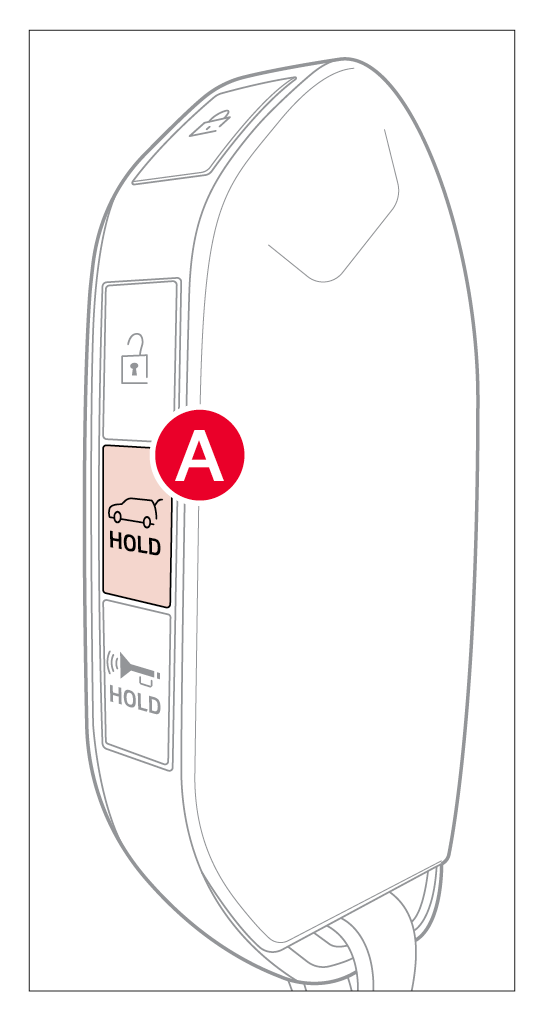 To open the Smart Power Liftgate, press and hold the Smart Key Liftgate button until the Liftgate begins opening. Press and hold again to close.
For your convenience, the liftgate opening height is adjustable. To program the opening height, perform the following:
To adjust the Speed Setting, go to the Vehicle Settings in the Infotainment System. Select DOOR, then POWER LIFTGATE SPEED, and select FAST or NORMAL.
*See LEGAL page for legal information.This feature may not be available on all Kia models.
Refer to section 5 in the Owner’s Manual for more information. Button configuration may vary. Images are for illustrative purposes only and may not reflect actual feature or operation.

